WordPress
Abandoned Cart Recovery for WooCommerce
Free + Pro
990 UAH/year
v1.3.1
 All Access4 990 ₴ / year
 Website auditA PDF report by email in 3 minutesCheck a website
Everyday tasks
Image compressorSize, quality and WebP in bulkQR generatorLink, Wi-Fi, payment to IBANVAT calculator20, 14, 7% and amount in wordsTransliterationOfficial Ukrainian standardWebsite checks
PHP and pluginsPHP version, WordPress, pluginsGoogle Merchant feedFields, prices, GTIN, imagesDomain emailSPF, DKIM, DMARC, blacklistsAI search readinessllms.txt, bots, markupAll 9 toolsEnter at least 2 characters
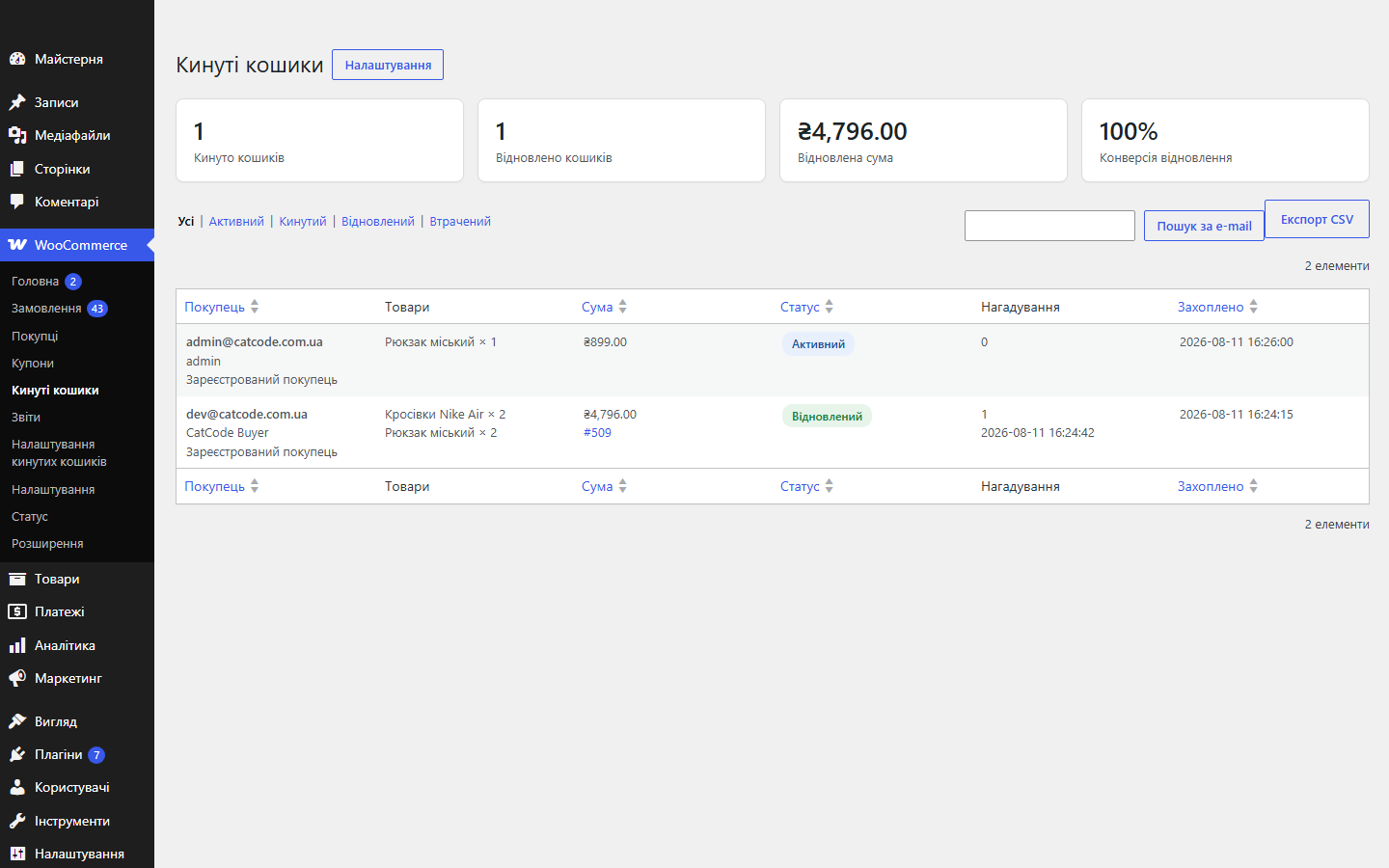
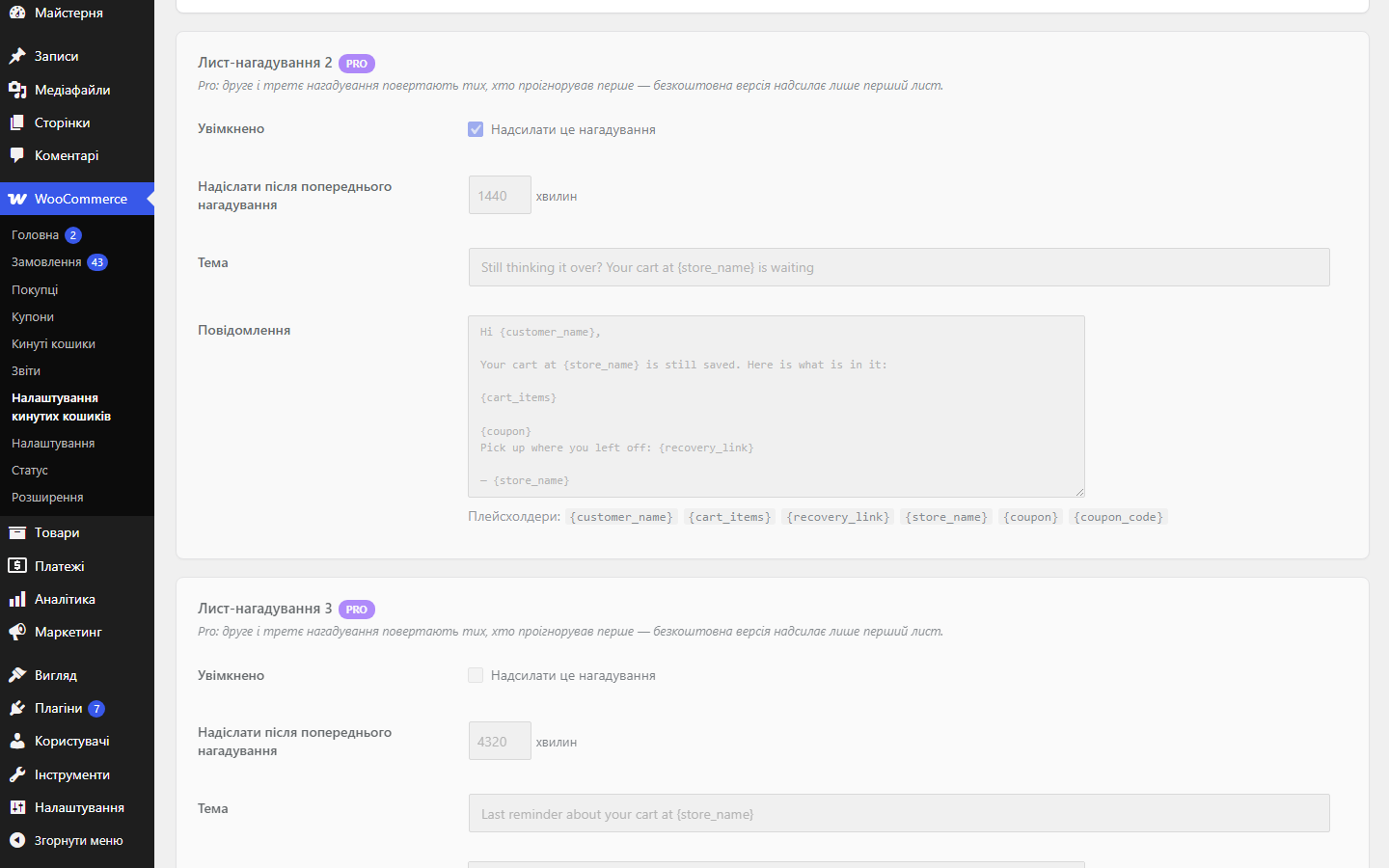
Captures abandoned WooCommerce carts and brings the shopper back with a reminder email and a 1-click recovery link. Cart statuses, recovery statistics and a checkout error report in the admin panel. Pro — a chain of 3 emails, coupons, Viber/SMS, Telegram and CSV export.
Clear even without sound: Ukrainian subtitles
The free version works with no time limit. Pro adds the rest of the features in the table.


Many shoppers leave only a phone number at checkout and never type an e-mail.

An abandoned cart does not always mean “changed my mind”. Some shoppers get all the way to checkout, hit a red message and leave.

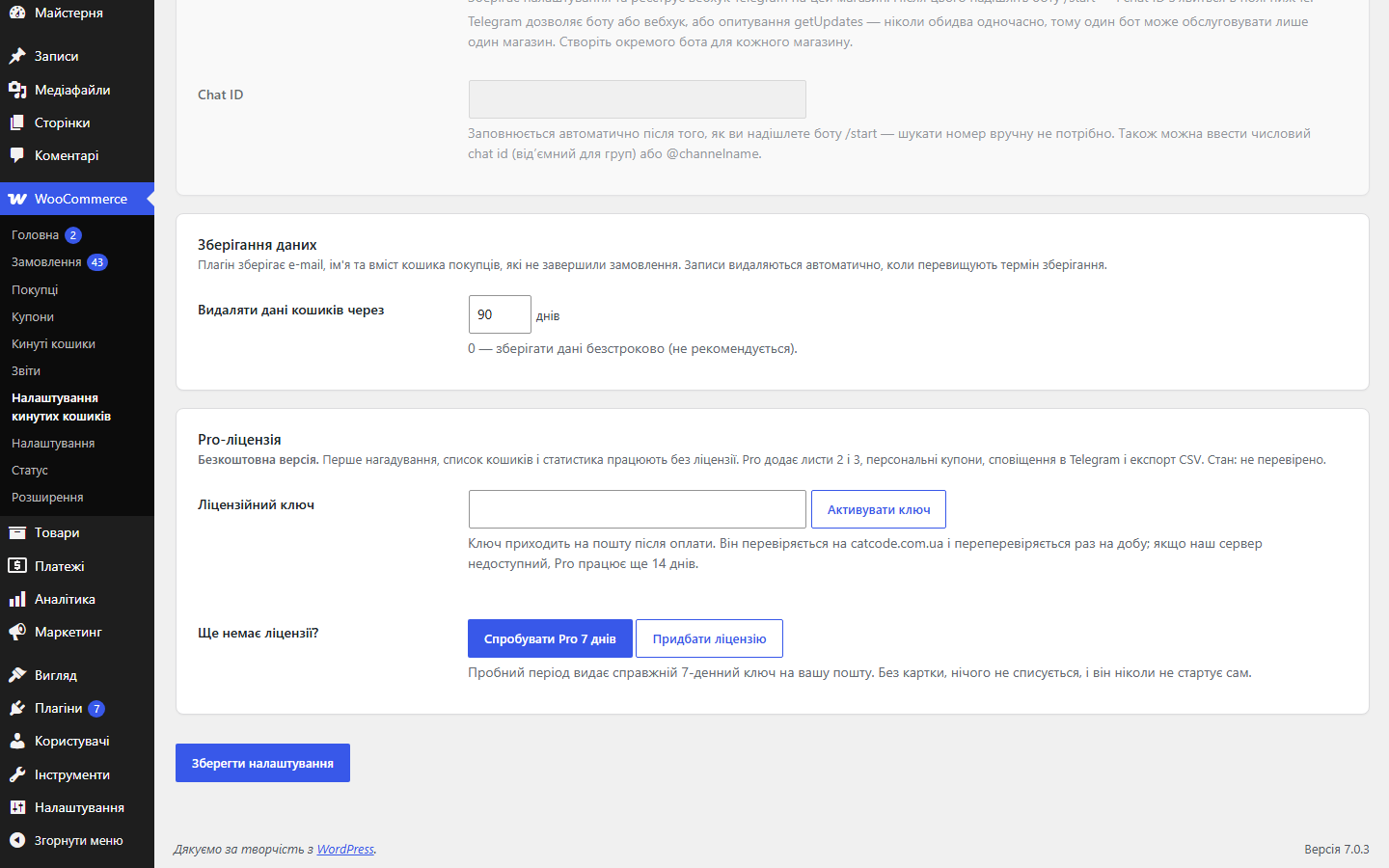
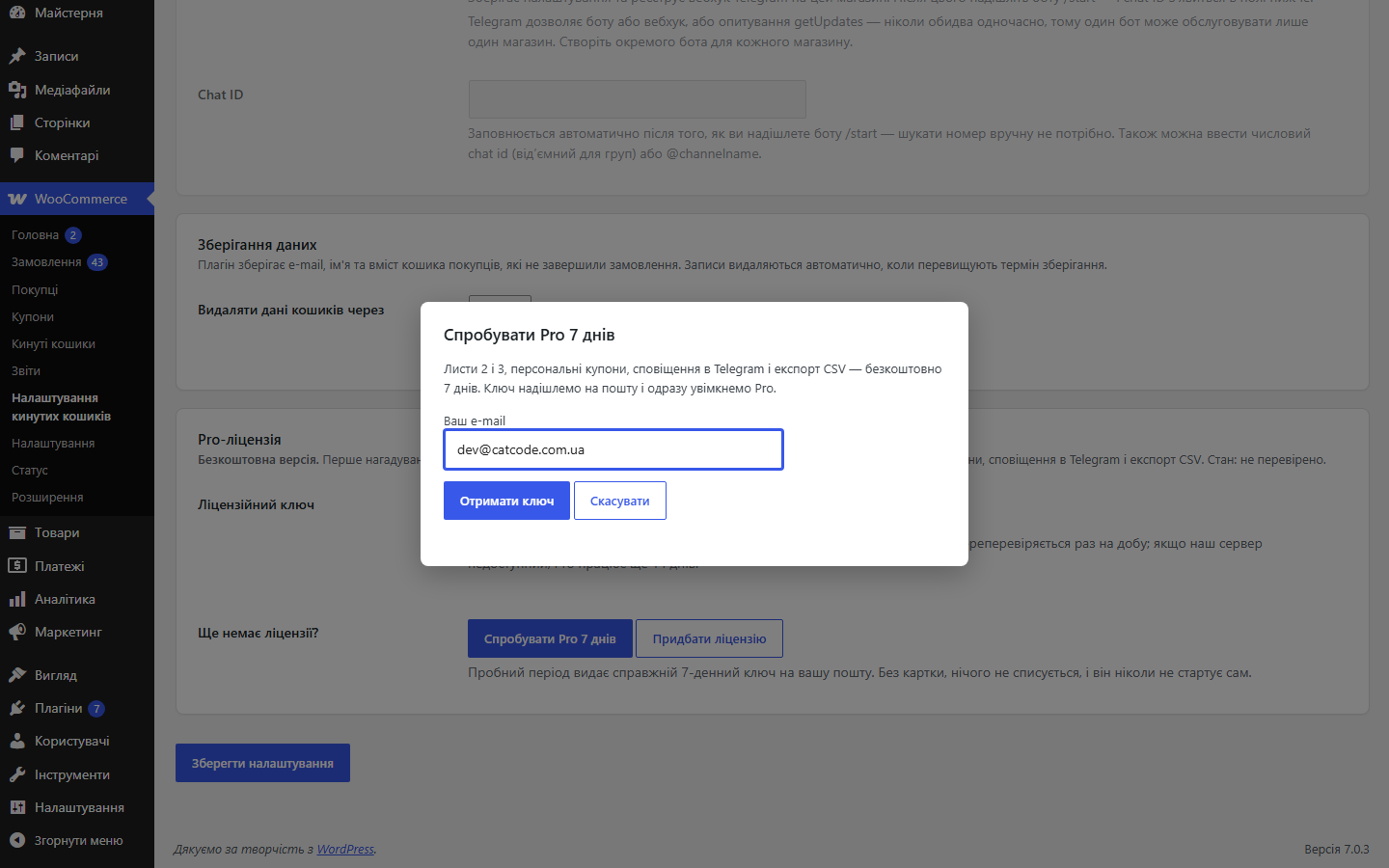
A fresh install is the free version, nothing switches on by itself. The “Try Pro for 7 days” button → e-mail → the key right in the window and by e-mail.

Moving the store? Unbind the licence on the old domain and activate it on the new one yourself. For studios — keys for 5 or 25 sites, or unlimited.
 WooCommerce 6.0+ (classic and block checkout, HPOS)WordPress 6.2+PHP 7.4+Working WP-Cron — or a system cron that calls wp-cron.php
The cart-recovery link no longer burns out when an e-mail scanner opens it.
A new “Checkout Errors” report.
Pro updates no longer come from wordpress.org, so WordPress will not offer to replace the Pro build with the free copy that shares its plugin name.
A purchased license stays yours: the Pro features keep working after the license term ends.
Pro: a Viber or SMS reminder through TurboSMS for shoppers who left only a phone number at checkout (classic and block checkout).
Pro no longer turns on by itself: a fresh install is the free version until the owner starts a trial or activates a key.
Cart capture, abandoned/recovered statuses, a reminder email with a one-time link, a cart list with statistics, data cleanup; Pro.
4 modules in one order — 40% cheaper than separately



Abandoned Cart Recovery for WooCommerce is a plugin that tracks carts left behind before checkout and brings the customer back with a reminder email containing a personal link. One click and every item is back in the cart, with the checkout address already filled in. Carts belonging to logged-in customers are recorded straight away; guest carts as soon as the customer has entered an e-mail address at checkout.
Many shoppers leave only a phone number at checkout and never type an e-mail. With Pro those carts come back too: after the delay you set, the shopper gets one short Viber message with a link to the saved cart, and an SMS if the number has no Viber or the message is not delivered. Messages go out through your own TurboSMS account, so you pay your own rate.
The plugin writes once per cart and never at night: quiet hours are a setting, and a message that falls into them goes out in the morning. The Viber/SMS link is separate from the e-mail link, so one never cancels the other. Before going live you can check the balance and send yourself a test message right from the settings screen.
An abandoned cart does not always mean “changed my mind”. Some shoppers get all the way to checkout, hit a red message and leave. Since 1.3.0 the plugin records exactly those moments: what failed validation, what the payment gateway refused, what broke in the browser — and how many shoppers never placed an order afterwards.
The report holds four kinds of record: form validation — with the name of the field that failed; payment — the gateway refusal together with the payment method; JavaScript — a script error on the checkout page, which usually points at a theme or third-party plugin conflict; and other — an expired session, for example. Both checkouts are covered: the classic one is caught server-side, the block one through failed Store API responses, and whatever the browser showed before the form was even submitted is sent by the plugin’s own script.
No personal data goes into the log. Names, e-mail addresses and long numbers inside an error message are masked; only the message itself, the code, the field, the page path without its query string and a short browser signature are stored. Recording can be switched off entirely, or kept server-side only with the browser part disabled. Limits: at most 5 reports per page view and 300 per hour for the whole store. Rows are cleared by your retention period and never live longer than 180 days in any case, and “Erase personal data” in the WordPress tools removes them together with the cart.
{customer_name}, {cart_items}, {recovery_link}, {store_name}.hash_equals(); the token is single-use and is stripped from the address bar as soon as the cart is restored.catcode_abandoned_cart_scan) marks abandoned carts and sends emails; a daily job (catcode_abandoned_cart_cleanup) closes expired carts and clears data past the retention period.update_order_review, the block checkout sends the e-mail to the plugin’s own REST route as soon as the field is filled in.api.turbosms.ua — one message per cart with its own one-time token.Didn't find the answer? Message us on Telegram and we'll reply within a business day.
 @catcode_support
Setup, compatibility, activation
@catcode_support
Setup, compatibility, activation
If the customer added items and didn't complete the order within the time you set. The reminder email then kicks in.
A guest cart is recorded as soon as the customer enters an e-mail address at checkout, even if the order isn't completed.
A list of their items and a link that restores the cart and fills in the checkout with one click.
You set the number of emails and the delay between them yourself.
Yes, the plugin includes statistics on recovered carts and amounts.
No reviews yet. Be the first.
No questions yet. Ask one — we answer within 24 hours.
We build custom modules for WordPress, WooCommerce, OpenCart and Shopify. Tell us about the task and we'll prepare an estimate.
Order a custom module
—

CatCode assistant
Just now


CatCode assistant
Online

I’ll help with your website task
Describe your website task — I’ll find a ready-made module or pass it to a developer for an estimate. Modules, custom features, layout, integrations, speed, migration, technical SEO.
