Layer Figures — a catalogue site for a US 3D figurine studio
A store-style catalogue without a cart: 120 figurines, filters, Saved and a request form with file uploads instead of checkout. Figma design, custom WordPress theme, launched on the client's hosting.
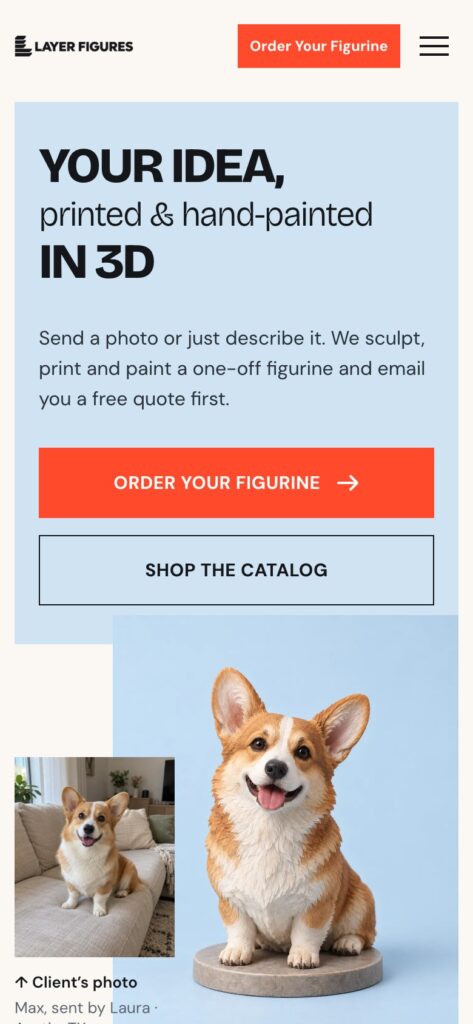
Layer Figures (layerfigures.com) is a studio making custom 3D-printed, hand-painted figurines for the US market: pets from photos, portraits, fantasy characters, tabletop miniatures, gifts and business mascots. The client came with a brief and references from Funko, Pop Mart, Mighty Jaxx and Kidrobot. The site had to look like an online store catalogue but work without a cart or checkout: every Order button leads to a request, and the studio sends the price by email. We designed it in Figma, built a custom WordPress theme, filled the catalogue and launched the English site on the client’s hosting.
Technology stack
WordPress with a custom theme and no page builders: figurines are a separate post type with categories, reviews are another, and page blocks are edited through our own fields engine. Forms run on Contact Form 7 with file uploads, SEO on Yoast. Every dropdown in the forms uses Tom Select and the date field uses flatpickr, with no native selects anywhere.
Design and the home page
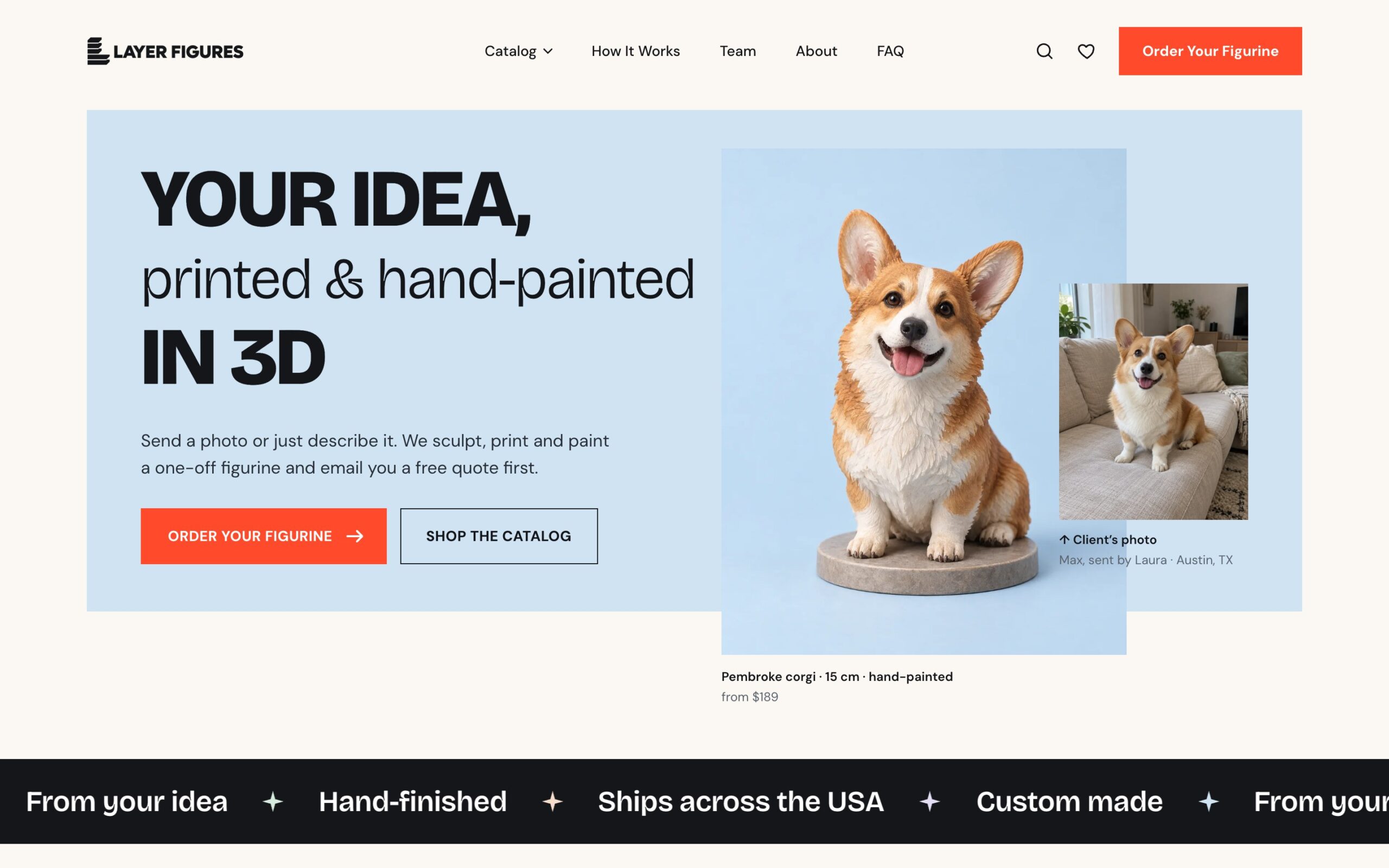
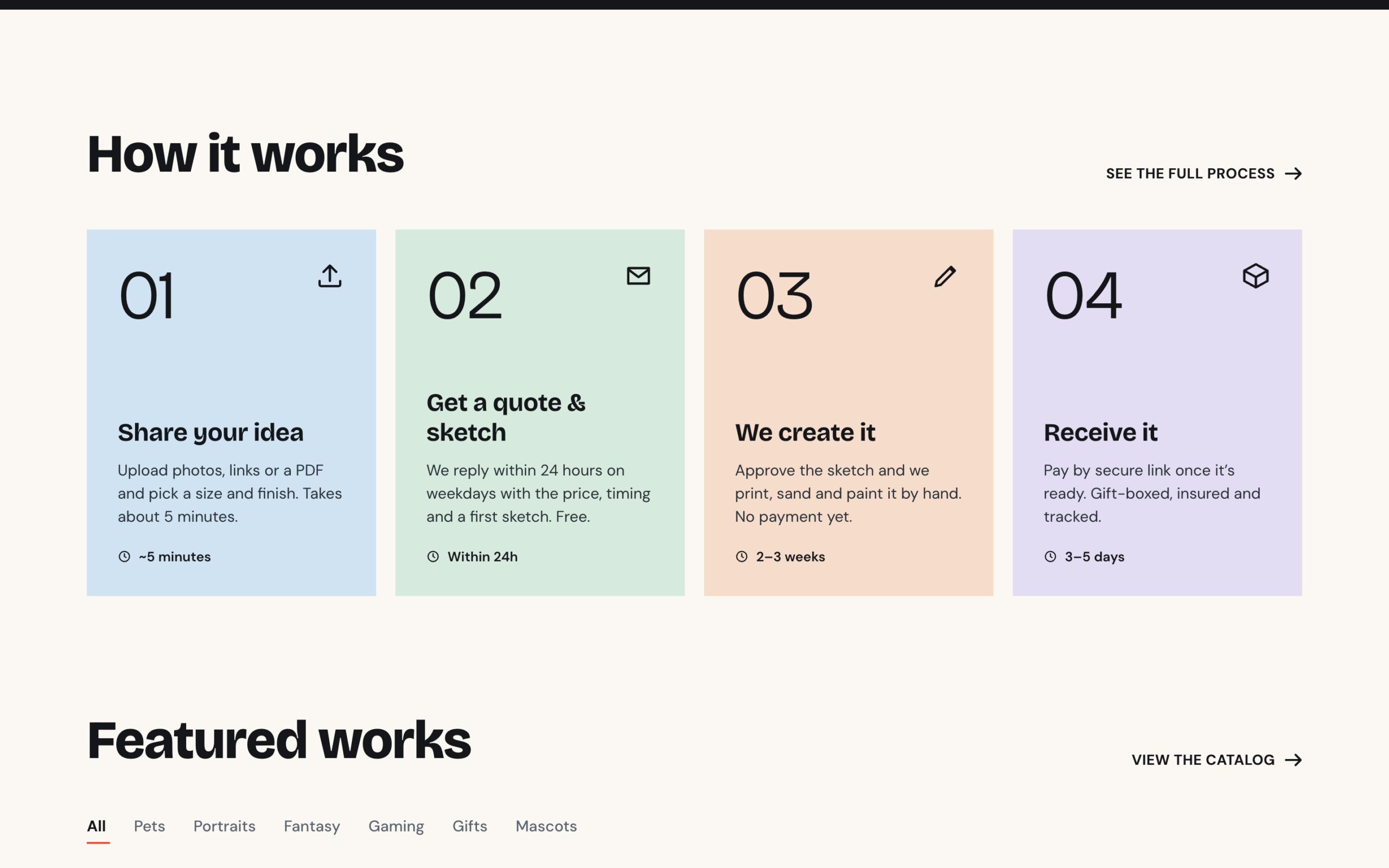
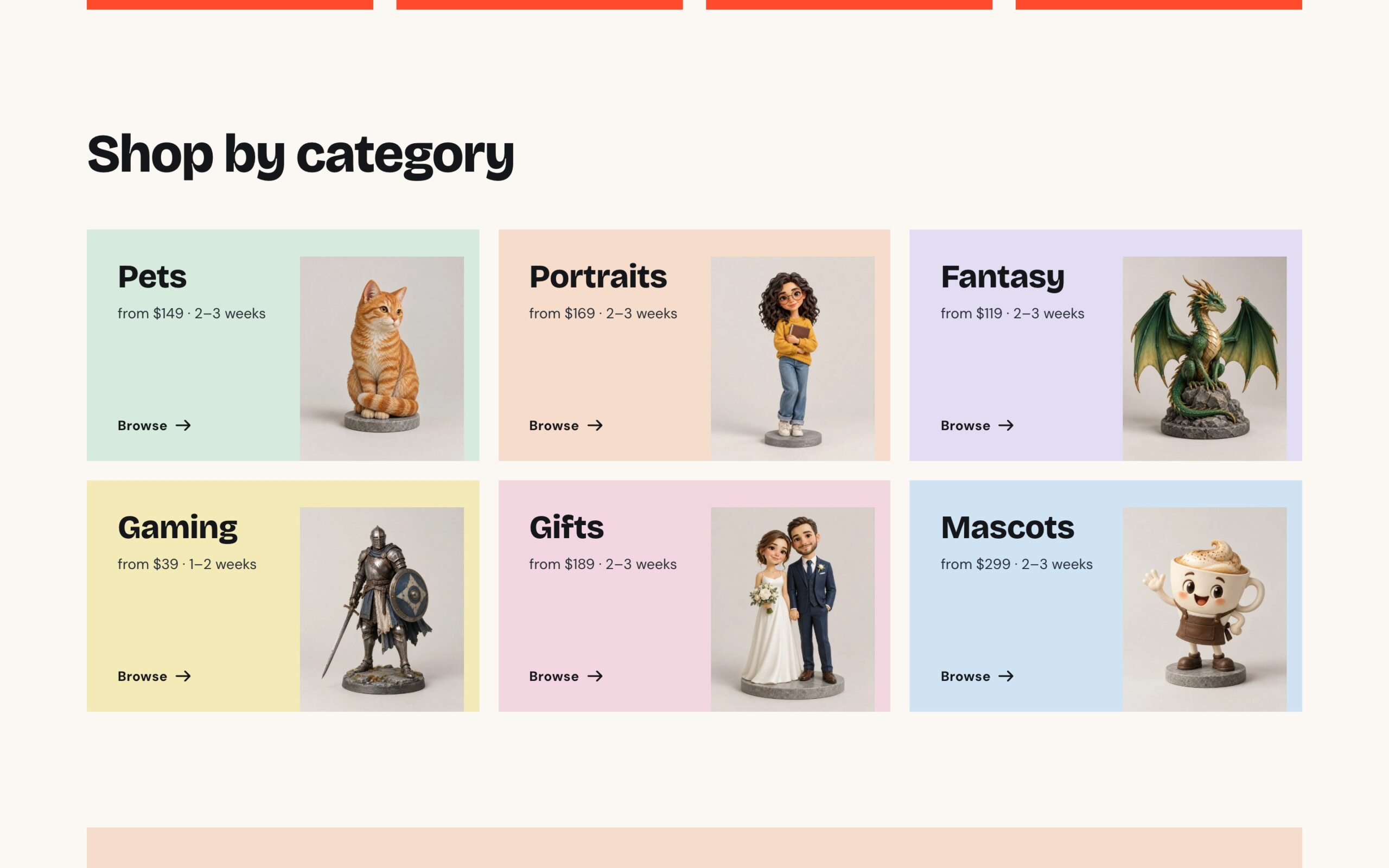
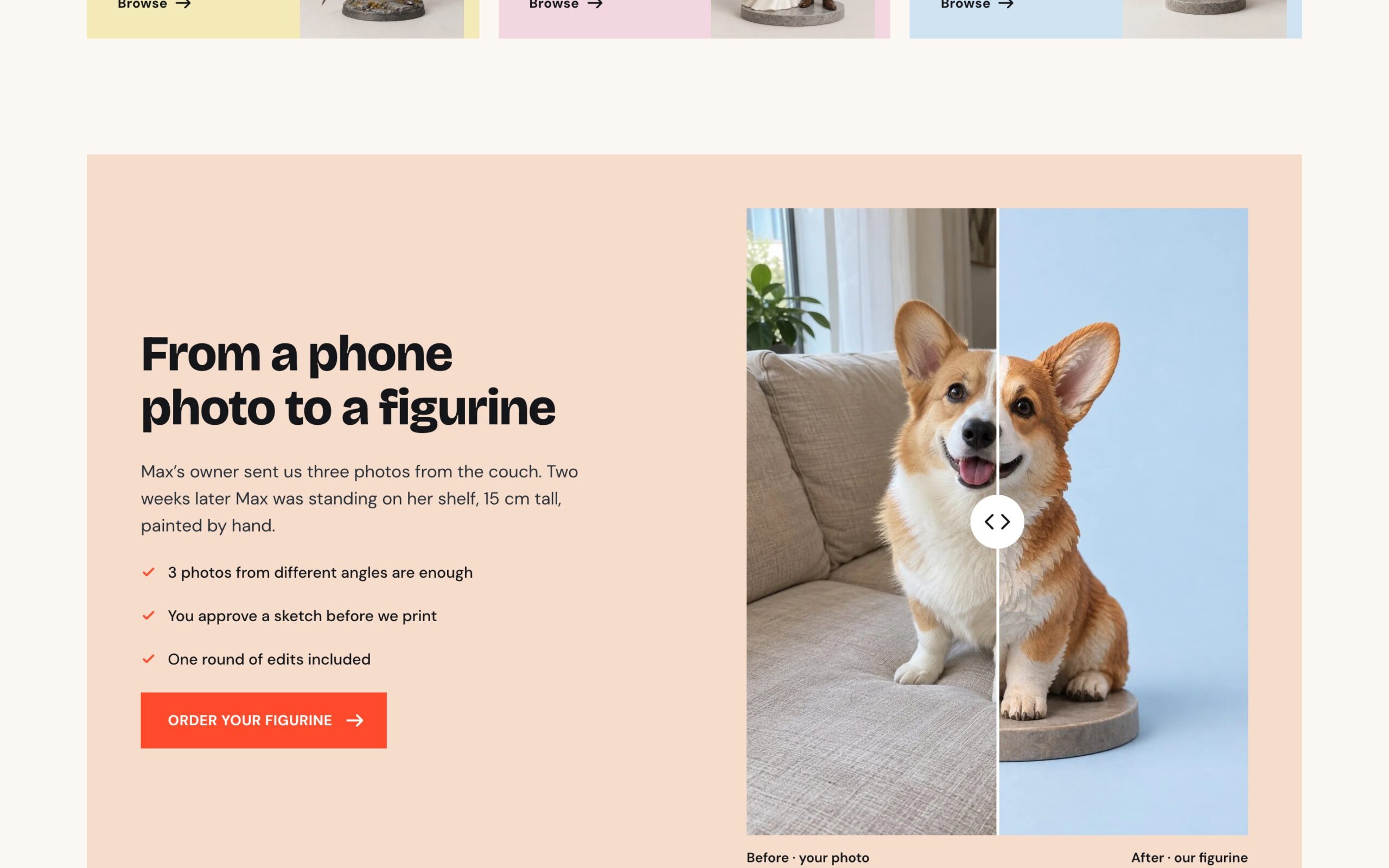
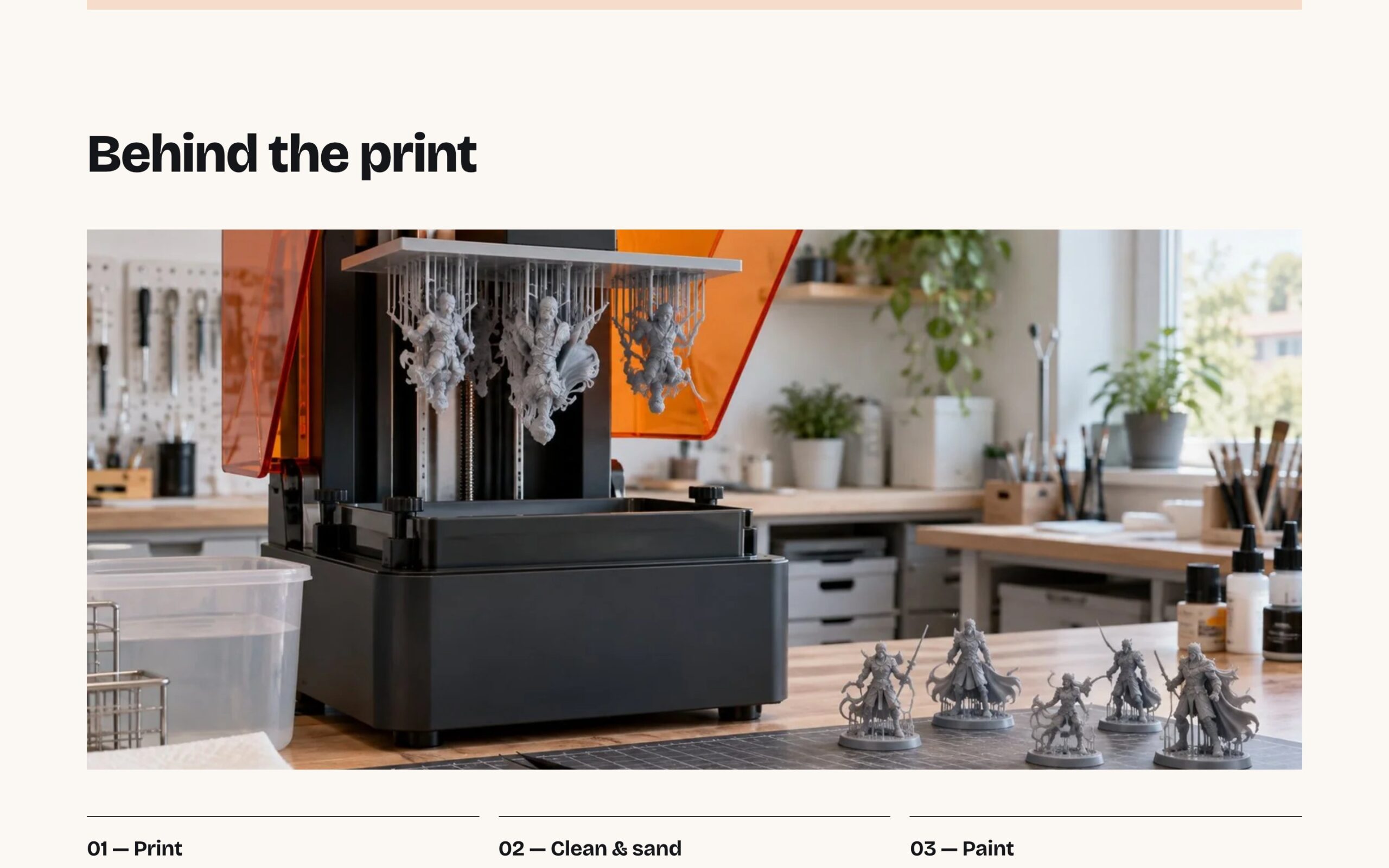
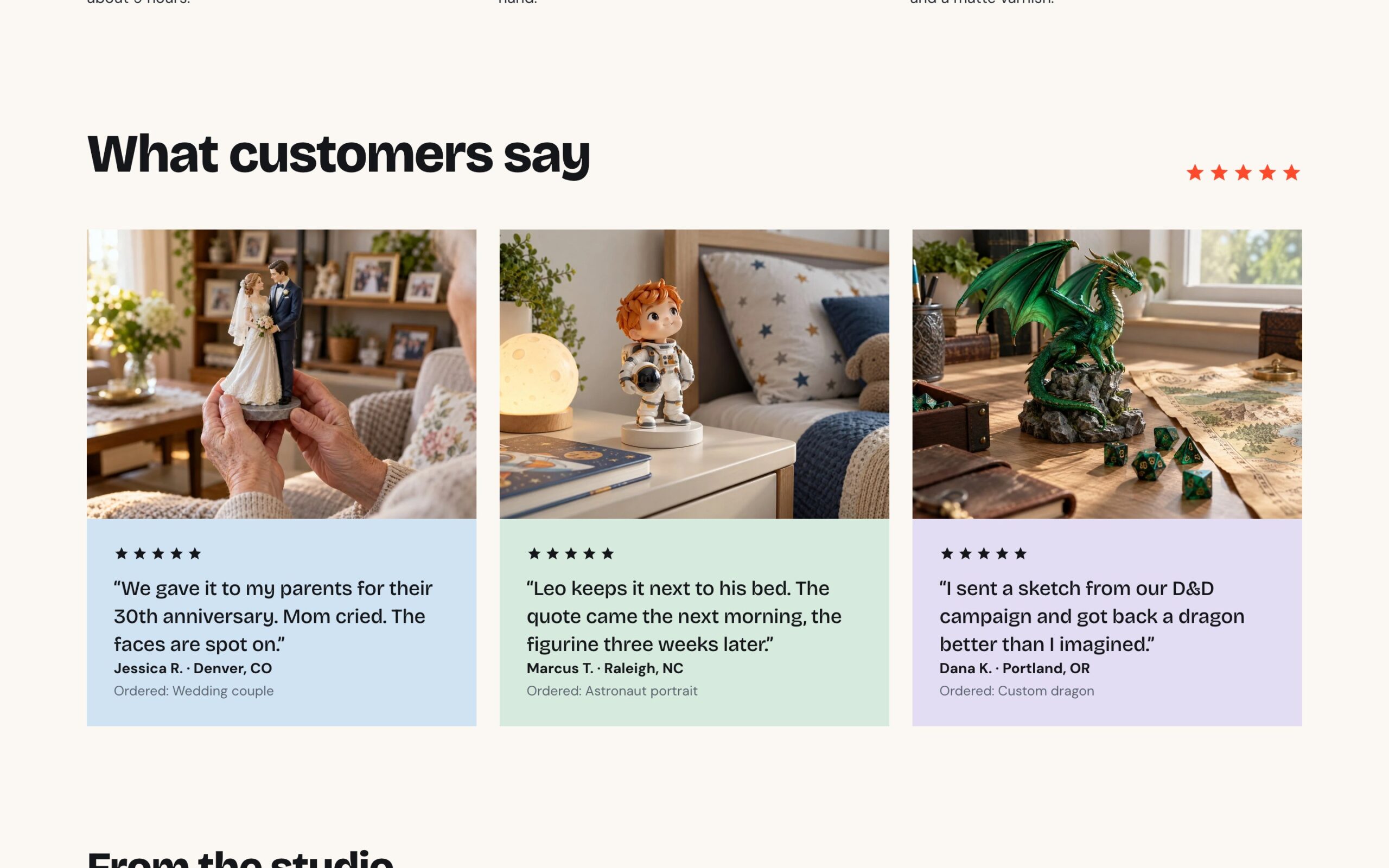
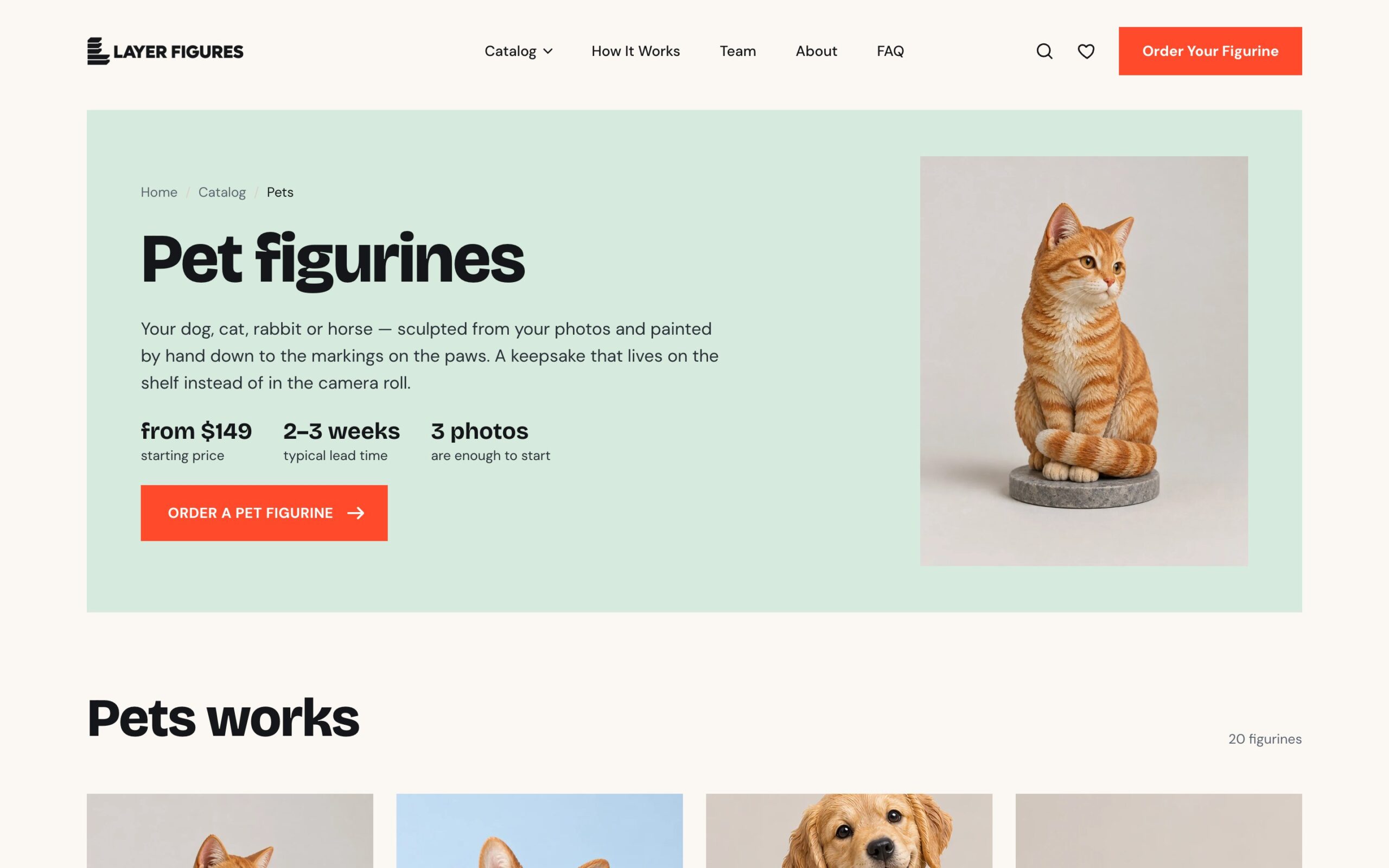
Out of several options in Figma, the client picked the first. The palette is light, with a pastel tile for each category and one bright accent — the orange Order button that always stays visible in the header. We made the logo too. The home page takes visitors from idea to request: how it works in four steps, featured works with category tabs, category tiles with prices and lead times, a “phone photo → figurine” slider, the printing process, reviews and a closing call to action.
A catalogue without a cart
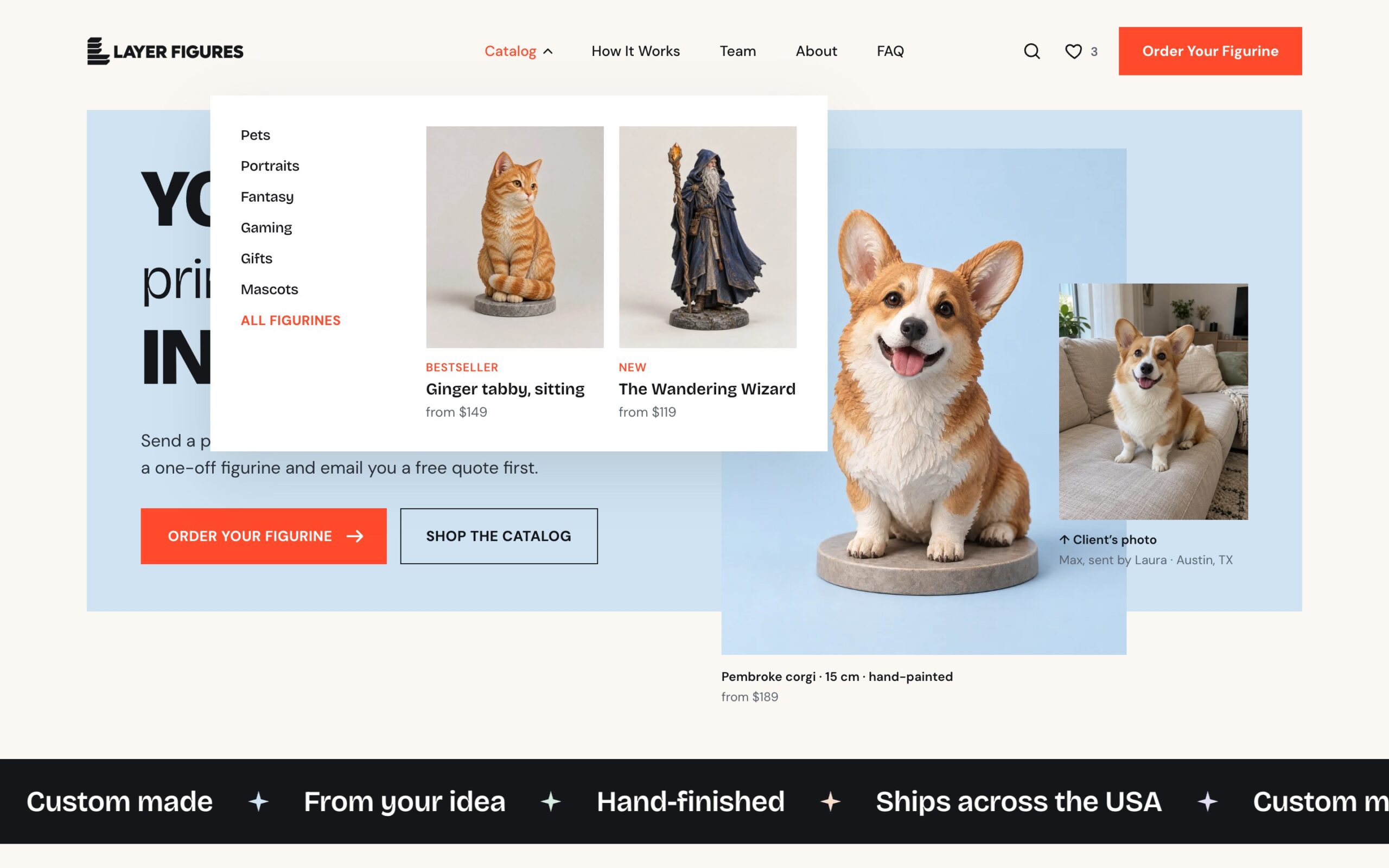
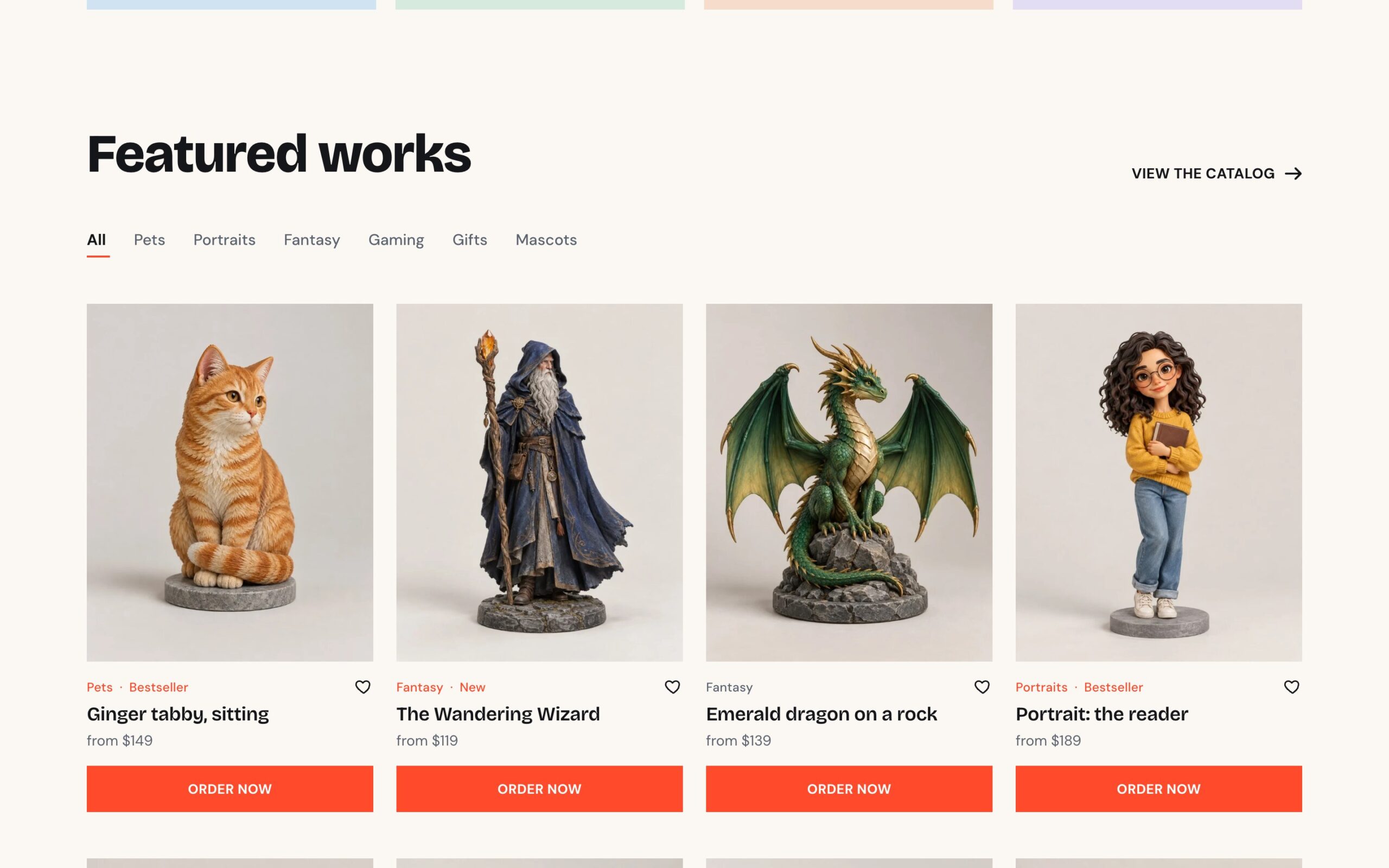
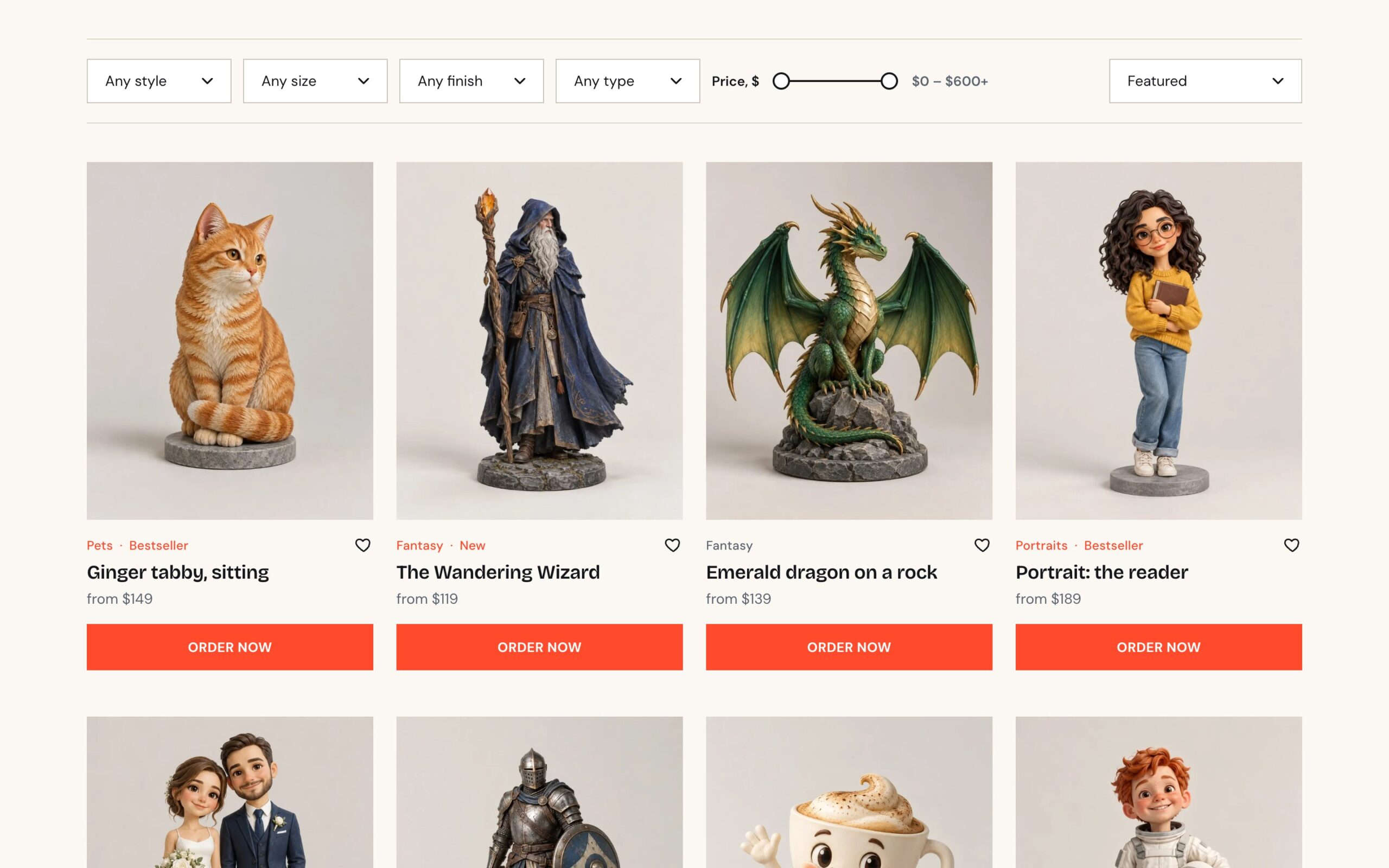
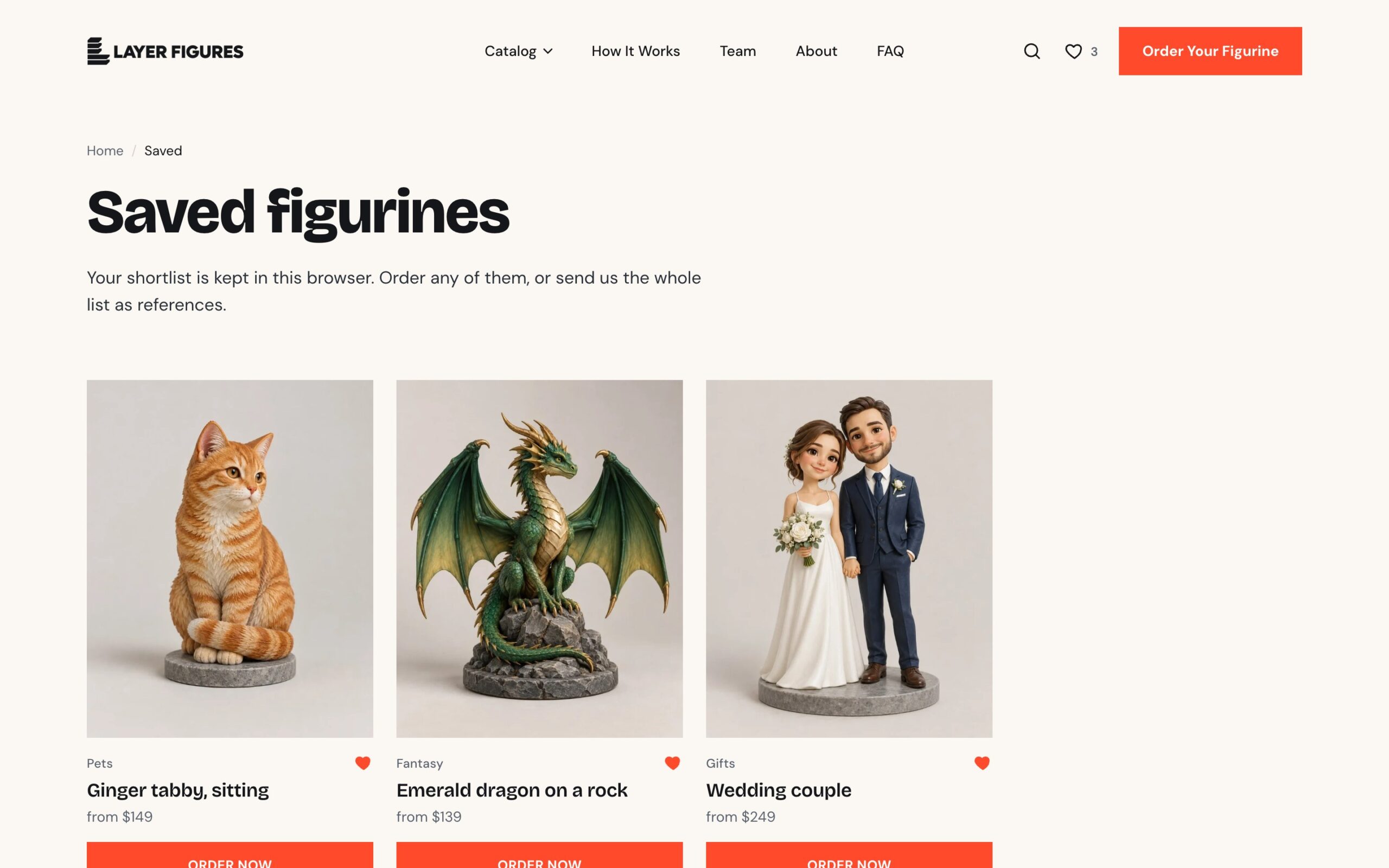
The catalogue works like an online store: category tabs, filters by style, size, finish, type and price, sorting and a Load more button. When nothing matches the filters, the site offers to reset them or order a figurine from your own idea. Each card shows a New or Bestseller badge, a “from $XX” price and an Order Now button. The heart icon saves a figurine to Saved, and the whole list can then be sent as references. Each of the six categories has 20 figurines, 120 cards in all, and we generated the photos for them ourselves, as well as for the process, team and studio pages.
The figurine page
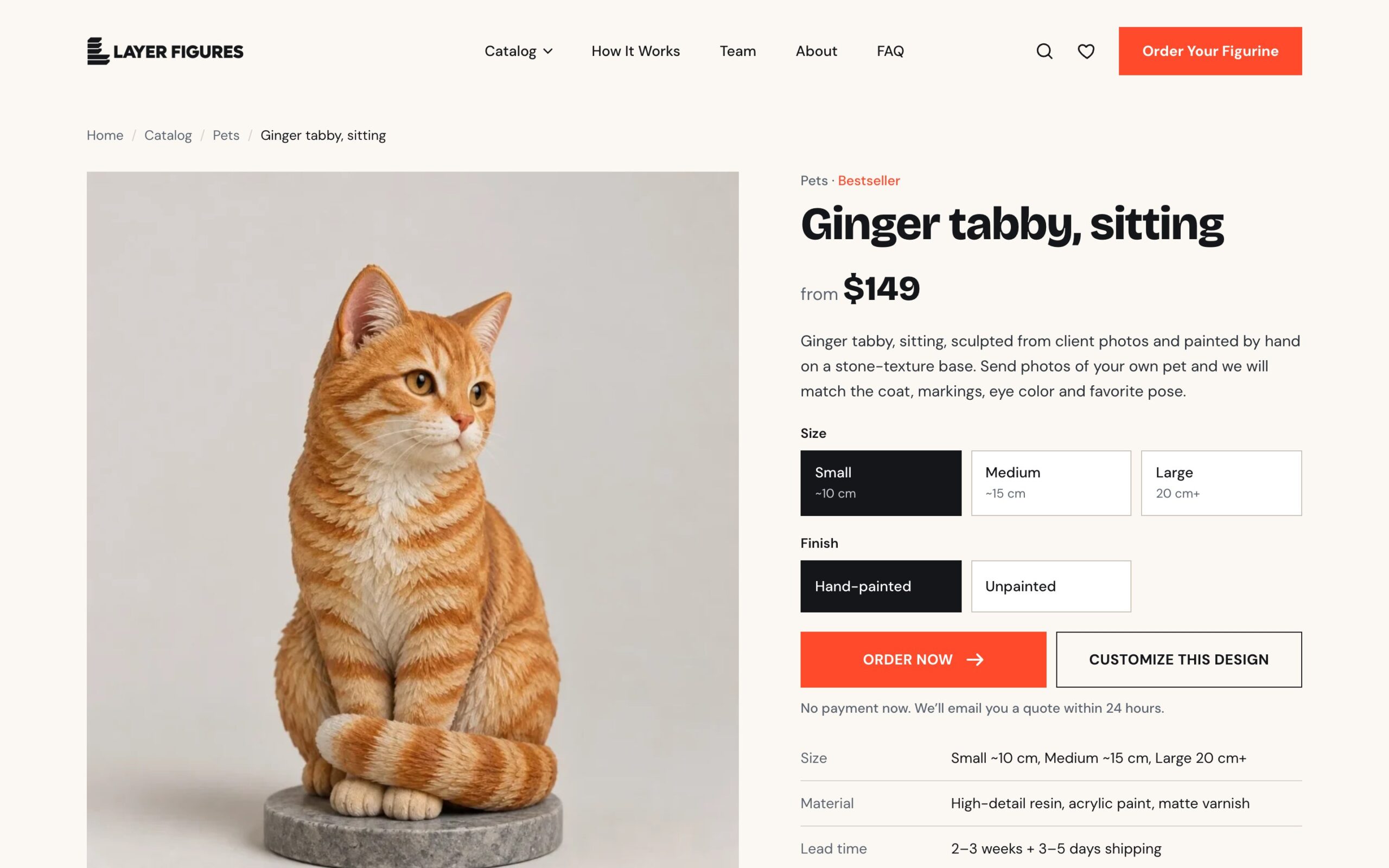
On the figurine page the customer picks a size and finish and clicks Order Now. The choice isn’t lost: on the request page the figurine is already filled in with its size and finish. Below the button are materials, lead time, shipping and care, and further down similar works. On phones the price and order button stay pinned to the bottom of the screen.
The request page
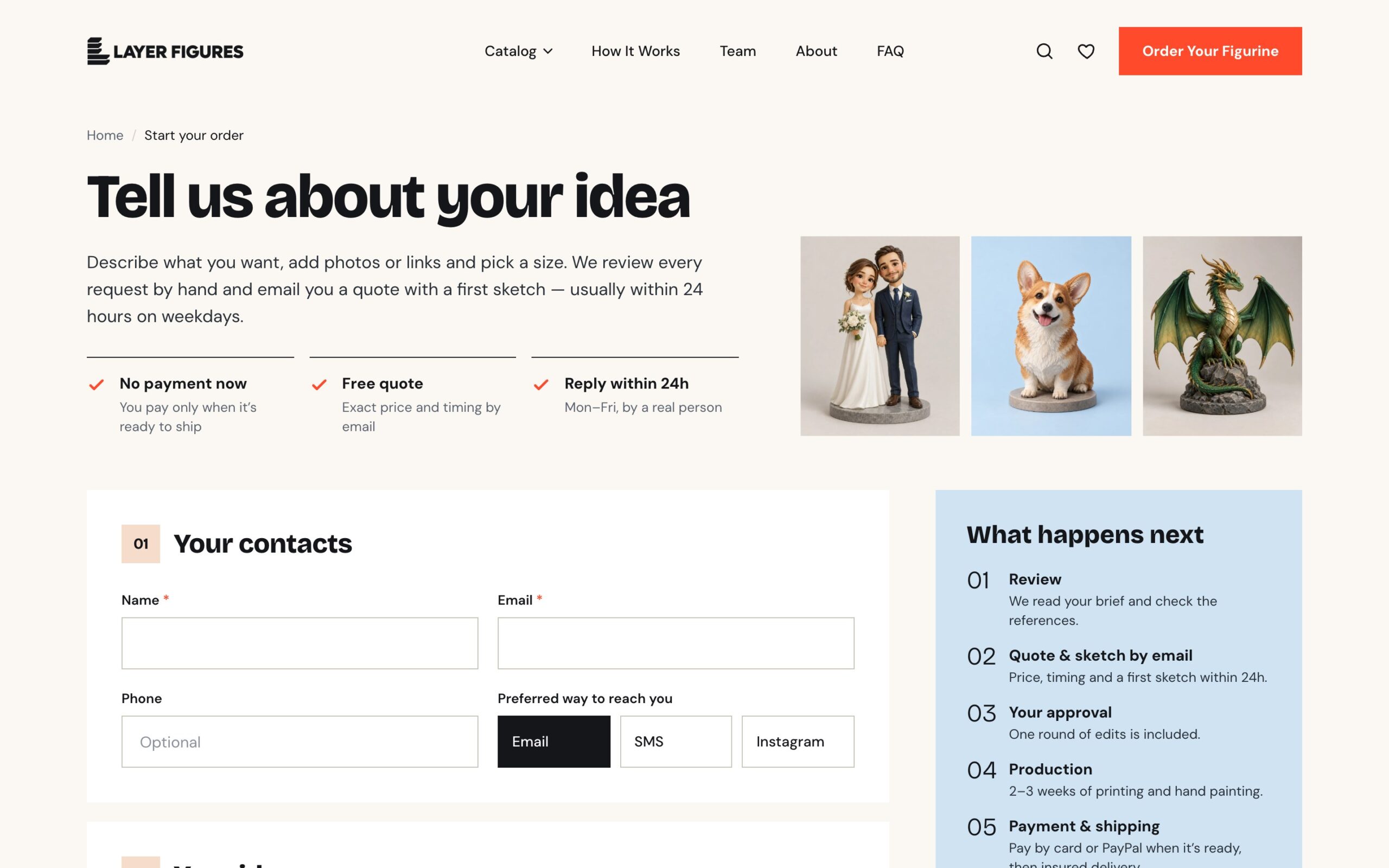
The request is the whole point of the site, so the form collects everything the studio needs for a quote: contacts and the preferred way to reach you, one or more figurines from the catalogue, the project type, a description of the idea, up to 10 links and up to 10 files (photos, sketches, PDFs) by drag and drop. Then come size, quantity, finish, the date the figurine is needed by, the occasion, state and ZIP, budget and how they heard about the studio. Alongside it is what happens after sending and answers to common questions. Requests arrive in the studio’s mailbox.
Inner pages
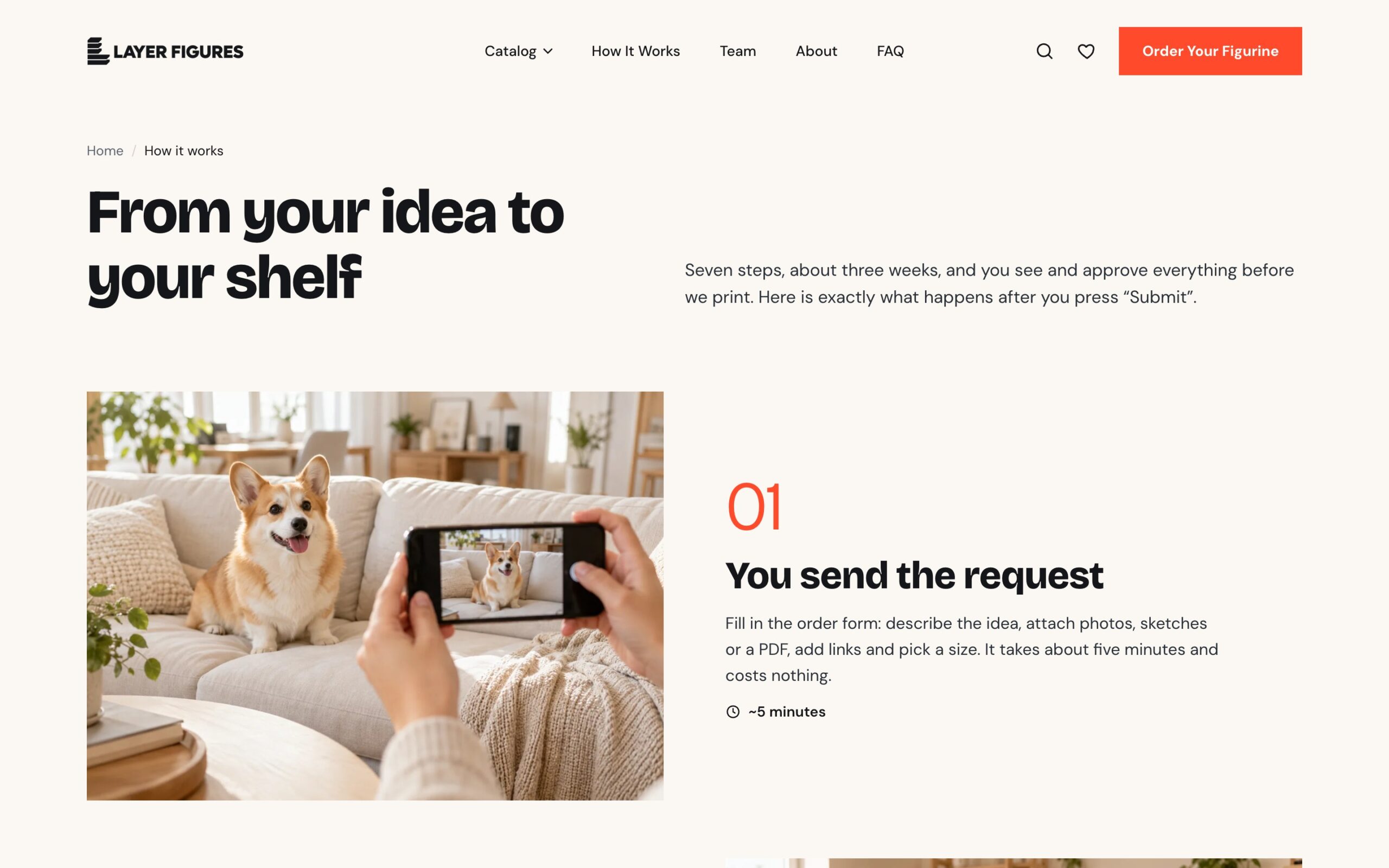
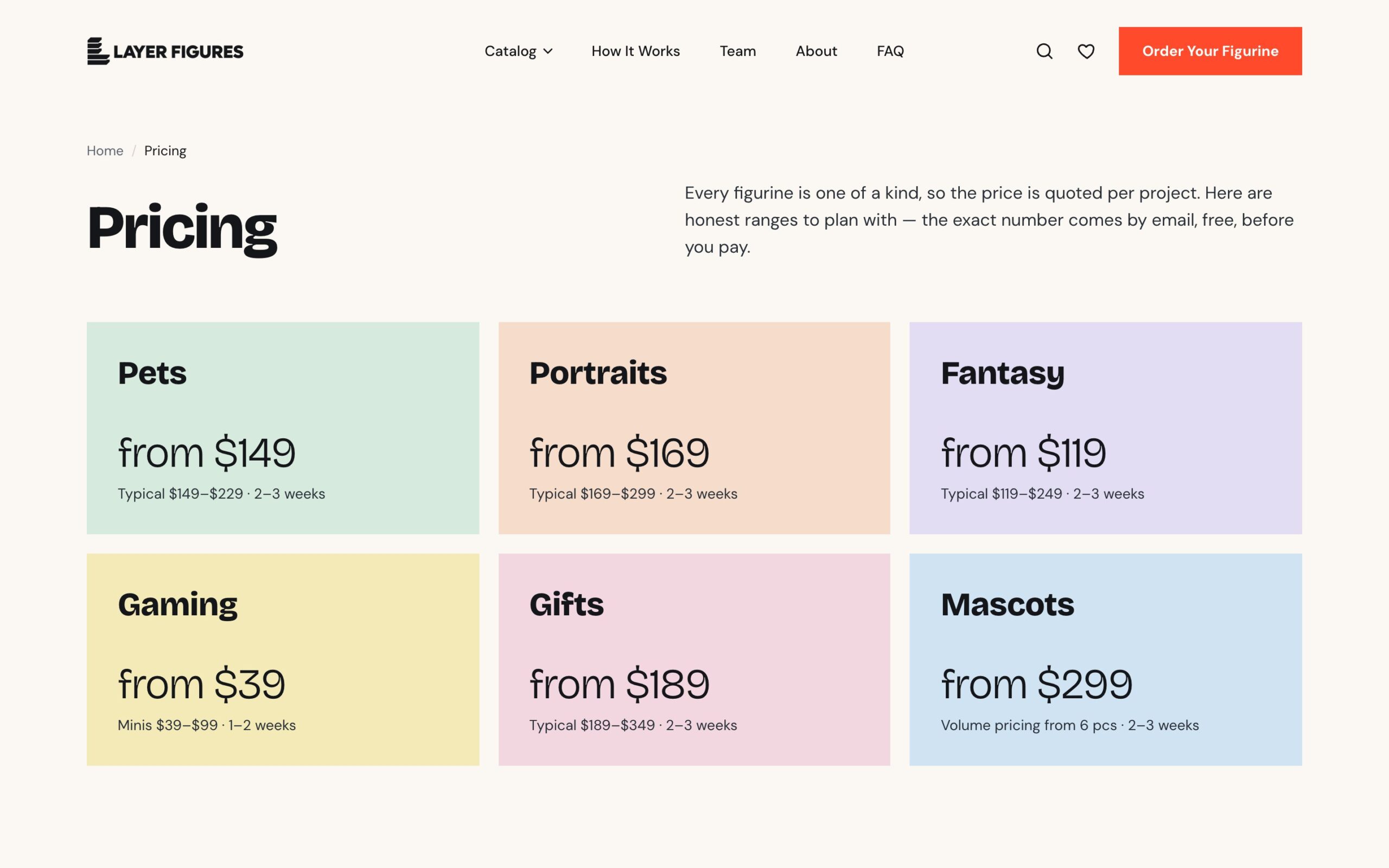
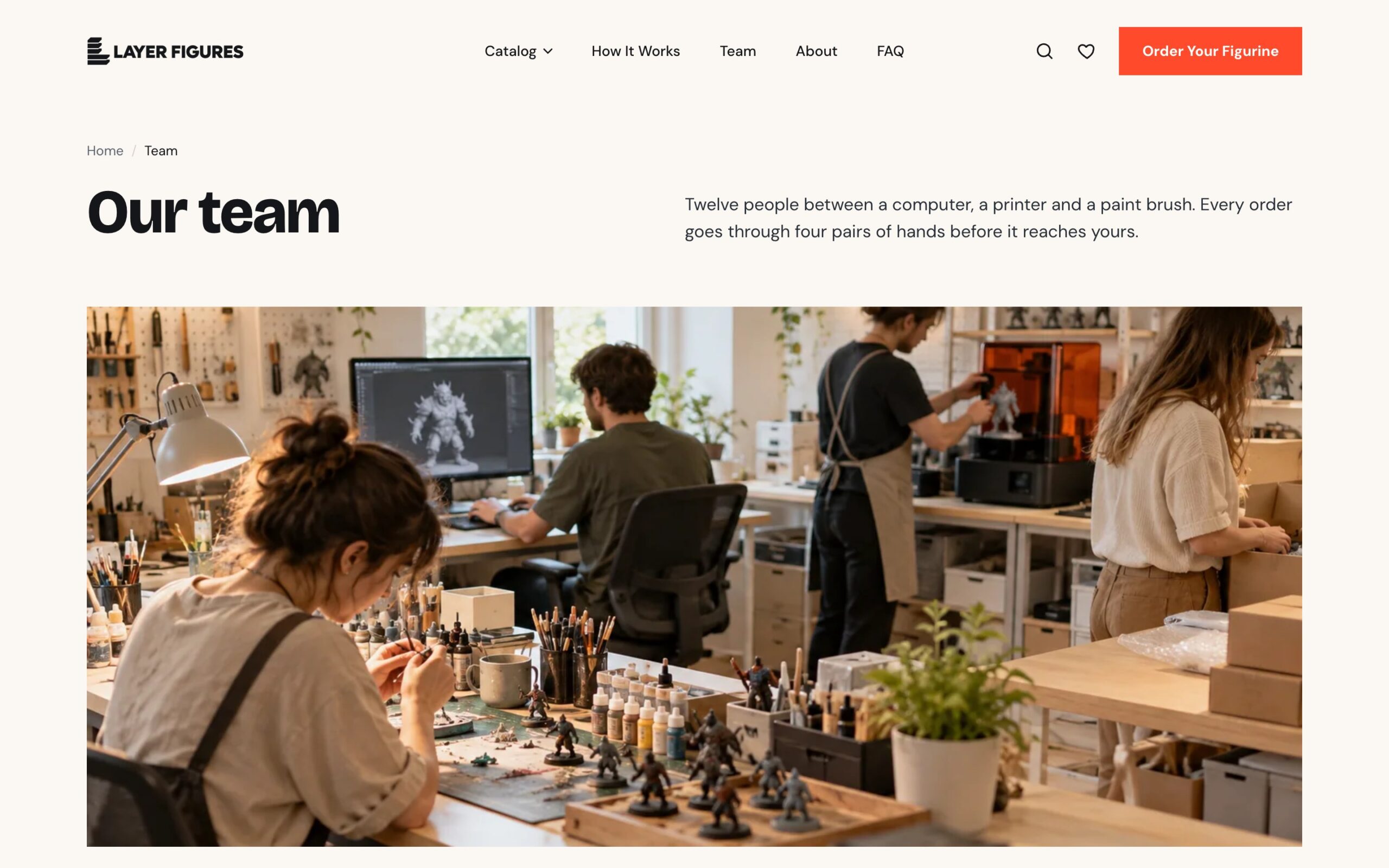
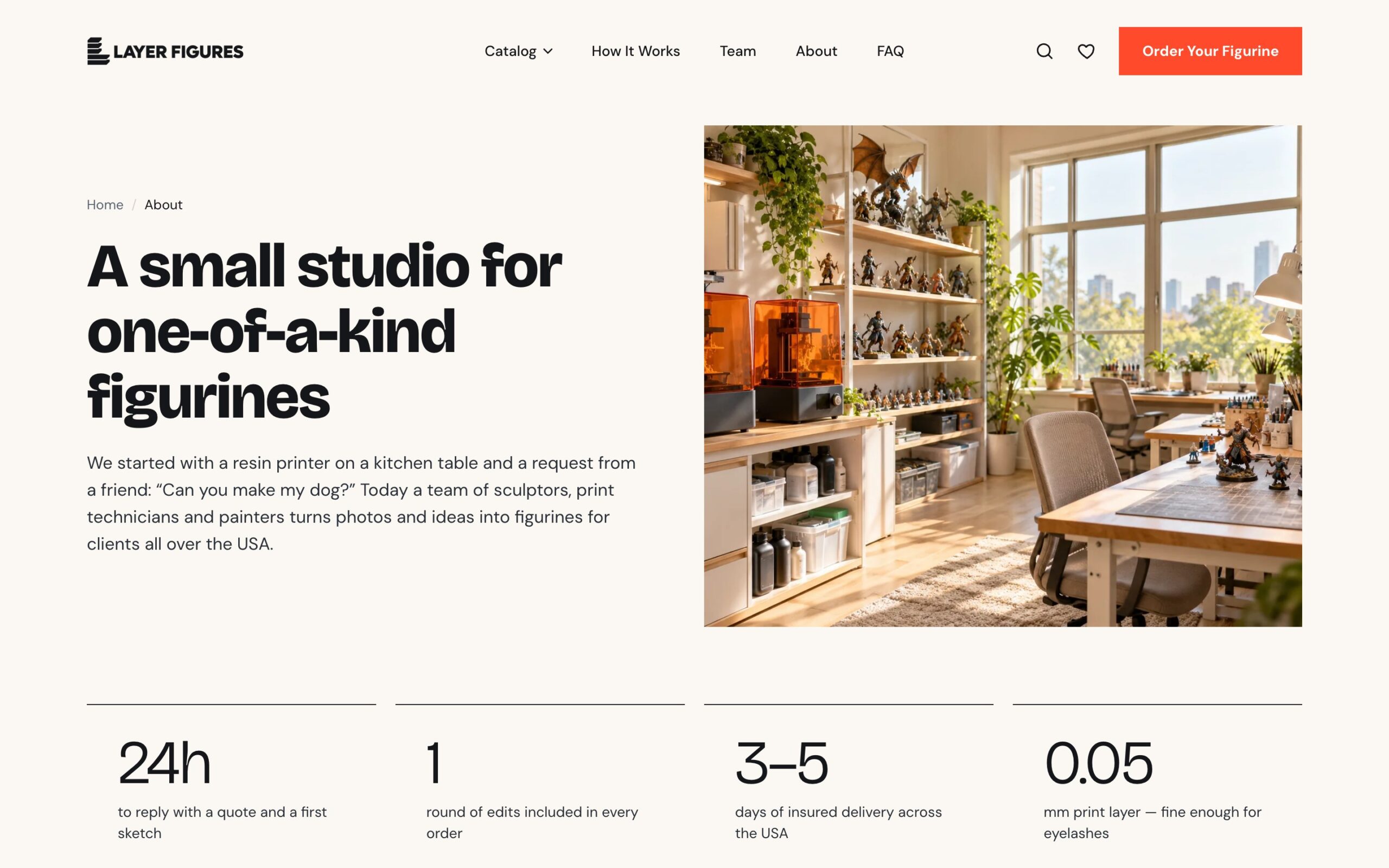
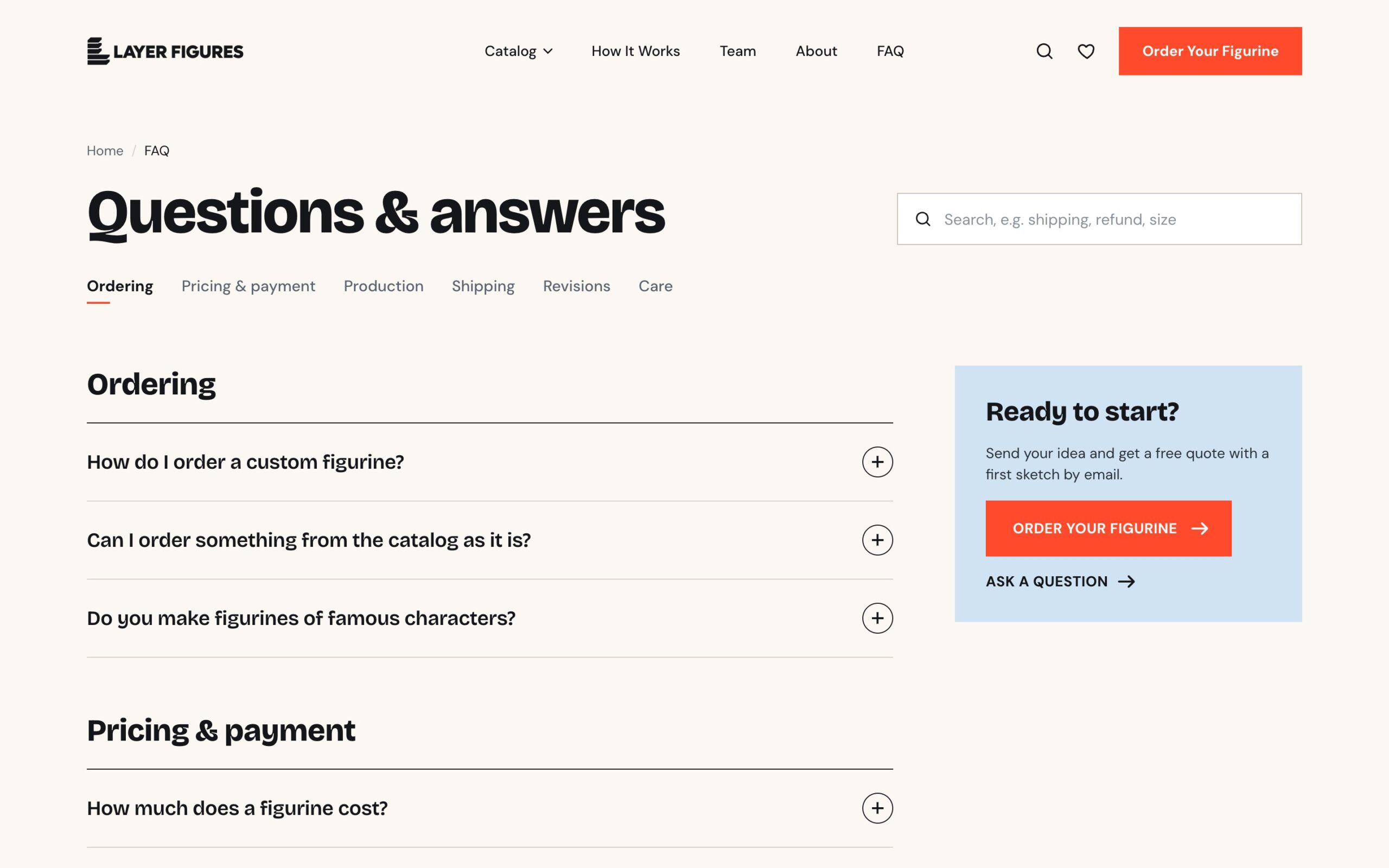
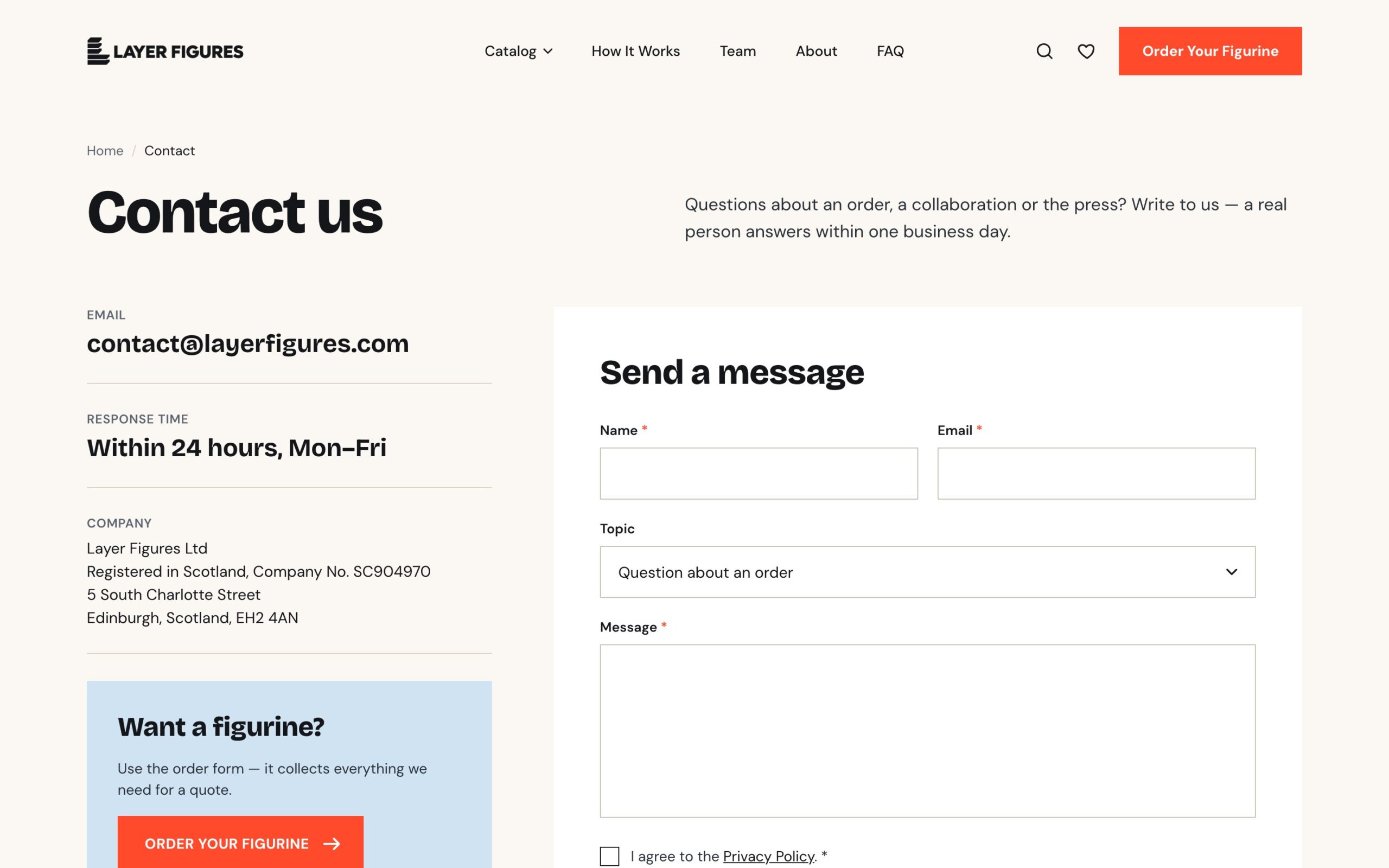
The client asked for a full set of pages, not “two blocks and a sentence”. We built How it works with a step-by-step timeline, Pricing with prices by category and a size guide, Team, About, an FAQ with search and sections, Contact with company details, reviews and a journal. For the US market there are shipping, refund and order terms policies, a care guide, Privacy, Terms, Cookie, CCPA and Accessibility pages, plus a cookie consent banner.
Launch
We built the site on our staging server and made the client’s changes, including payment only once the figurine is ready to ship and a new refund page. Then we moved everything to the client’s Hostinger account and set the forms up to send to the company mailbox.
The mobile version
On phones the Order button stays in the header next to the burger, the catalogue runs in two columns, and on figurine pages the price and order button are pinned to the bottom of the screen.
Summary
We delivered the Figma design and logo, a custom WordPress theme, a catalogue of 120 figurines with filters and Saved, a request page with file uploads and every order parameter, a full set of pages and US policies, and the launch on the client’s hosting.