WordPress
One-Click Order — Quick Order for WooCommerce
Free + Pro
990 UAH/year
v1.1.0
 All Access4 990 ₴ / year
 Website auditA PDF report by email in 3 minutesCheck a website
Everyday tasks
Image compressorSize, quality and WebP in bulkQR generatorLink, Wi-Fi, payment to IBANVAT calculator20, 14, 7% and amount in wordsTransliterationOfficial Ukrainian standardWebsite checks
PHP and pluginsPHP version, WordPress, pluginsGoogle Merchant feedFields, prices, GTIN, imagesDomain emailSPF, DKIM, DMARC, blacklistsAI search readinessllms.txt, bots, markupAll 9 toolsEnter at least 2 characters
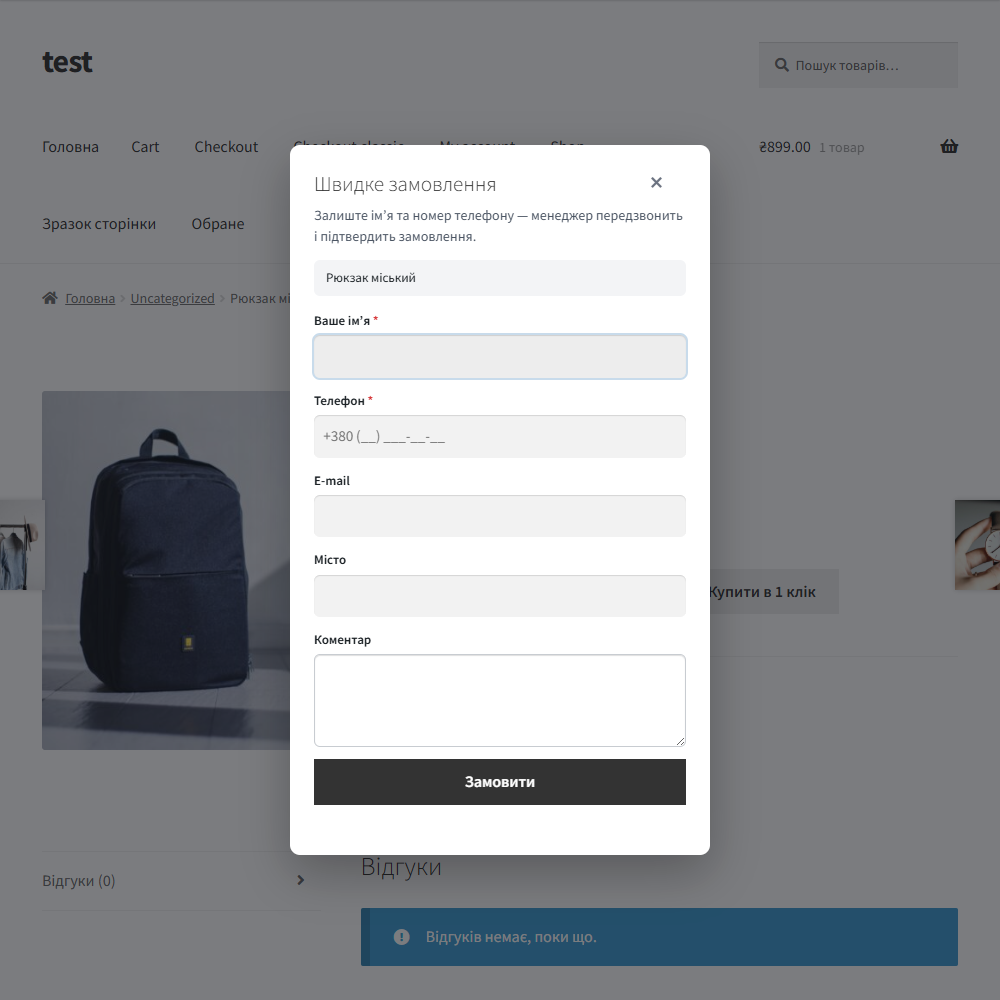
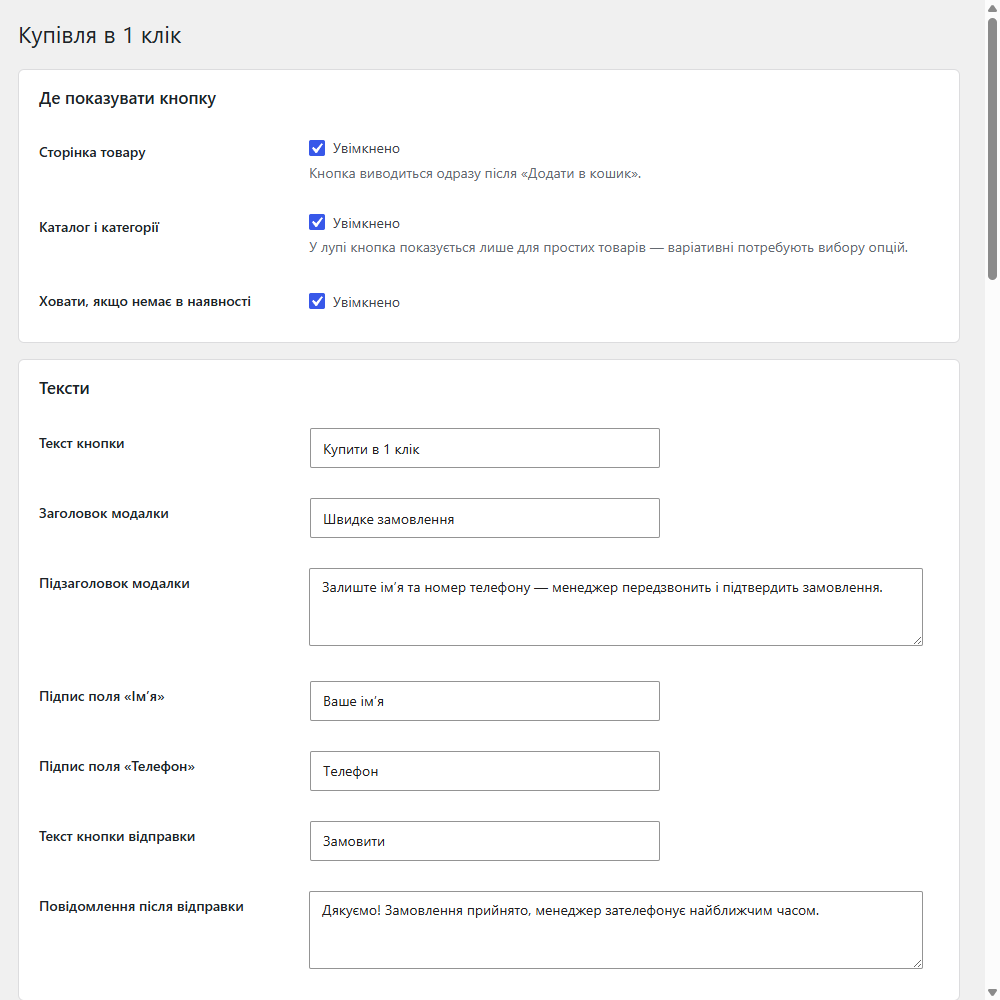
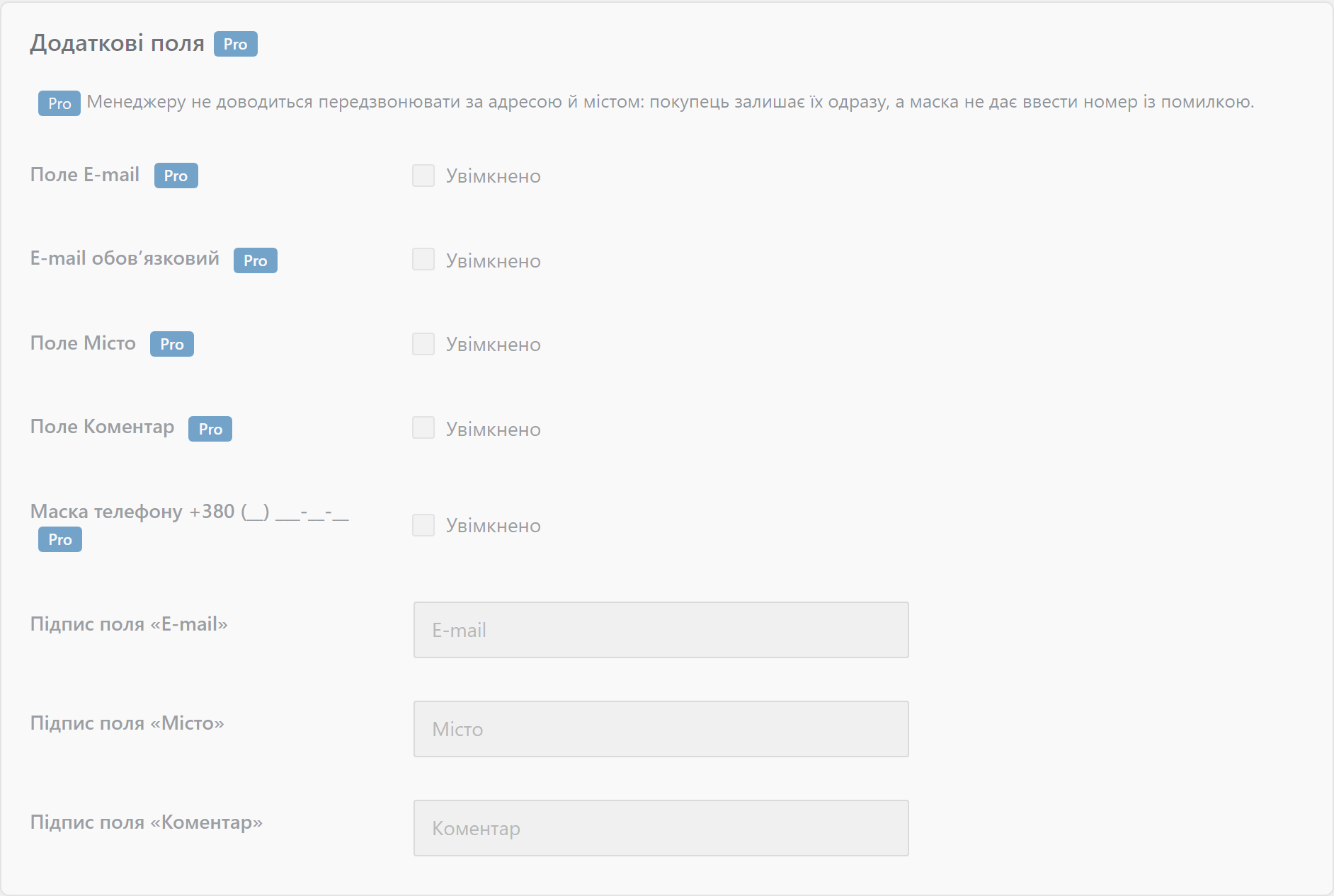
Free ‘One-Click Order’ plugin for WooCommerce: a ‘name + phone’ modal creates a real order. Pro adds a phone mask, entire-cart ordering, UTM tags and Telegram.
Clear even without sound: Ukrainian subtitles
The free version works with no time limit. Pro adds the rest of the features in the table.



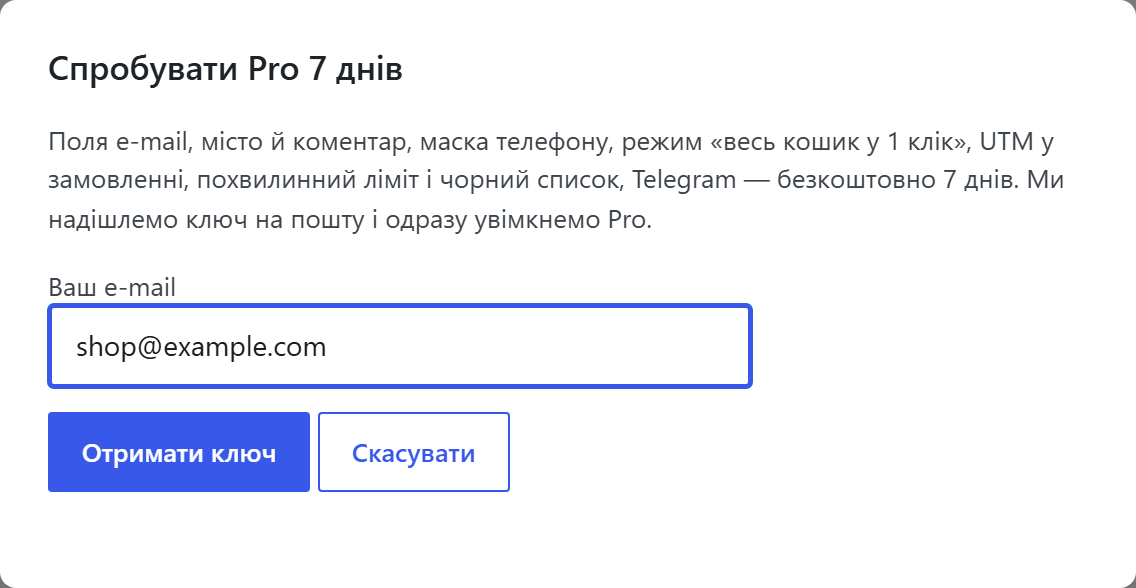
A fresh install is the free version, nothing switches on by itself. The “Try Pro for 7 days” button → e-mail → the key right in the window and by e-mail.

Moving the store? Unbind the licence on the old domain and activate it on the new one yourself. For studios — keys for 5 or 25 sites, or unlimited.
 WooCommerce 6.0+ on WordPress 6.2+ — build quick-order-for-woocommerce v1.1.0PHP 7.4+ (tested on 8.1–8.3)Compatibility with HPOS (custom order tables) and the cart block is explicitly declaredNo third-party services: handling requests happens entirely inside your own store. The only external request is a licence-key check on catcode.com.ua, and only when Pro is enabled (plus Telegram, if you turn on Pro duplication there)
The trial no longer starts on its own.
The order admin showed the payment method’s technical identifier instead of the name from the settings.
The “Entire cart in 1 click” button didn’t appear on the block-based cart page (Cart Block).
The modal wouldn’t open on themes that print footer scripts before the modal’s markup.
A button on the product page and in the catalogue, the modal, UA phone validation, anti-spam, a manager email, a request log, Pro fields, the mask, UTM, an “entire cart” mode, Telegram duplication.
4 modules in one order — 40% cheaper than separately



One-Click Order is a module that places a second button next to “Add to cart”: the customer enters just their name and phone number, clicks “Order”, and a real order appears in the store straight away, which the manager confirms by phone. No registration, no address, no choosing shipping or a payment method.
wc_create_order() — with the product line item, the name in the billing fields and the number in the billing phone. The payment method is a pseudo-method, “Manager callback”, with no payment gateway involved.wc_create_order() path — with stock deduction, status emails and a normal entry in “Orders”, so it lands in every report and CRM integration.0 means no limit.0XXXXXXXXX, 380XXXXXXXXX and +380XXXXXXXXX are accepted, with spaces, dashes and brackets. Numbers from other countries are not accepted; the ccqo_normalize_phone filter lets you adjust an already normalised number.custom_order_tables and cart_checkout_blocks is declared — the “entire cart” button works in both the classic and the block-based cart.Didn't find the answer? Message us on Telegram and we'll reply within a business day.
 @catcode_support
Setup, compatibility, activation
@catcode_support
Setup, compatibility, activation
A real one. It's created via wc_create_order() — with the product line item, the name in the billing fields, the number in the billing phone, stock deduction and status emails, so it lands in your reports and your CRM integrations.
0XXXXXXXXX, 380XXXXXXXXX and +380XXXXXXXXX — with spaces, dashes and brackets. Everything is reduced to +380XXXXXXXXX. If you sell abroad, turn off “Ukrainian numbers only” mode or extend the rule with the ccqo_normalize_phone filter.
On the product page, yes — the module picks up the variation the customer selected. In the catalogue the button only shows for simple products, since a variation can't be chosen there.
Four independent layers: a one-time nonce, a hidden honeypot field, a minimum form-fill time and a request counter per IP. Pro adds a per-minute limit and a phone-number blacklist.
Yes. Compatibility with custom_order_tables and cart_checkout_blocks is declared — the Pro “entire cart in 1 click” button works in both the classic shortcode and the block-based cart.
No. The button is added via a hook, and the modal is rendered in the footer only after the click. Theme files aren't touched, so once the module is removed the product page stays exactly as it was.
Nothing switches off: the Pro features (the extra fields, the mask, UTM and the “entire cart” button) keep working; only updates and support stop. The free version keeps working with no time limit, and the settings, log and created orders remain.
No reviews yet. Be the first.
No questions yet. Ask one — we answer within 24 hours.
We build custom modules for WordPress, WooCommerce, OpenCart and Shopify. Tell us about the task and we'll prepare an estimate.
Order a custom module
—

CatCode assistant
Just now


CatCode assistant
Online

I’ll help with your website task
Describe your website task — I’ll find a ready-made module or pass it to a developer for an estimate. Modules, custom features, layout, integrations, speed, migration, technical SEO.
