OpenCart
Interkassa — Payment Processing for OpenCart 2.3, 3 and 4
Free + Pro
1 490 UAH
v1.1.3
 All Access4 990 ₴ / year
 Website auditA PDF report by email in 3 minutesCheck a website
Everyday tasks
Image compressorSize, quality and WebP in bulkQR generatorLink, Wi-Fi, payment to IBANVAT calculator20, 14, 7% and amount in wordsTransliterationOfficial Ukrainian standardWebsite checks
PHP and pluginsPHP version, WordPress, pluginsGoogle Merchant feedFields, prices, GTIN, imagesDomain emailSPF, DKIM, DMARC, blacklistsAI search readinessllms.txt, bots, markupAll 9 toolsEnter at least 2 characters
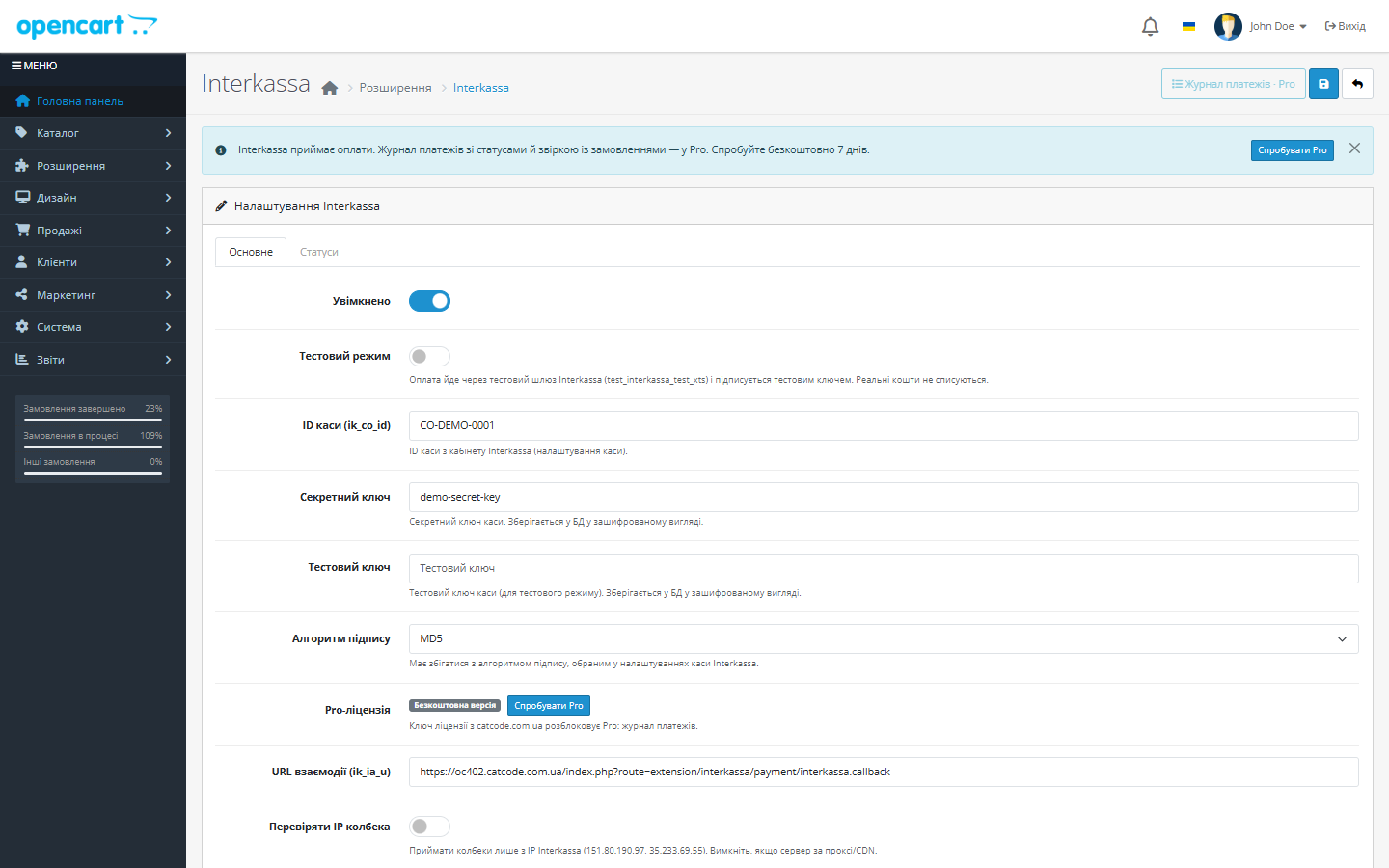
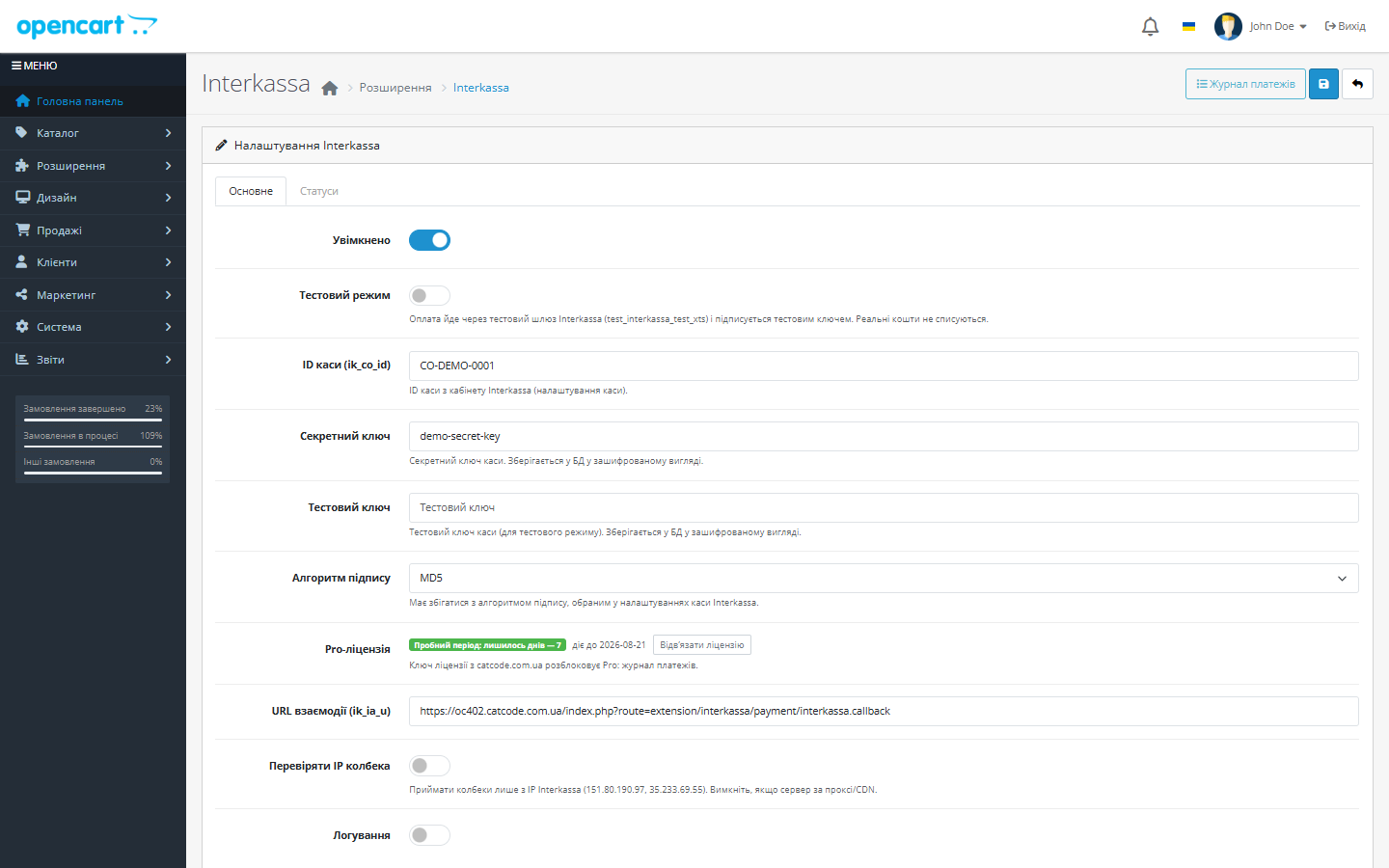
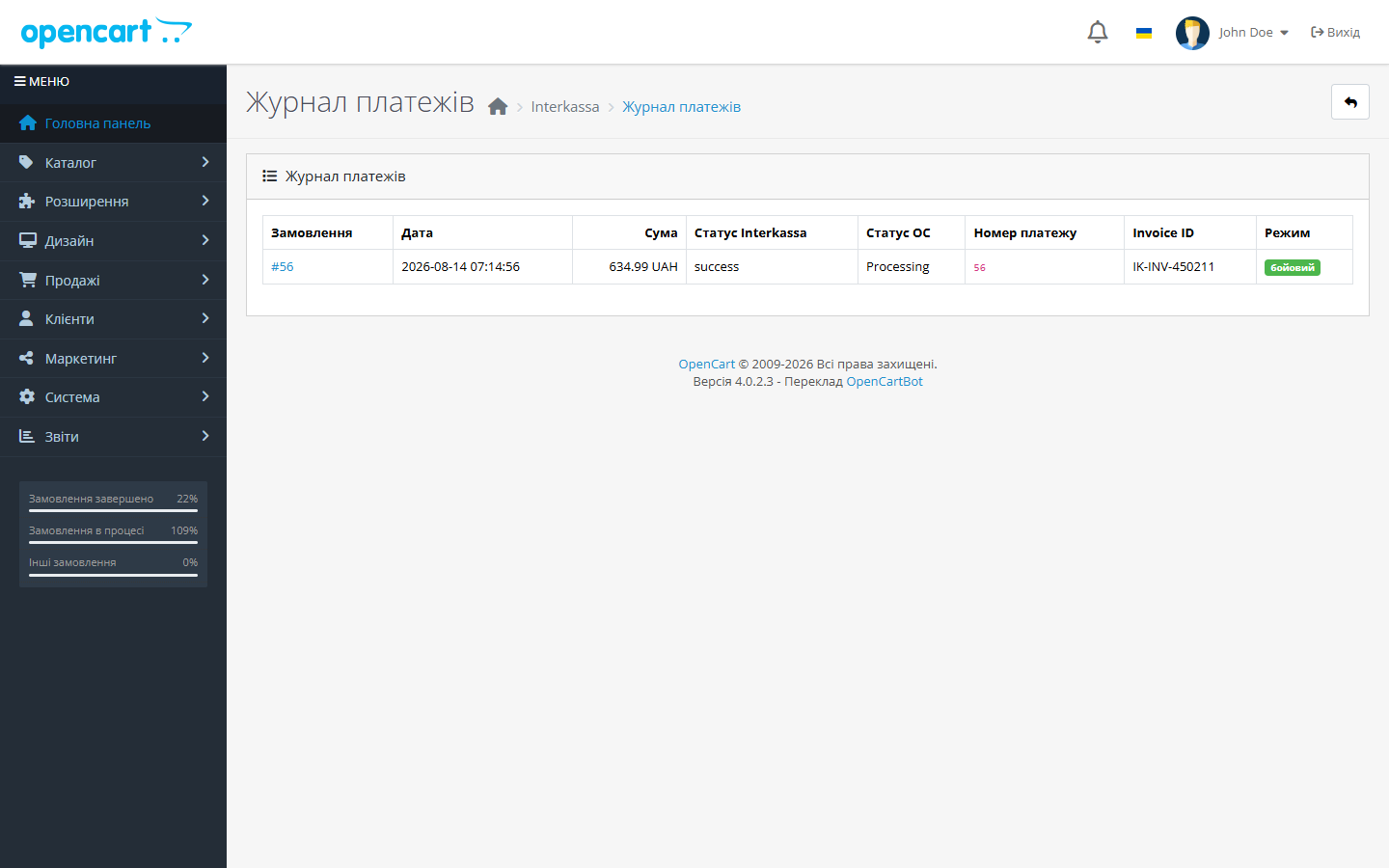
Interkassa module for OpenCart 3 and 4: payment on the secure SCI page, auto-confirmation of orders with a signed callback, test mode. Pro — payment log.
The free version works with no time limit. Pro adds the rest of the features in the table.



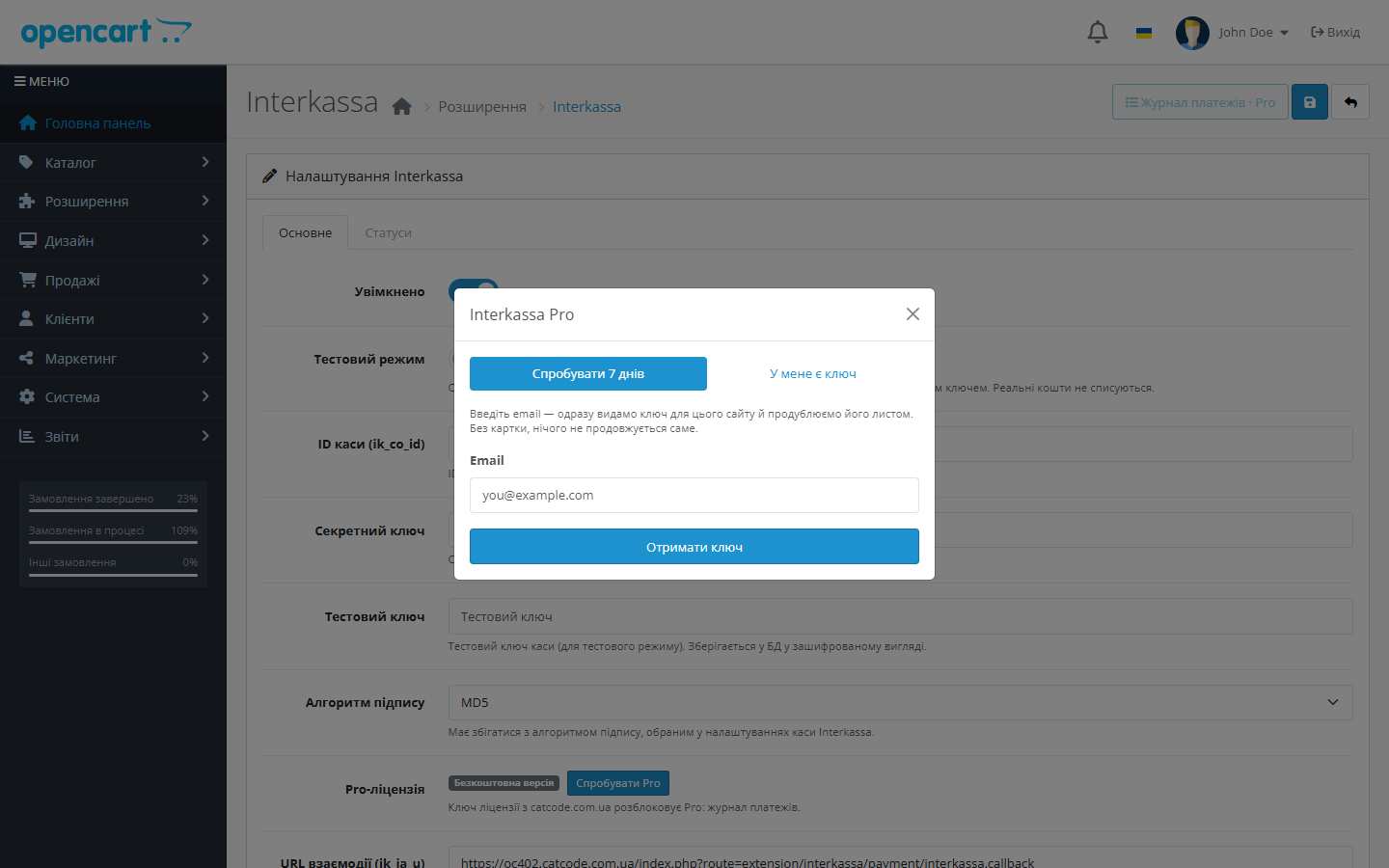
A fresh install is the free version, nothing switches on by itself. The “Try Pro for 7 days” button → e-mail → the key right in the window and by e-mail.

Moving the store? Unbind the licence on the old domain and activate it on the new one yourself. For studios — keys for 5 or 25 sites, or unlimited.
 OpenCart 4.0.2 – 4.1.x (native build), 3.0.2 – 3.0.5.0 or 2.3.0.x (separate ports)PHP 8.0+ for OpenCart 4, 7.x for OpenCart 3, 5.6–7.0 for OpenCart 2.3Cashbox ID and secret key from the Interkassa dashboard — needed only for live mode
A purchased licence for OpenCart now works without expiry.
OpenCart 4.1: the bank was sent the total of an earlier render. 4.1 begins editOrder() with addHistory(config_void_status_id), so an order that has not been placed yet is set to “Voided”…
The checkout secret key is encrypted with AES-256-CBC and an HMAC check instead of the old scheme, which hosting antivirus scanners could mistake for suspicious code.
Added a build for OpenCart 2.3.0.x (.tpl templates, settings without the payment_ prefix, the admin’s token token).
Rebuilt the Free/Pro model: a fresh install no longer switches on Pro by itself.
Payment via Interkassa SCI, a signed server callback with md5/sha256 verification, cashbox ID and amount reconciliation, IP whitelist, test mode, status map, logging; Pro.
4 modules in one order — 40% cheaper than separately



Interkassa for OpenCart is a payment module that accepts payments through the Interkassa aggregator: the shopper pays on the secure sci.interkassa.com page (card, payment systems, terminals — whatever is enabled in your cashbox), and the result comes back to the shop as a signed server callback. The module verifies the signature, the cashbox ID and the amount — and sets the correct order status itself, with no manual reconciliation against the dashboard.
The package includes three builds — a native one for OpenCart 4.0.2–4.1.x and separate ports for OpenCart 3.0.2–3.0.5.0 and 2.3.0.x.
ik_ia_u).interkassa.ocmod.zip. For OpenCart 3.0.x, take interkassa-oc3.ocmod.zip from the product’s downloads.interkassa-oc2.ocmod.zip and upload the contents of the upload/ folder to the shop’s root via FTP/SFTP or a hosting file manager — the standard 2.3 Installer only copies files over FTP and fails on most hosting with “FTP needs to be enabled in the settings”. Then go to Extensions → Payments → Interkassa → “+”.ik_ia_u.Didn't find the answer? Message us on Telegram and we'll reply within a business day.
 @catcode_support
Setup, compatibility, activation
@catcode_support
Setup, compatibility, activation
No. It's a standard OpenCart payment extension: it adds a payment method to the standard checkout and doesn't touch theme templates.
Yes. The package includes three builds — native for 4.0.2–4.1.x and ports for 3.0.2–3.0.5.0 and 2.3.0.x. Nothing needs to be bought separately.
The same one set in your Interkassa cashbox settings. If the algorithms don't match, Interkassa won't accept the payment form, and the callback won't pass verification.
No. Every callback is verified against a signature using your secret key, and the cashbox ID and payment amount are also checked. You can additionally whitelist Interkassa's IPs.
The licence works on one active domain, and you can move it yourself: in the module's settings on the old domain, click "Deactivate" — the slot frees up instantly, after which you activate the same key on the new domain. There's no extra charge; if you no longer have access to the old site, contact us and we'll free the slot manually.
No. For OpenCart the licence is perpetual: one payment, and the Pro features stay with you. Only the 7-day trial ends — after it Pro switches off and the free version keeps working.
No reviews yet. Be the first.
No questions yet. Ask one — we answer within 24 hours.
We build custom modules for WordPress, WooCommerce, OpenCart and Shopify. Tell us about the task and we'll prepare an estimate.
Order a custom module
—

CatCode assistant
Just now


CatCode assistant
Online

I’ll help with your website task
Describe your website task — I’ll find a ready-made module or pass it to a developer for an estimate. Modules, custom features, layout, integrations, speed, migration, technical SEO.
