















WooCommerce
Ratepay for WooCommerce — pay by invoice and SEPA direct debit on the Ratepay page
Free + Pro
1 490 UAH/year≈ €30
v1.0.0
 Website auditA PDF report by email in 3 minutesCheck a website
Everyday tasks
Image compressorSize, quality and WebP in bulkQR generatorLink, Wi-Fi, payment to IBANVAT calculator20, 14, 7% and amount in wordsTransliterationOfficial Ukrainian standardWebsite checks
PHP and pluginsPHP version, WordPress, pluginsGoogle Merchant feedFields, prices, GTIN, imagesDomain emailSPF, DKIM, DMARC, blacklistsAI search readinessllms.txt, bots, markupAll 9 toolsEnter at least 2 characters
WooCommerce orders in Collmex as a sales order (Kundenauftrag) or an invoice (Rechnung), with the customer, without typing them twice.
The free version works with no time limit. Pro adds the rest of the features in the table.


The order screen gets a Collmex box: the “Send to Collmex” button creates a Kundenauftrag or a Rechnung.

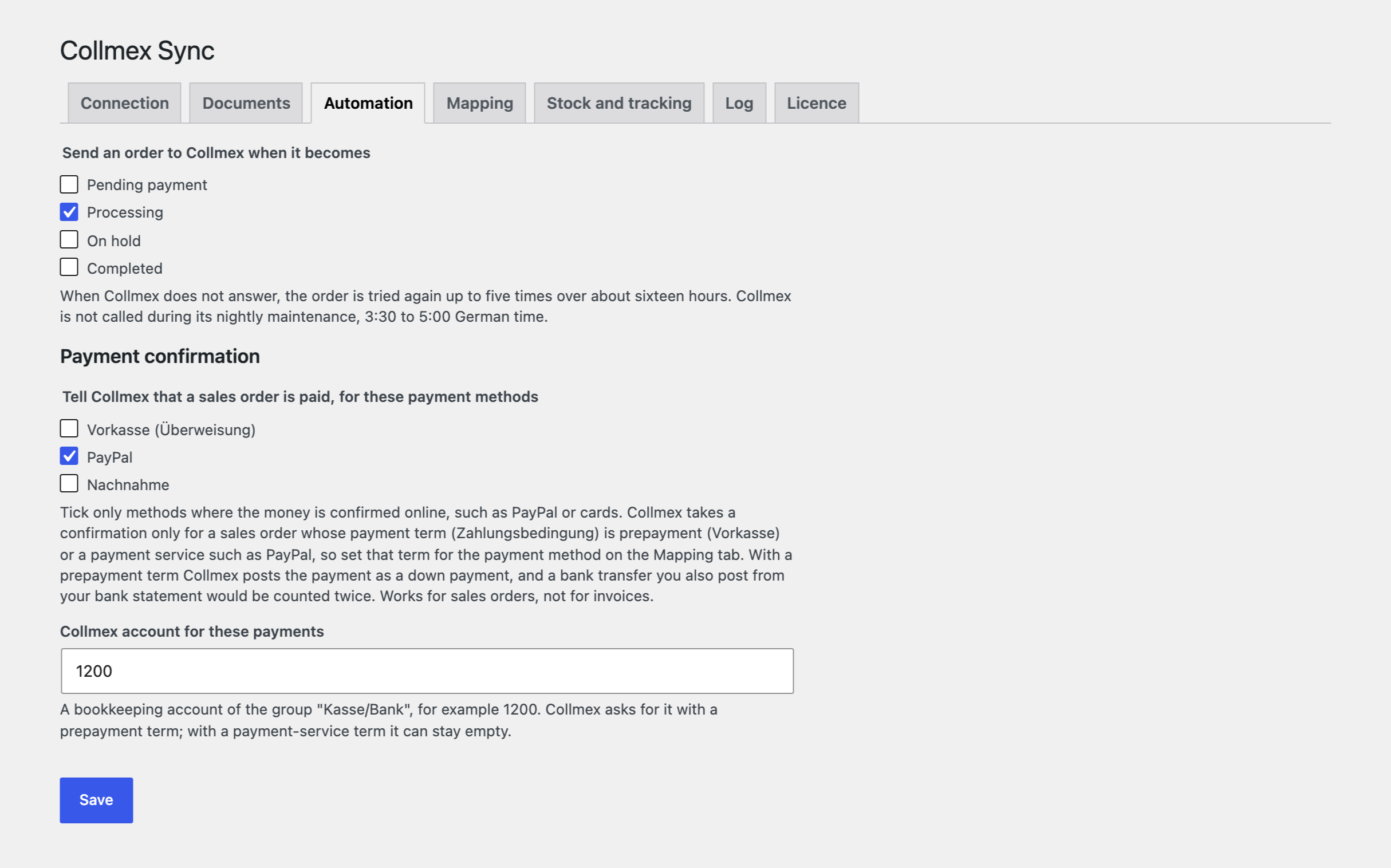
Orders go to Collmex on their own when they reach the status you choose: in the background, with five retries (after 5, 15, 60, 180 and 720 minutes) and a pause during the Collmex maintenance window (3:30–5:00 Berlin time).

The base version is free. Pro costs 1290 UAH for a one-year licence. A year of updates, technical support and all Pro features.

A fresh install is the free version, nothing switches on by itself. The “Try Pro for 7 days” button → e-mail → the key right in the window and by e-mail.

Moving the site? Unlink the licence on the old domain and activate it on the new one yourself. A staging copy (staging., dev.) works with the same key and does not take a site slot. For studios — keys for 5 or 25 sites, or unlimited.
 WordPress 6.2+, WooCommerce 8.0+, PHP 7.4+.A Collmex account and a separate API user.For Pro: Action Scheduler (it ships with WooCommerce).
Orders as a Kundenauftrag or Rechnung with the customer, net/gross, a total check, no duplicates.
Collmex for WooCommerce puts a shop order in Collmex with one click: as a Kundenauftrag (sales order) or a Rechnung (invoice), together with the customer. Nobody types the order a second time, and stock, invoices and the books in Collmex work with the same data as the shop. The module talks to Collmex directly, through your own API user.
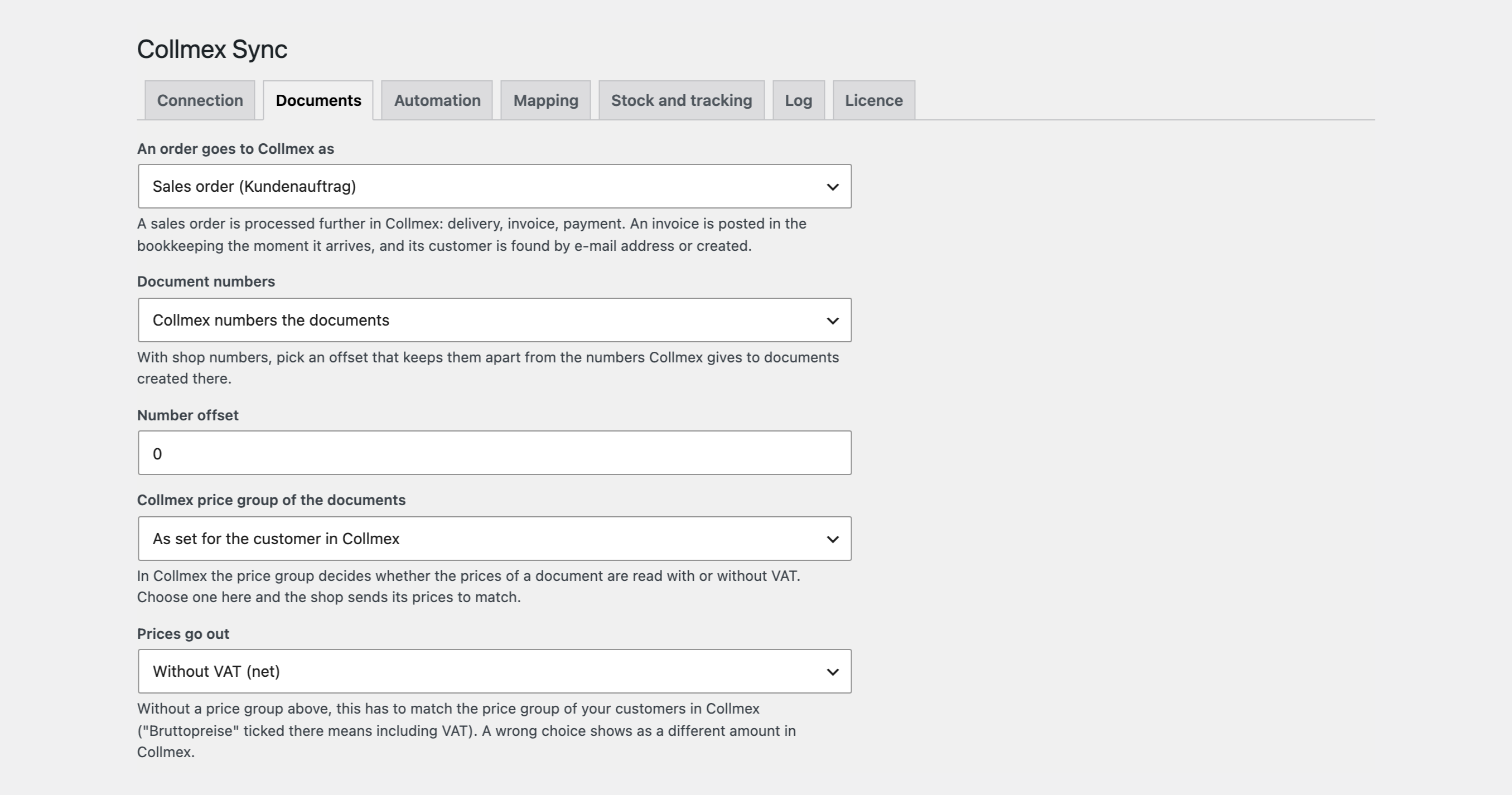
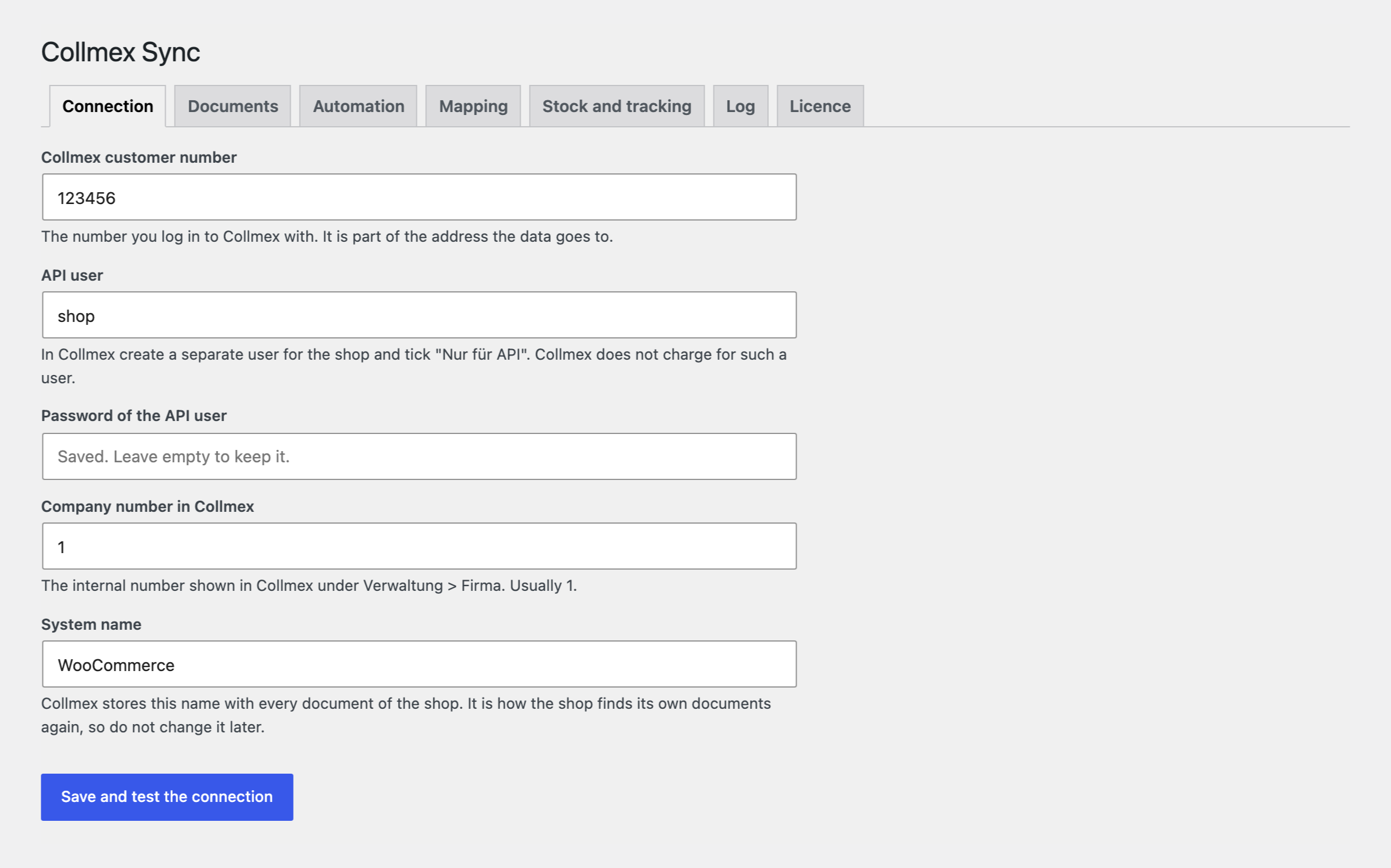
The order screen gets a Collmex box: the “Send to Collmex” button creates a Kundenauftrag or a Rechnung. For a Kundenauftrag Collmex itself finds or creates the customer from the address; for a Rechnung the module looks the customer up by e-mail or customer number. Prices go net or gross, following the customer’s price group in Collmex; lines go as text or by product number (Produktnummer = SKU). The document number can come from the Collmex numbering or from the WooCommerce order number plus an offset. After a Kundenauftrag is created the module compares the document total with the order total. There is no second document: pressing the button again changes the same one, and after an attempt that got no answer the module first looks for the document by order number. A connection test is included, and the password is kept encrypted. The storefront does not change.
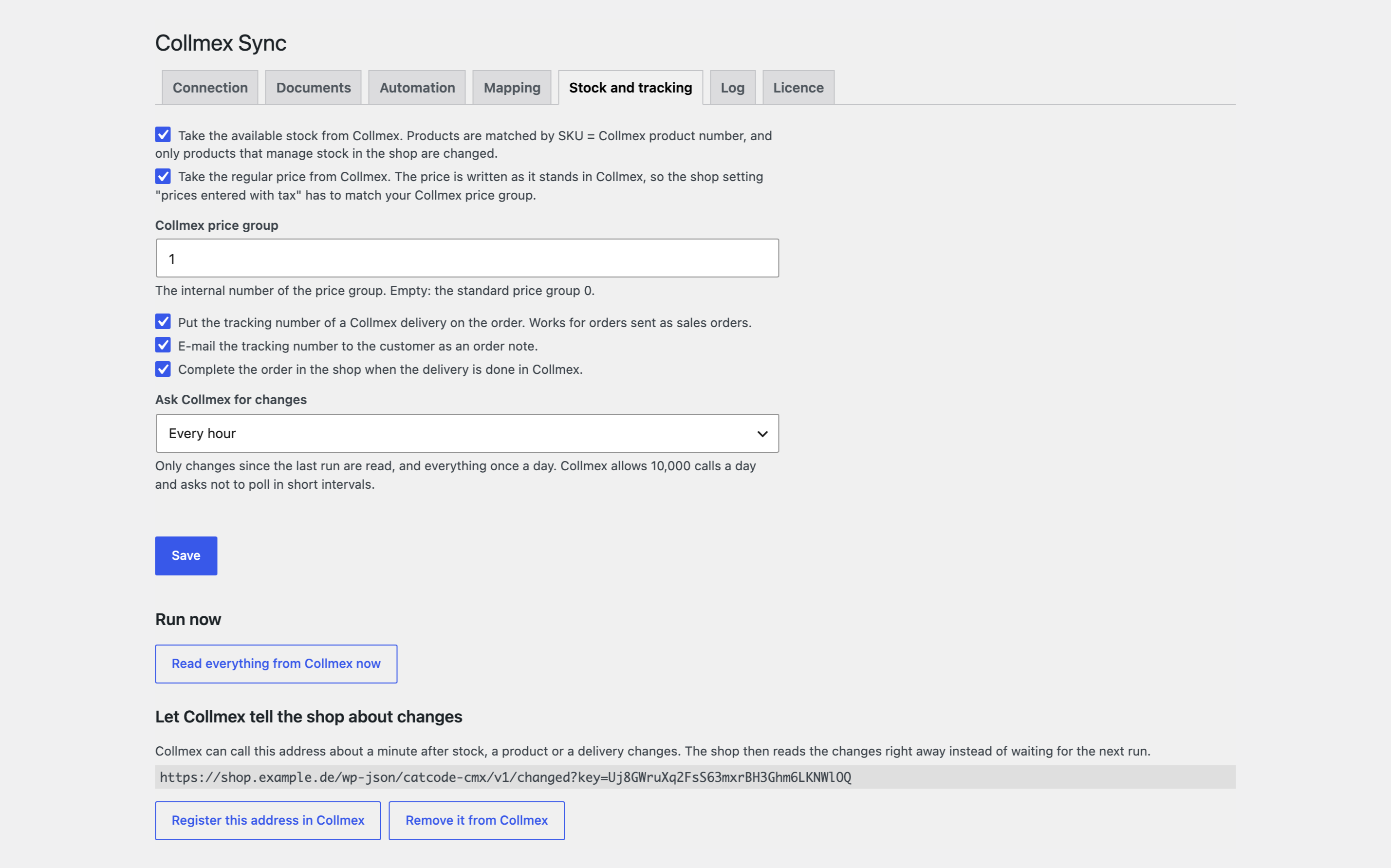
Orders go to Collmex on their own when they reach the status you choose: in the background, with five retries (after 5, 15, 60, 180 and 720 minutes) and a pause during the Collmex maintenance window (3:30–5:00 Berlin time). WooCommerce tax classes map to Steuerklassifikation, payment methods to Zahlungsbedingung, shipping methods to Versandart. Stock (STOCK_AVAILABLE_GET) and prices (PRODUCT_GET) are pulled by SKU: only what changed, plus everything once a day; Collmex can also tell the shop about changes through an address with a key. Payment confirmation (PAYMENT_CONFIRMATION) for the payment methods you choose. The tracking number from a Collmex delivery lands on the order, optionally with an e-mail to the buyer and completing the order. Bulk sending from the orders list, and a log with a button to send failed orders again.
The module is not on wordpress.org yet: the free version and Pro are one archive from this page. Without a key it works as the free version.
Didn't find the answer? Message us on Telegram and we'll reply within a business day.
 @catcode_support
Setup, compatibility, activation
No. It is an independent integration made by us; Collmex is a third-party product and its trademark belongs to its owner.
Yes, the Documents tab chooses Kundenauftrag or Rechnung.
No. The document number is saved on the order, and sending again changes the same document.
Yes, a user with the API-only right (“Nur für API”). An interactive user does not work for this.
The reason is shown in the Collmex box on the order and, in Pro, in the log. Fix it and press “Send again”.
Pro switches off, the free part keeps working.
No reviews yet. Be the first.
No questions yet. Ask one — we answer within 24 hours.
We build custom modules for WordPress, WooCommerce, OpenCart and Shopify. Tell us about the task and we'll prepare an estimate.
Order a custom module
—
Charged in UAH; your bank converts it to your currency. EUR price is approximate.

CatCode assistant
Just now


CatCode assistant
Online

I’ll help with your website task
Describe your website task — I’ll find a ready-made module or pass it to a developer for an estimate. Modules, custom features, layout, integrations, speed, migration, technical SEO.
