
















WooCommerce
Abandoned Cart Recovery for WooCommerce
Free + Pro
990 UAH/year≈ €20
v1.3.1
 Website auditA PDF report by email in 3 minutesCheck a website
Everyday tasks
Image compressorSize, quality and WebP in bulkQR generatorLink, Wi-Fi, payment to IBANVAT calculator20, 14, 7% and amount in wordsTransliterationOfficial Ukrainian standardWebsite checks
PHP and pluginsPHP version, WordPress, pluginsGoogle Merchant feedFields, prices, GTIN, imagesDomain emailSPF, DKIM, DMARC, blacklistsAI search readinessllms.txt, bots, markupAll 9 toolsEnter at least 2 characters

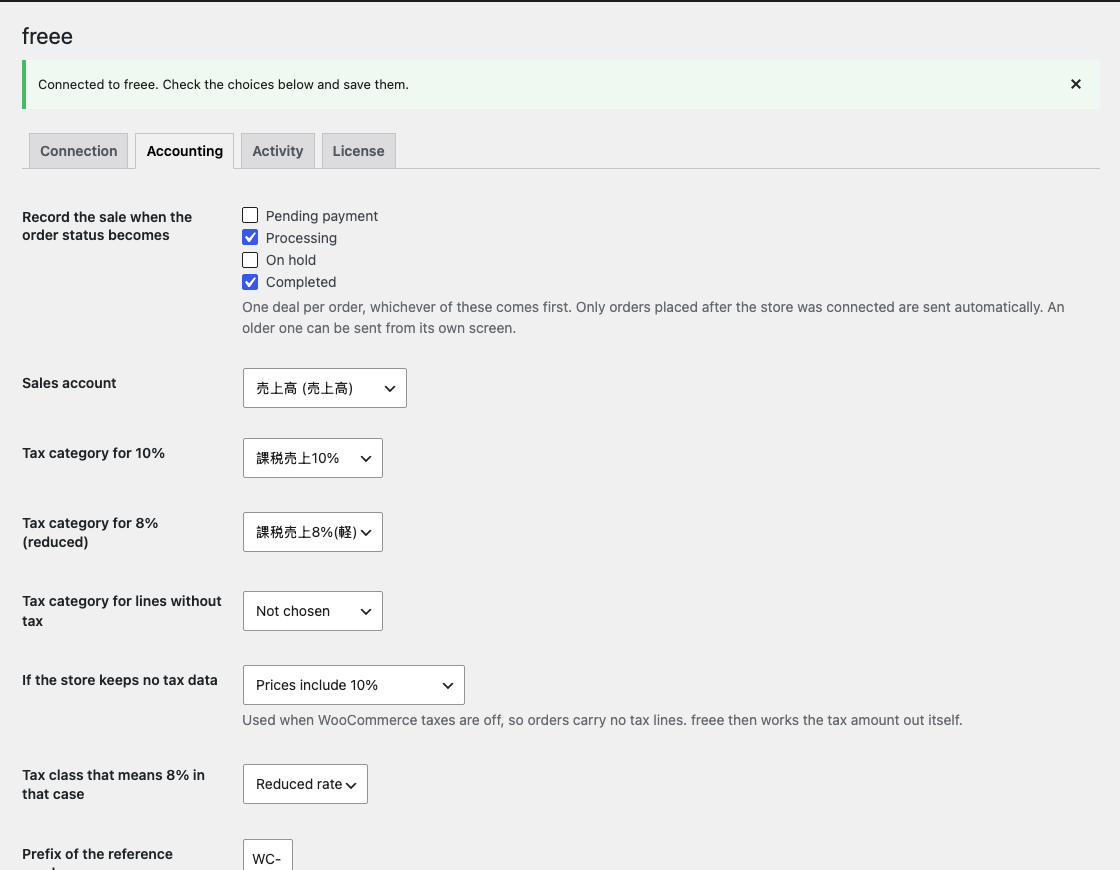
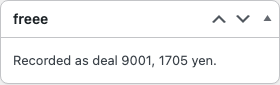
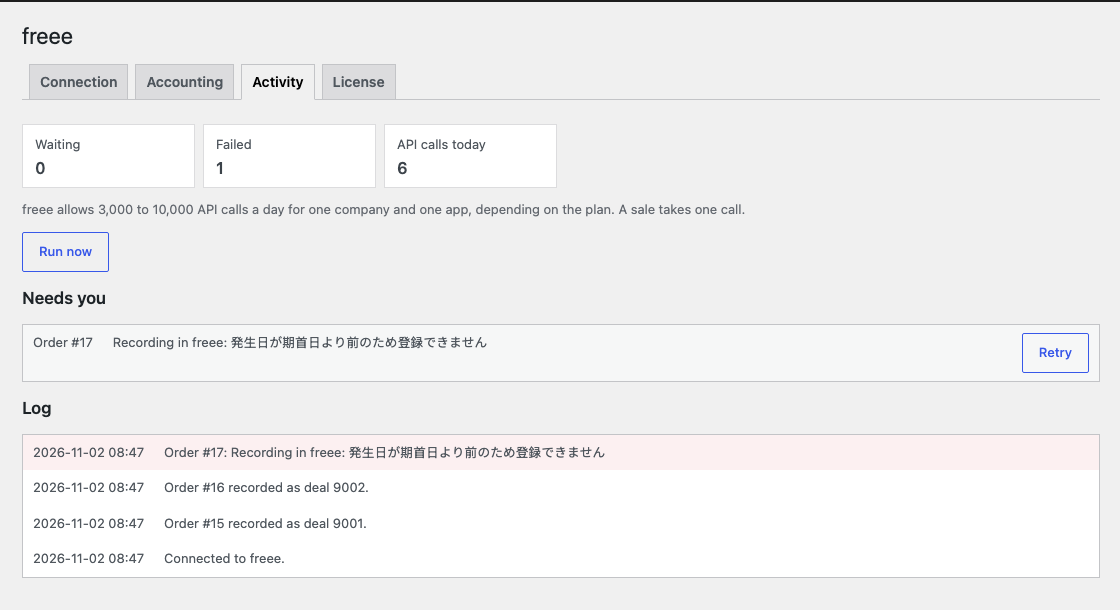
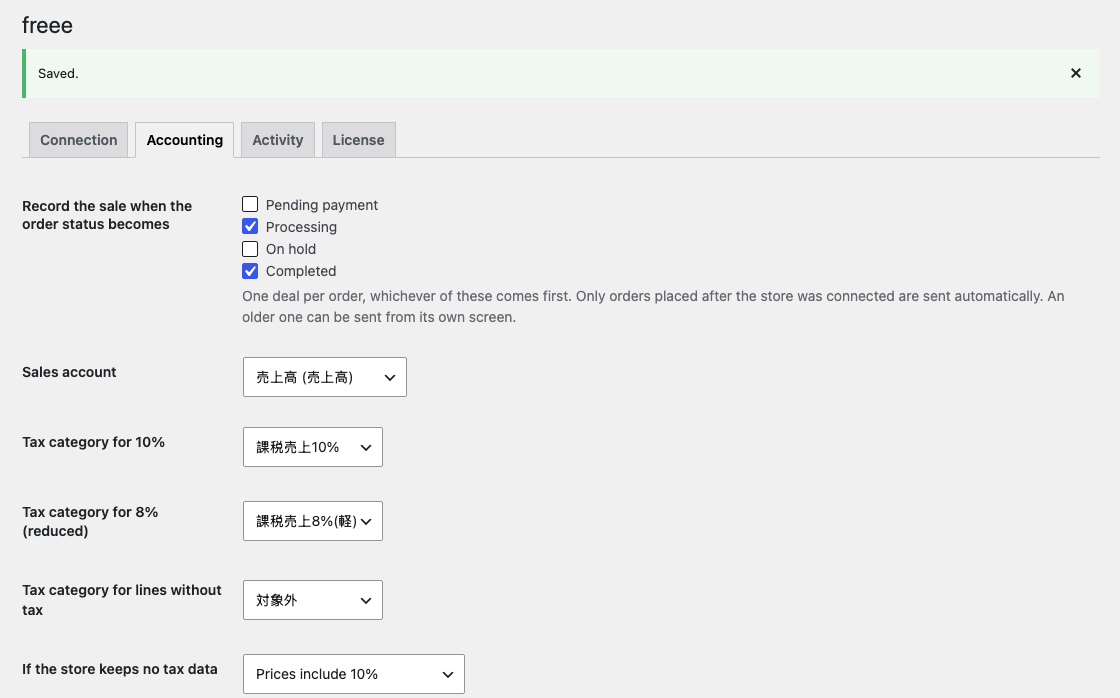
Each WooCommerce order becomes a deal in freee: lines by the 10% and 8% rates, the yen total equals the order, no duplicates. Pro: settled deals, refunds, accounts by category, bulk sending.
The free version works with no time limit. Pro adds the rest of the features in the table.


The buyer sees nothing new: the plugin adds no checkout fields, and buyer names are not sent to freee.

On the connection tab you paste the Client ID and Client Secret of your private app and confirm the company on the freee screen.

The base version is free. Pro costs 990 UAH for a one-year licence. A year of updates, technical support and all Pro features.

A fresh install is the free version, nothing switches on by itself. The “Try Pro for 7 days” button → e-mail → the key right in the window and by e-mail.

Moving the site? Unlink the licence on the old domain and activate it on the new one yourself. A staging copy (staging., dev.) works with the same key and does not take a site slot. For studios — keys for 5 or 25 sites, or unlimited.
 WordPress 6.2+, WooCommerce 8.0+, PHP 7.4+.Shop currency JPY: orders in another currency are not sent, and the order says so.A freee account and a private app in it. Plans and API limits depend on freee and are separate from our licence.
WooCommerce sales as deals in freee, 10% and 8% rates, no duplicates, queue and log; in Pro, settled deals, refunds, accounts by category, bulk sending, alerts.


Sales to freee records WooCommerce sales in freee accounting. An order reaches the status you chose, and a deal appears in freee with lines by tax rate and a total equal to the order. We found no direct WooCommerce and freee connector: not in their app store, not on wordpress.org, not on the WooCommerce marketplace.
This plugin has never worked with real freee. The same author wrote that server, so it only imitates the answers of freee. Try the plugin on a test company in freee first.
The plugin makes no promise of legal compliance and is not accounting or tax advice. Check the accounts, tax categories and the way of booking with your accountant.
The buyer sees nothing new: the plugin adds no checkout fields, and buyer names are not sent to freee. The classic and block checkout work as before and sending runs in the background, so a freee that does not answer does not hold up a purchase.
On the connection tab you paste the Client ID and Client Secret of your private app and confirm the company on the freee screen. Then you choose the status, the sales account and the tax categories: the plugin suggests the usual ones and you check them.
The order shows the deal number, the amount or the reason freee refused, and a send button. The activity tab has the queue, the log and a retry button. When freee asks to wait or stops accepting the connection, the activity tab says so and the sales stay in the queue.
In Pro a paid order goes in as a settled deal on the account of its payment method, and refunds and cancellations are recorded as a separate deal.
The module is not on wordpress.org yet: the free version and Pro are one archive from this page. Without a key it works as the free version.
Didn't find the answer? Message us on Telegram and we'll reply within a business day.
 @catcode_support
Setup, compatibility, activation
Start with a test company in freee.
No. It records deals by your settings, and you agree the accounts and tax categories with your accountant.
So the shop talks to freee directly, with no server of ours in between. It takes a few minutes to set up.
The sale stays in the queue and the plugin retries. The buyer notices nothing.
No, only JPY orders are sent.
Pro switches off, and recording sales as deals keeps working.
No reviews yet. Be the first.
No questions yet. Ask one — we answer within 24 hours.
We build custom modules for WordPress, WooCommerce, OpenCart and Shopify. Tell us about the task and we'll prepare an estimate.
Order a custom module
—
Charged in UAH; your bank converts it to your currency. EUR price is approximate.

CatCode assistant
Just now


CatCode assistant
Online

I’ll help with your website task
Describe your website task — I’ll find a ready-made module or pass it to a developer for an estimate. Modules, custom features, layout, integrations, speed, migration, technical SEO.
