
















WooCommerce
1 290 UAH839 UAH/year≈ €17
Black November: −35% on all modules until 30 November Black November: −35% until 30 November Choose a module
 Website auditA PDF report by email in 3 minutesCheck a website
Everyday tasks
Image compressorSize, quality and WebP in bulkQR generatorLink, Wi-Fi, payment to IBANVAT calculator20, 14, 7% and amount in wordsTransliterationOfficial Ukrainian standardWebsite checks
PHP and pluginsPHP version, WordPress, pluginsGoogle Merchant feedFields, prices, GTIN, imagesDomain emailSPF, DKIM, DMARC, blacklistsAI search readinessllms.txt, bots, markupAll 9 toolsEnter at least 2 characters

SimplePay (OTP, Hungary) card payments at the WooCommerce checkout; Pro adds refunds, two-step payment, SZÉP, qvik and a journal.
The free version works with no time limit. Pro adds the rest of the features in the table.


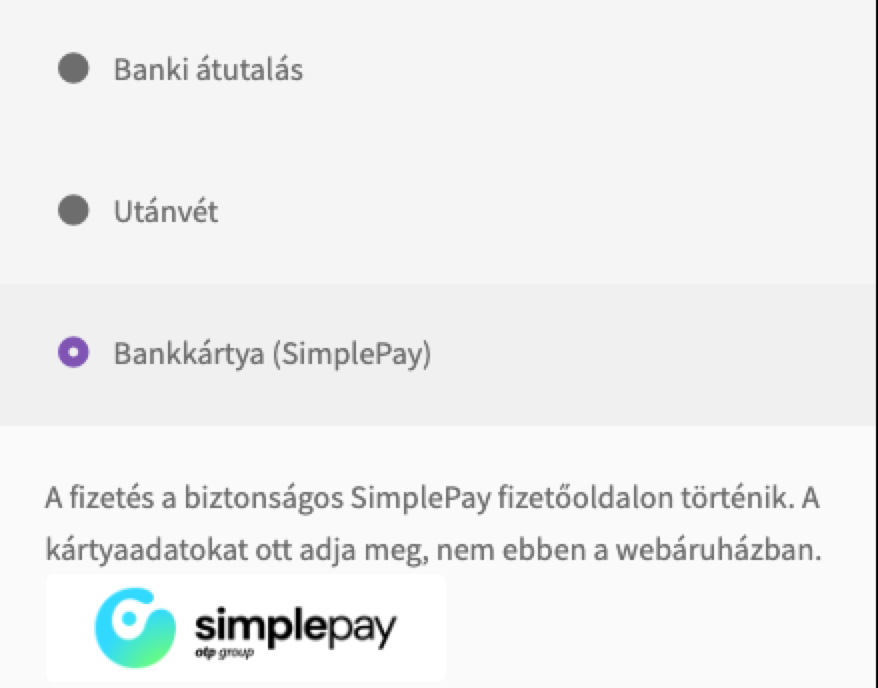
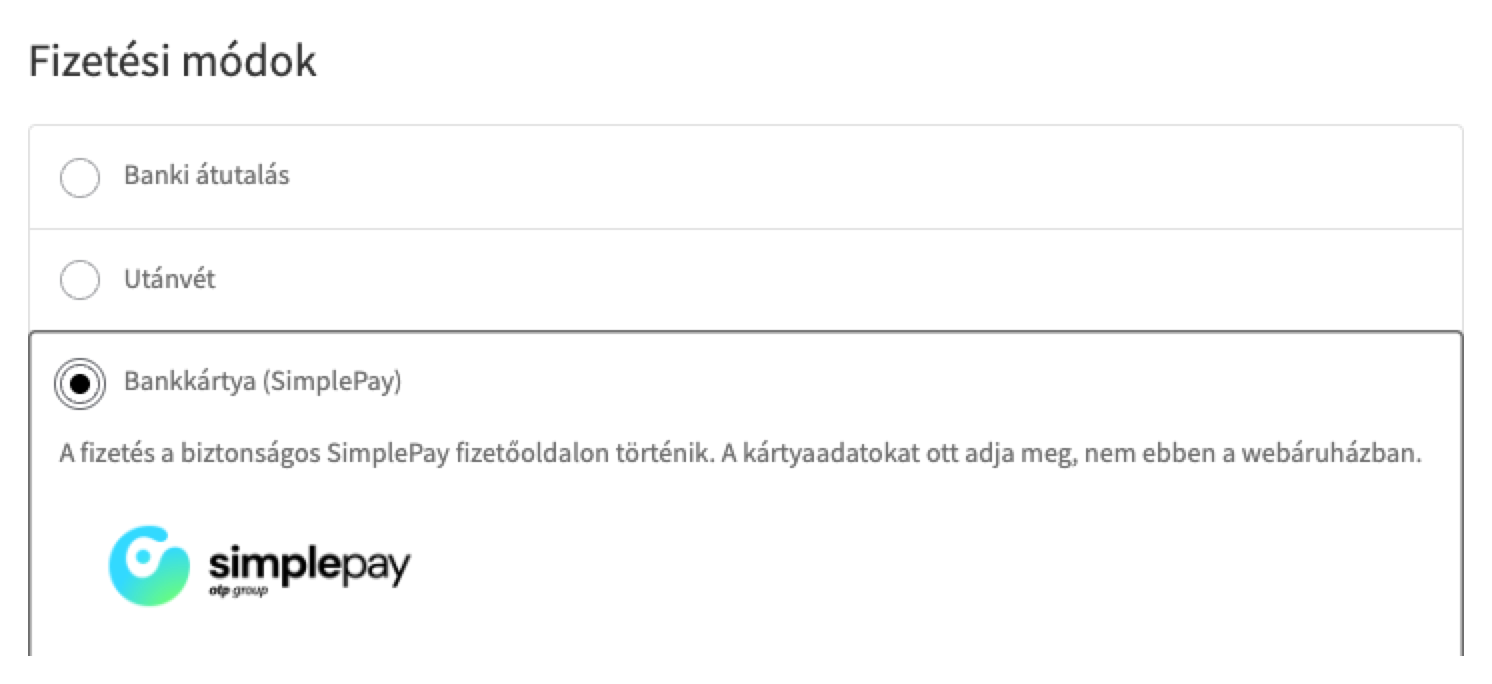
At the checkout the buyer sees the “Bankkártya (SimplePay)” method with your title and description.

WooCommerce → SimplePay: choose the trial or the live system, enter MERCHANT and SECRET_KEY, choose the currency of the account, press “Check connection” and save; the key is stored encrypted in the database.

Refunds. A full or partial refund straight from the order through the SimplePay API; forint amounts in whole forints.

A fresh install is the free version, nothing switches on by itself. The “Try Pro for 7 days” button → e-mail → the key right in the window and by e-mail.

Moving the site? Unlink the licence on the old domain and activate it on the new one yourself. A staging copy (staging., dev.) works with the same key and does not take a site slot. For studios — keys for 5 or 25 sites, or unlimited.
 WordPress 6.4+, WooCommerce 8.6+ (HPOS and the block checkout are supported), PHP 7.4+.A merchant contract with SimplePay (OTP Mobil): MERCHANT and SECRET_KEY.Shop currency: HUF, EUR or USD (the one of your SimplePay account).
Card payment on the SimplePay payment page, IPN with a signature check, the return page texts, the logo and the declaration, the status button, the classic and block checkout, HPOS.


SimplePay for WooCommerce adds bank card payments to WooCommerce through the SimplePay payment page (OTP Mobil, OTP group), a Hungarian online payment service. At the checkout the buyer is sent to the SimplePay page, where the card details are entered (they never touch your shop), and the order is paid when SimplePay confirms the payment with an IPN message. The module works with your own SimplePay merchant account (API v2).
What you need from SimplePay. The module is for shops that have a merchant contract with SimplePay (OTP Mobil): the merchant ID (MERCHANT) and the secret key (SECRET_KEY) are in the SimplePay merchant admin on the technical data page of the account. A SimplePay account has one currency: HUF, EUR or USD.
At the checkout the buyer sees the “Bankkártya (SimplePay)” method with your title and description. Under it the module shows the SimplePay logo linking to the payment information and the data transfer declaration with your company name and seat — SimplePay requires both. The buyer goes to the SimplePay payment page in the language of the shop.
The same on the block checkout: the method works without extra settings, HPOS is supported. The method is offered only for orders in the currency of your SimplePay account.
Every payment attempt creates one SimplePay transaction with the order total, the buyer’s e-mail, the billing and delivery data for 3-D Secure. After the payment the buyer comes back to the shop and sees “Sikeres tranzakció” with the SimplePay transaction ID, or the failed, cancelled or timed-out message in the words of the SimplePay documentation, without the reason of a refusal, as SimplePay requires.
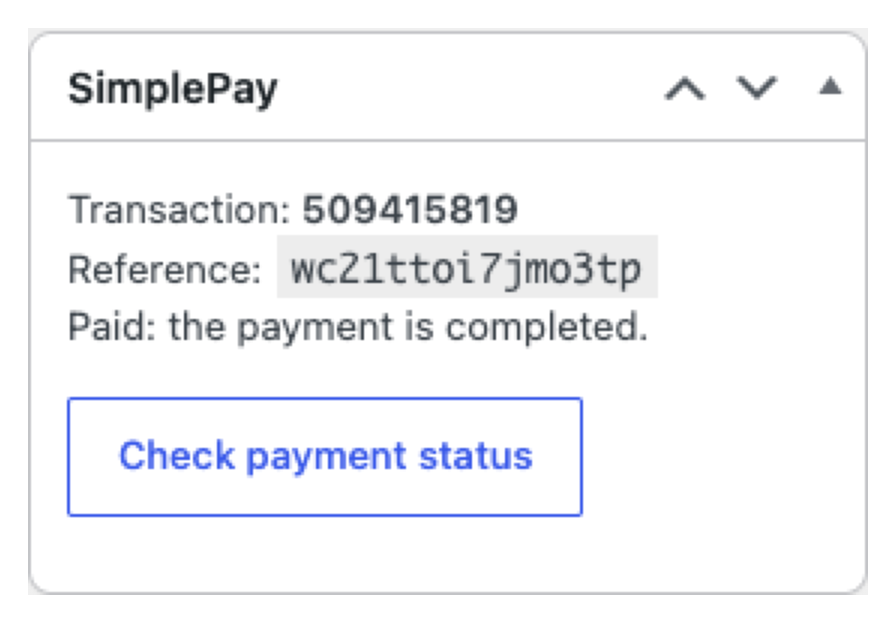
The final state arrives as an IPN message: the HMAC-SHA384 signature of your account is checked and the answer is built the way SimplePay expects, so the message is not sent again. The order is paid only when SimplePay reports it finished; a payment for a different amount puts the order on hold. Repeated and parallel copies of an IPN never change the order twice. If the IPN did not arrive, the “Check payment status” button on the order asks SimplePay for the state.
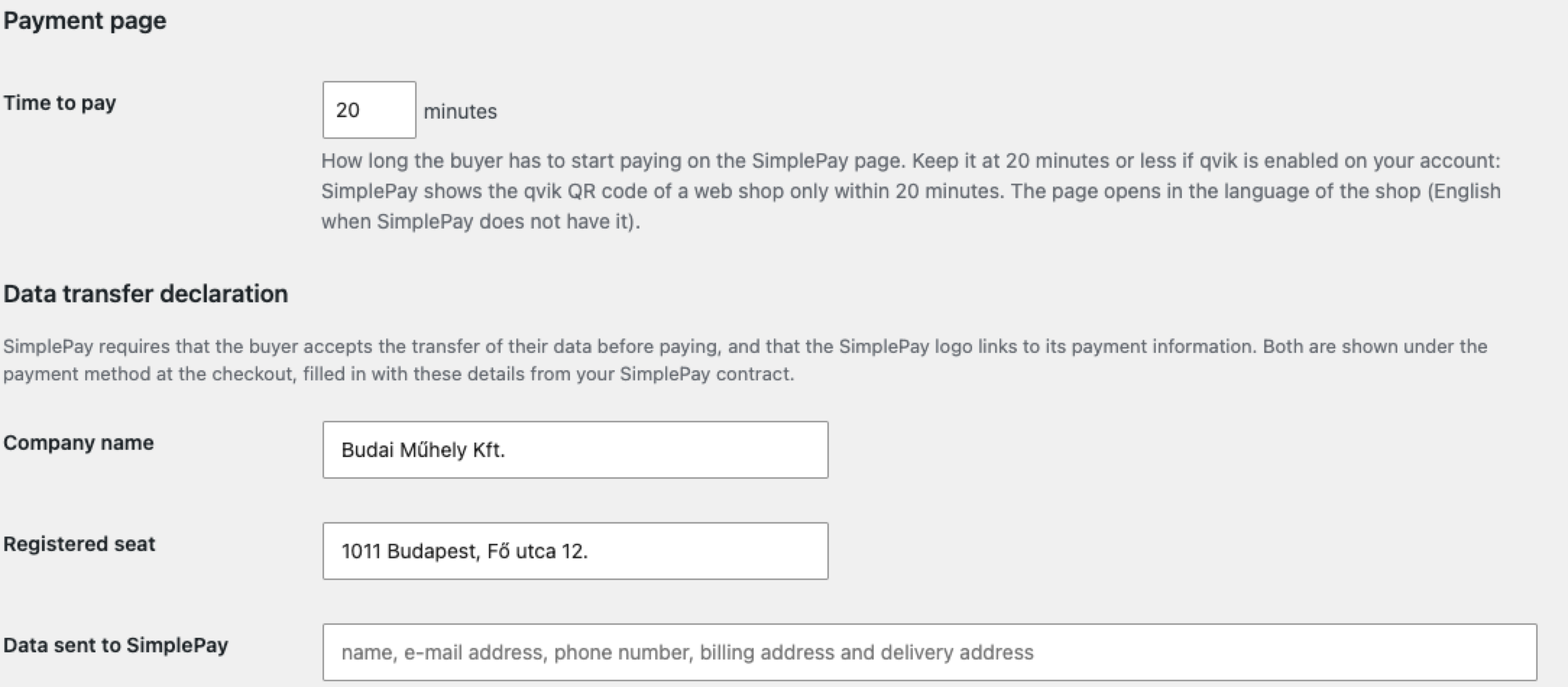
WooCommerce → SimplePay: choose the trial or the live system, enter MERCHANT and SECRET_KEY, choose the currency of the account, press “Check connection” and save; the key is stored encrypted in the database. Copy the IPN address shown there into the SimplePay merchant admin (technical data) for each account. Fill in the company name, the seat and the data you send to SimplePay for the declaration. Then enable the method in WooCommerce → Settings → Payments. The time to pay on the SimplePay page can be changed; qvik needs 20 minutes or less. The admin is in English, the storefront in Hungarian and English.
Refunds. A full or partial refund straight from the order through the SimplePay API; forint amounts in whole forints. The order note carries the refund number and the remainder.
Two-step payment. The amount is only reserved on the buyer’s card and charged later: when the order is Completed, Processing, or only with the button on the order screen. Cancelling the order releases the reserve (SimplePay must enable two-step payments on the account; a reserve not charged within 21 days is released).
OTP SZÉP, qvik and bank transfer. The OTP SZÉP card works through a separate SimplePay account; qvik (QR code) and bank transfer are separate payment methods at the checkout.
Several currencies. SimplePay accounts for forints, euros and dollars: the one matching the order currency is used.
Background check. Every 15 minutes the module asks SimplePay about unpaid orders of the last 10 days (15 per run, with a cursor) and settles those whose IPN was lost.
Transaction journal. The last 300 events on the settings page: payment start, IPN, refund, charge.
Didn't find the answer? Message us on Telegram and we'll reply within a business day.
 @catcode_support
Setup, compatibility, activation
No, it is an independent integration by CatCode. SimplePay is a trademark of SimplePay Zrt. (OTP group); the plugin is not affiliated with or endorsed by SimplePay.
Yes. SimplePay signs the contract with the merchant and issues MERCHANT and SECRET_KEY. The module does not do that step.
SimplePay confirms the payment with the IPN message a few seconds after the authorisation. Check that the IPN address is entered in the SimplePay merchant admin and opens without a password, or press "Check payment status" on the order.
Yes, but a SimplePay account has one currency. The free version works with one account; accounts for other currencies come with Pro.
The SimplePay page shows them when they are enabled on your account; it is the same in Free and Pro.
No: they need a separate SimplePay contract, and the module does not support them.
One key works on two sites: the shop and a development copy.
No reviews yet. Be the first.
No questions yet. Ask one — we answer within 24 hours.
We build custom modules for WordPress, WooCommerce, OpenCart and Shopify. Tell us about the task and we'll prepare an estimate.
Order a custom module
—
Charged in UAH; your bank converts it to your currency. EUR price is approximate.

CatCode assistant
Just now


CatCode assistant
Online

I’ll help with your website task
Describe your website task — I’ll find a ready-made module or pass it to a developer for an estimate. Modules, custom features, layout, integrations, speed, migration, technical SEO.