
OpenCart
One Page Checkout for OpenCart 2.3, 3.x and 4.x
Free + Pro
990 UAH
v1.0.4
Enter at least 2 characters

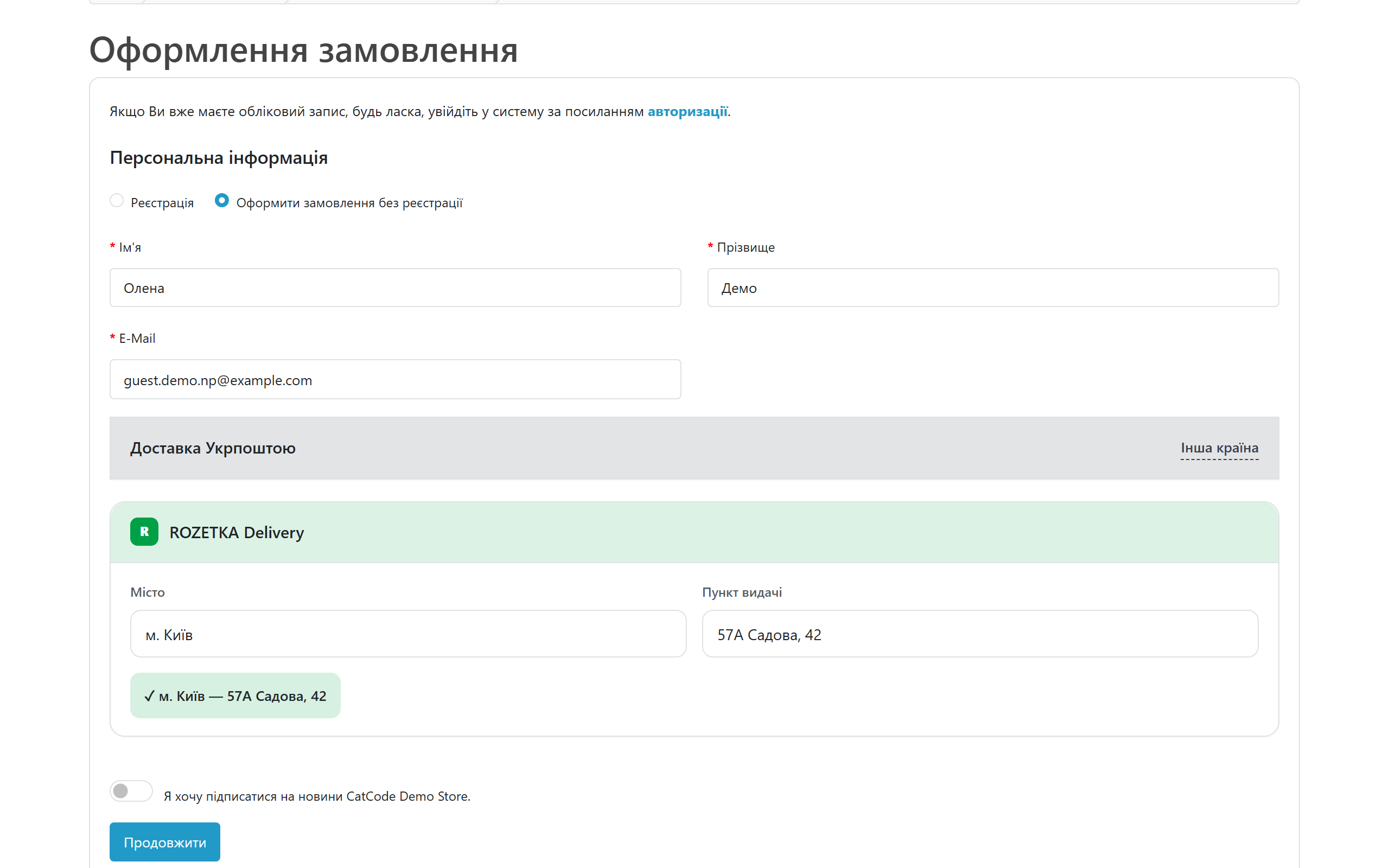
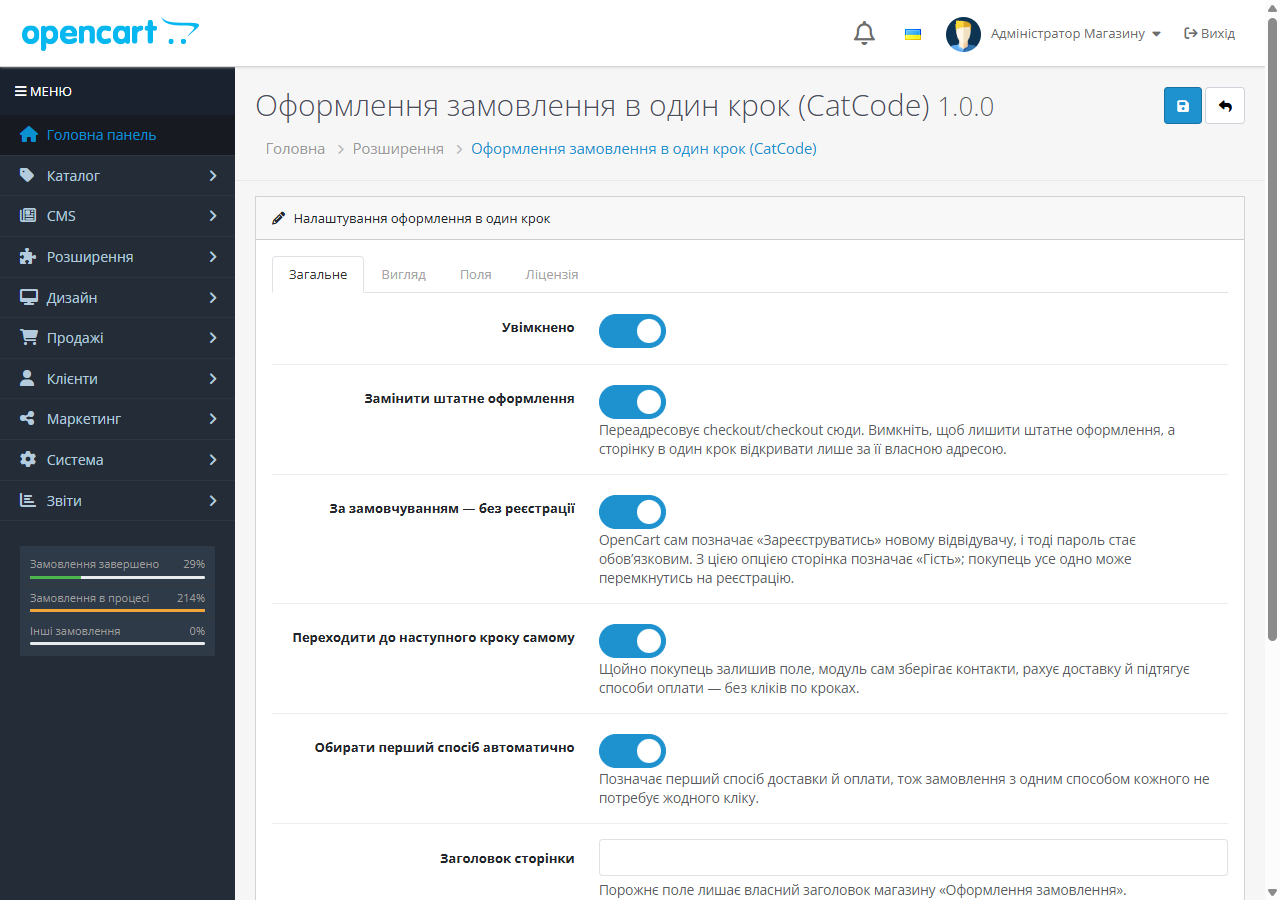
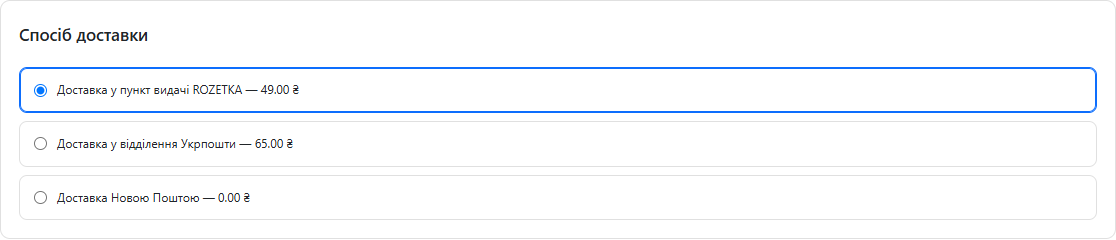
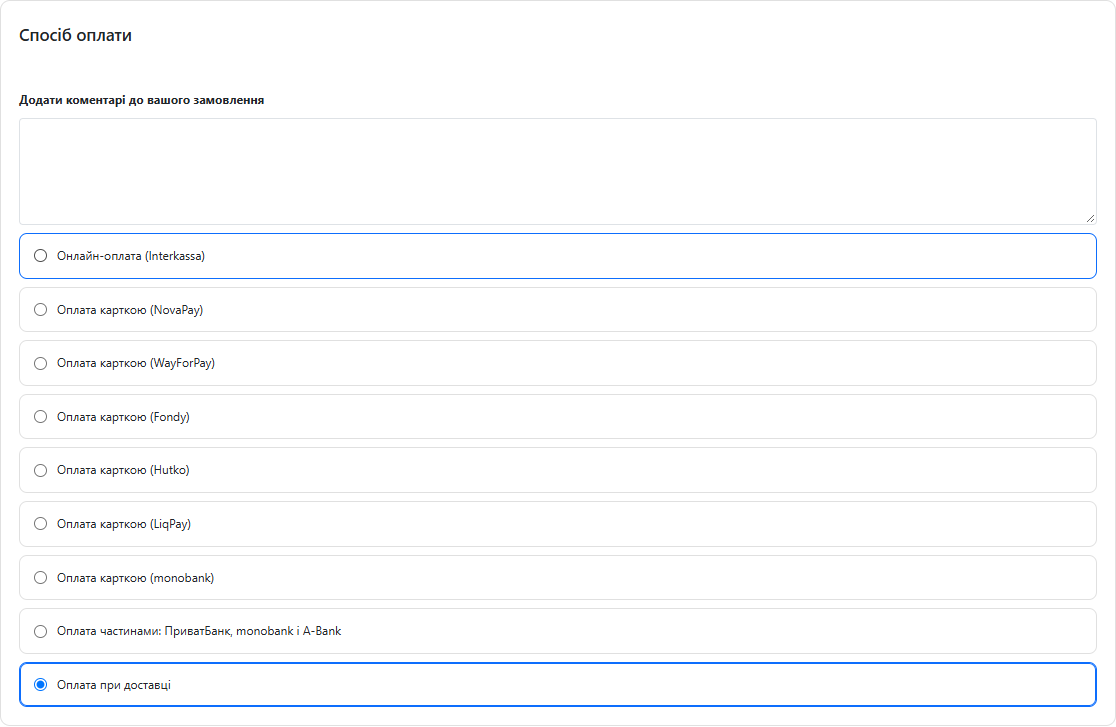
One page instead of steps: contact details, address, shipping, payment and the summary at once. Runs on core routes, so your shipping and payment extensions stay as they are.
The free version works with no time limit. Pro adds the rest of the features in the table.


Stock OpenCart checkout is split into steps: checkout option, address, shipping, payment, and every step has to be expanded and confirmed.

Orders land in the normal OpenCart list, with the same statuses, invoices and e-mails.

A fresh install is the free version, nothing switches on by itself. The “Try Pro for 7 days” button → e-mail → the key right in the window and by e-mail.

Moving the store? Unbind the licence on the old domain and activate it on the new one yourself. If our server is unreachable, Pro keeps working for 14 more days. For studios — keys for 5 or 25 sites, or unlimited.
 OpenCart 2.3.0.x, 3.0.x and 4.0.2+/4.1.x. PHP 7.0+ for the 2.3 build, PHP 7.4+ for 3.x and 4.x. The checkout page needs no extra PHP extensions and calls no external services. The Pro licence is checked from the admin with a request to catcode.com.ua, which needs the PHP cURL extension.
25 September 2026.
24 September 2026.
24 September 2026.
23 September 2026.
22 September 2026.
For OpenCart 2.3, 3.x and 4.x.
4 modules in one order — 40% cheaper than separately



Stock OpenCart checkout is split into steps: checkout option, address, shipping, payment, and every step has to be expanded and confirmed. The buyer never sees how much is left, and every step is a chance to close the tab.
The module puts the same steps on one page. Contact details, address, shipping and payment methods, the comment box and the order summary are all visible at once. As soon as the buyer leaves a field and the required ones are filled, the module saves the data, quotes shipping and pulls payment methods by itself.
By default the page selects guest checkout and hides the password field. Anyone who wants an account switches back with one click.
Orders land in the normal OpenCart list, with the same statuses, invoices and e-mails. No separate table and no custom format — the module does not create the order itself, the core does.
1. The buyer hits checkout in the cart. With “Replace stock checkout” on, OpenCart redirects to the module page; otherwise the page lives at its own URL and the stock one stays untouched.
2. The buyer fills in contact details and the address. The module watches the fields and saves them through the core route as soon as the required ones are complete.
3. Shipping methods appear right after that, with real rates from your own shipping extensions.
4. Payment methods follow the same way. If there is only one, the module selects it.
5. At the bottom sits the confirm block with the button drawn by the payment extension itself. That is why gateways with their own confirmation or 3-D Secure step keep working.
The module does not rewrite the checkout. The page assembles the native OpenCart blocks and runs the same core routes the stock checkout uses. checkout/confirm creates the order, the payment extension draws its own button.
That is why third-party shipping and payment extensions need no special support: the core hidden fields stay in the markup, so branch pickers keep writing into them. No core files are patched — events on 4.x and 3.x, ocmod on 2.3.
OpenCart 4.x: Extensions → Installer → Upload → pick the zip → press “+” in the list. Then Extensions → Modules → One Page Checkout → Edit → enable and save.
OpenCart 3.x: the same through Extensions → Installer, then Extensions → Modules → Install → Edit.
OpenCart 2.3: the stock installer only works over FTP, so upload the contents of upload/ to the shop root manually. Then run Extensions → Modifications → Refresh, otherwise the cart button will not switch to the new page.
Didn't find the answer? Message us on Telegram and we'll reply within a business day.
 @catcode_support
Setup, compatibility, activation
@catcode_support
Setup, compatibility, activation
No, the page runs on core routes.
The payment extension draws its own button.
Yes, turn off Replace stock checkout.
Yes, OpenCart licences are a one-off payment.
No reviews yet. Be the first.
No questions yet. Ask one — we answer within 24 hours.
We build custom modules for WordPress, WooCommerce, OpenCart and Shopify. Tell us about the task and we'll prepare an estimate.
Order a custom module
—

CatCode assistant
Just now


CatCode assistant
Online

I’ll help with your website task
Describe your website task — I’ll find a ready-made module or pass it to a developer for an estimate. Modules, custom features, layout, integrations, speed, migration, technical SEO.
