WordPress
Multi-Store Stock Sync for WooCommerce — shared stock across several stores
Free + Pro
990 UAH/year
v1.0.1
Enter at least 2 characters
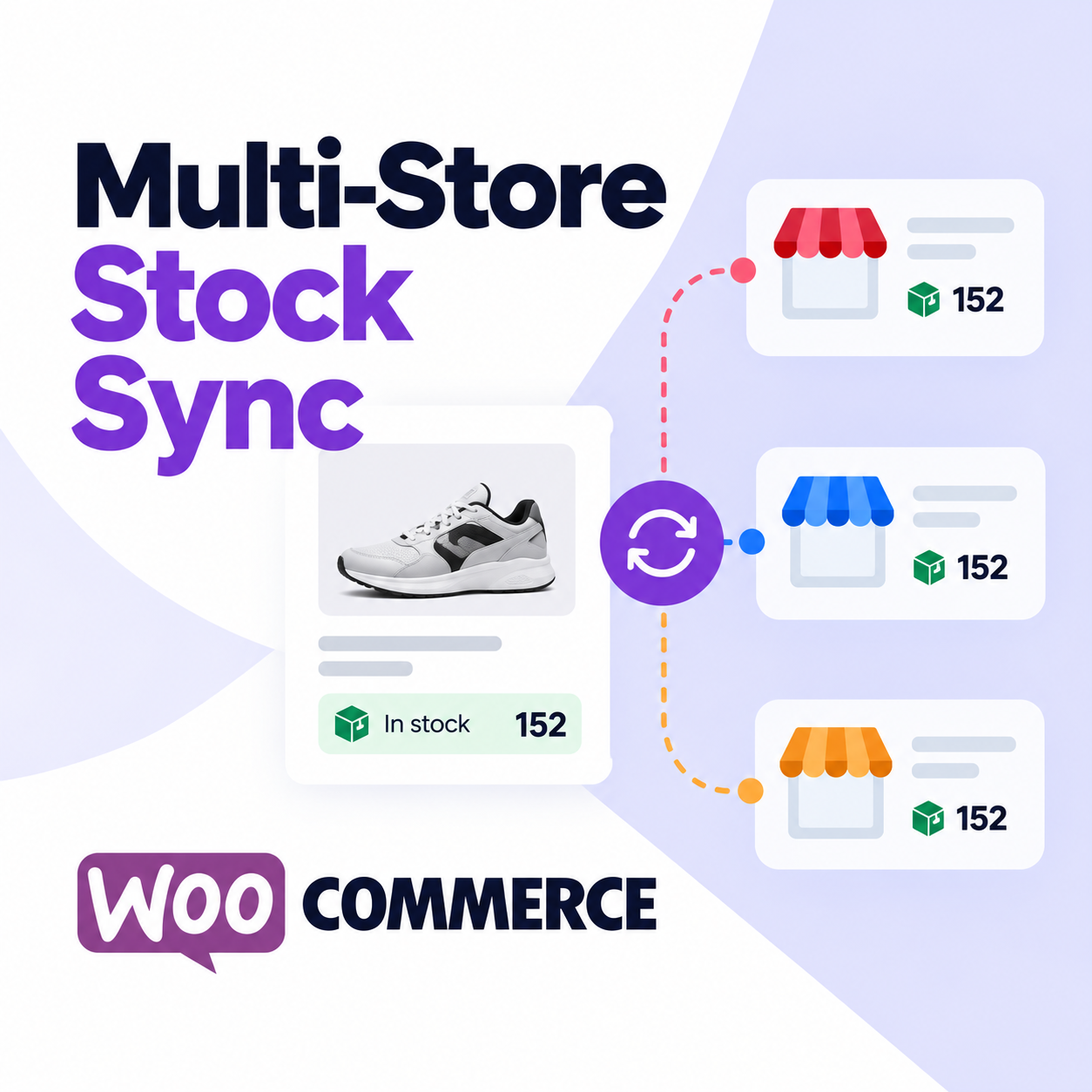
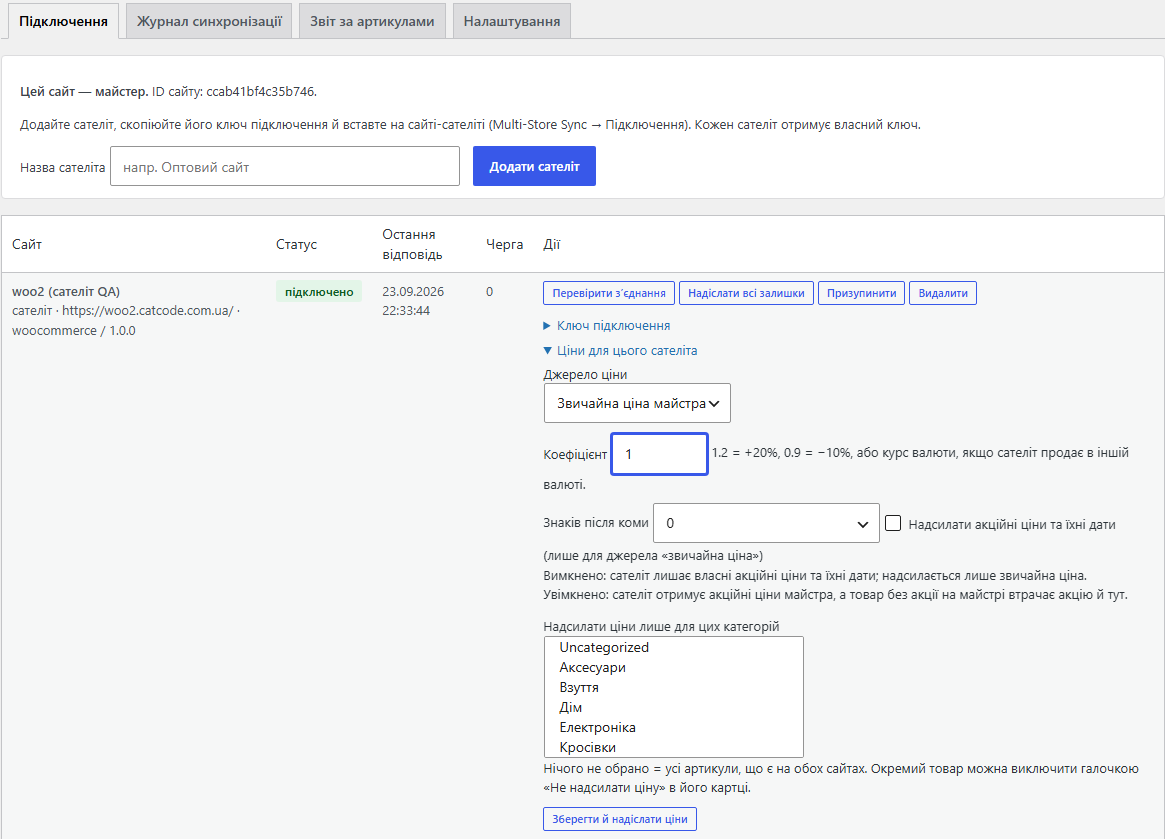
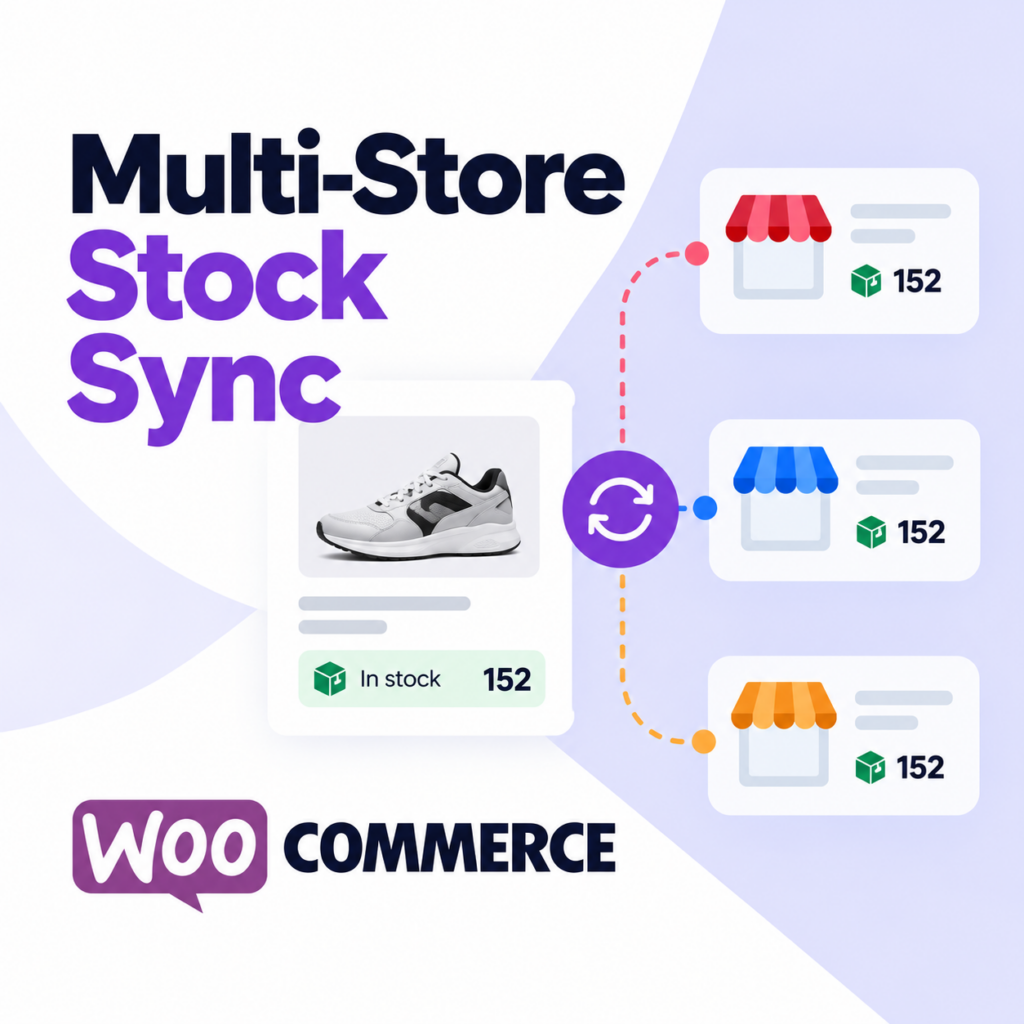
Several WooCommerce stores, one warehouse: the master keeps the stock and the satellites follow it by SKU. A sale on any site shows on all of them within seconds. Pro adds prices per site, shared reviews and hourly reconciliation; one licence on the master unlocks Pro for the whole network.
The free version works with no time limit. Pro adds the rest of the features in the table.


The customer sees correct availability on every site of the network, and nothing else.

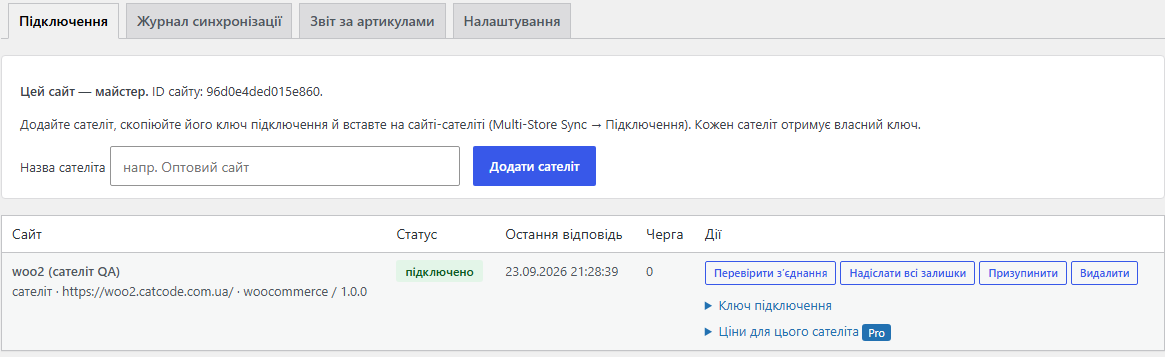
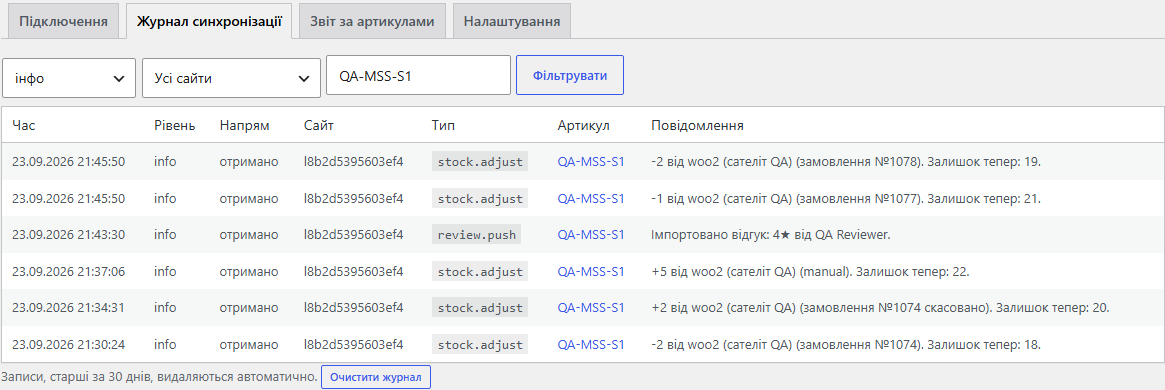
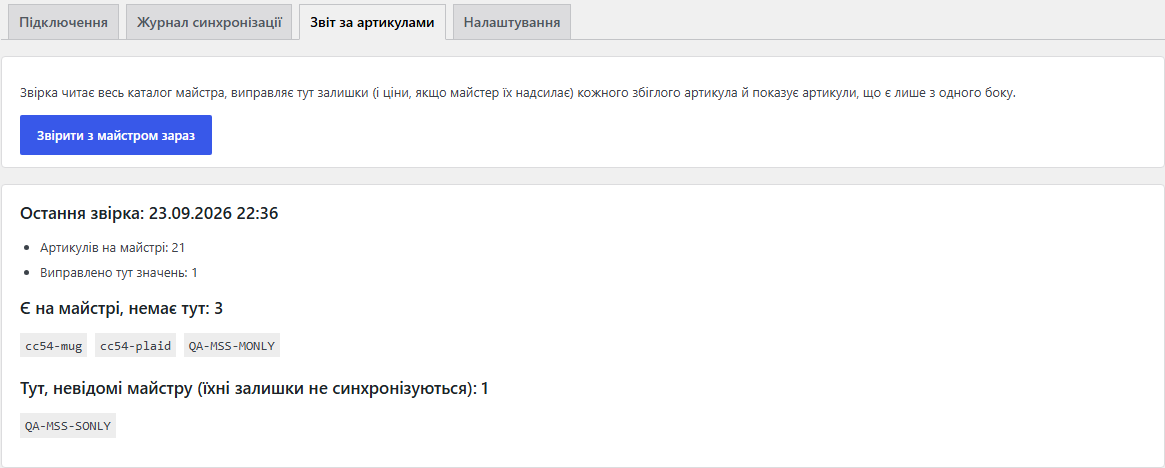
A WooCommerce → Multi-Store Sync page with four tabs: connections, sync log, SKU report, settings.

A fresh install is the free version, nothing switches on by itself. The “Try Pro for 7 days” button → e-mail → the key right in the window and by e-mail.

Moving the store? Unbind the licence on the old domain and activate it on the new one yourself. If our server is unreachable, Pro keeps working for 14 more days. For studios — keys for 5 or 25 sites, or unlimited.
 WooCommerce 7.0+ on every site of the network, HPOS compatible, classic and block checkout.WordPress 6.2+ · PHP 7.4+The sites must reach each other over HTTPS: each one receives messages at /wp-json/catcode-mss/v1/rpc. If a site sits behind a firewall, allow that address.The same SKUs on every site: the plugin matches products by them.Delivery starts right after the request; if the hosting blocks requests from a site to itself, WP-Cron sends the queue every 2 minutes while the site gets visits. WP-Cron switched off without a system cron stops the queue.Tested on WordPress 7.1 with WooCommerce 11.1 and 10.7, on MariaDB and SQLite.
A new SKU on a satellite gets the master’s stock at once (and price in Pro); creating a product on a satellite no longer adds to the master’s stock; a failed exchange shows “connection error”.
Master / satellite roles, key-based connection signed with HMAC-SHA256, stock by SKU for simple products and variations with exactly-once changes and versioned values, retry queue, sync…
4 modules in one order — 40% cheaper than separately



Multi-Store Stock Sync for WooCommerce is for anyone selling the same goods on two or more WooCommerce sites: a retail and a wholesale domain, stores in different languages, a second brand, a separate site for a marketplace. The warehouse is one, so the stock has to be one too. Without sync, a manager copies numbers between admin panels by hand, and a customer pays for an item that is already gone.
The plugin makes one site the master: its stock is the truth. Every other site is a satellite that follows the master by SKU. A sale, a cancellation, a restocked refund or a manual edit on any site shows on all the others within seconds.
The customer sees correct availability on every site of the network, and nothing else. The last two pairs sold on the wholesale site: a few seconds later the retail site shows “Out of stock”. An order is cancelled: the items are back on every site.
A WooCommerce → Multi-Store Sync page with four tabs: connections, sync log, SKU report, settings. The plugin interface is available in English, Ukrainian and Russian.
catcode-multistore-sync-for-woocommerce-1.0.1.zip (Pro) or the free build, and activate it.Didn't find the answer? Message us on Telegram and we'll reply within a business day.
 @catcode_support
Setup, compatibility, activation
@catcode_support
Setup, compatibility, activation
Both sales reach the master as separate changes and both are counted, so the master's stock goes below zero and every store shows the item as out of stock. Stock sync keeps the numbers right; it cannot stop two checkouts that finished before the first sale reached the master (usually a few seconds).
No. Every store keeps its own product cards and its own orders. Only stock is shared (plus prices and reviews in Pro), and products are matched by SKU.
Its stock stays local. The comparison lists such SKUs on both sides, so you can add the product or fix the SKU.
No. The licence goes on the master only. Satellites run the same Pro build without a key: the master tells them Pro is on, and prices, reviews and reconciliation switch on right away.
Satellites keep selling. Changes wait in the queue and leave with retries, and the satellite meanwhile shows "master stock plus its own unsent changes". When the master is back, the queue arrives exactly once.
A little: messages older than 5 minutes are refused as replay protection. Every normal hosting keeps server time in sync automatically.
No reviews yet. Be the first.
No questions yet. Ask one — we answer within 24 hours.
We build custom modules for WordPress, WooCommerce, OpenCart and Shopify. Tell us about the task and we'll prepare an estimate.
Order a custom module
—

CatCode assistant
Just now


CatCode assistant
Online

I’ll help with your website task
Describe your website task — I’ll find a ready-made module or pass it to a developer for an estimate. Modules, custom features, layout, integrations, speed, migration, technical SEO.
