WordPress
Bank of Georgia and TBC for WooCommerce — card payments and installments
Free + Pro
890 UAH/year
v1.0.1
Enter at least 2 characters
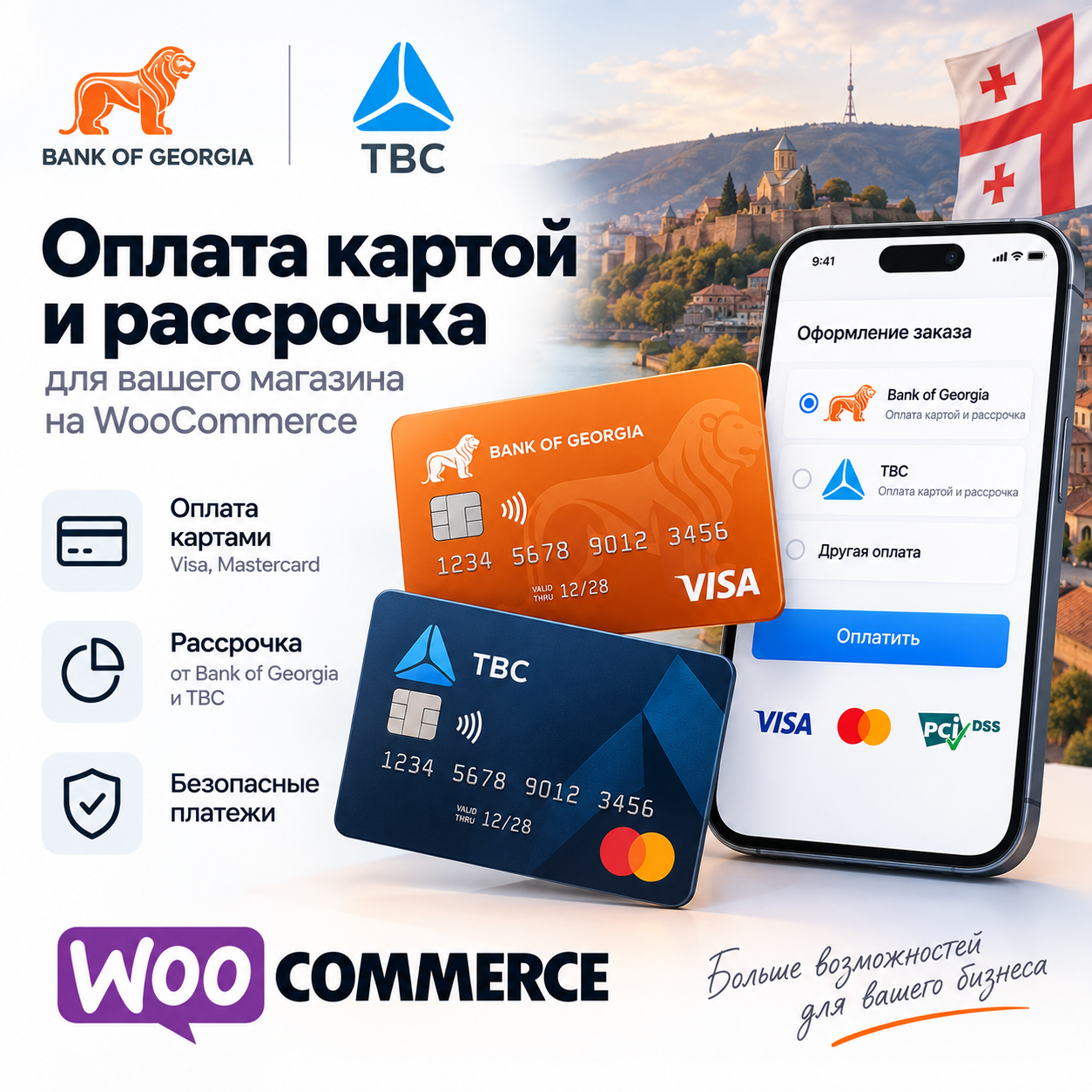
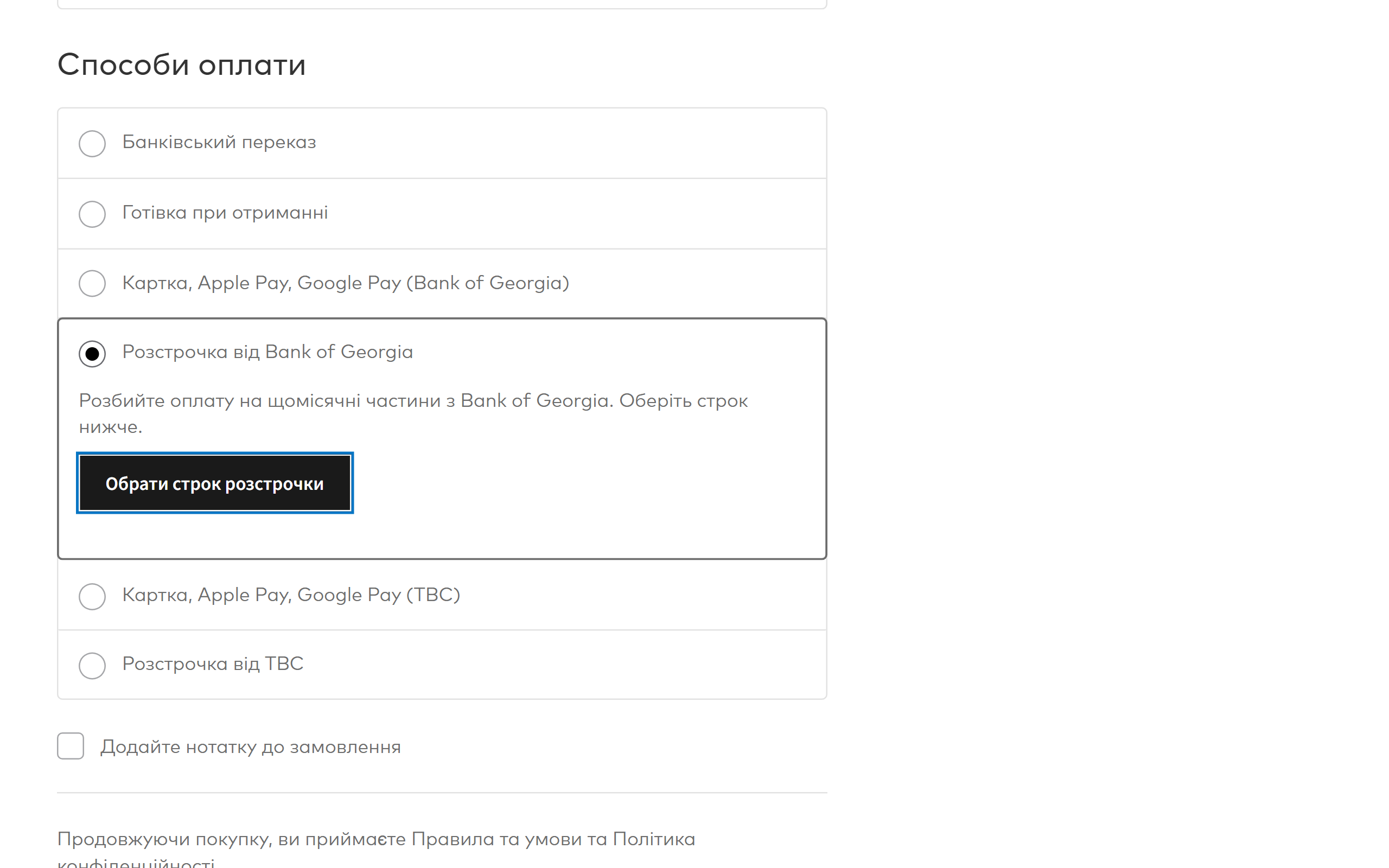
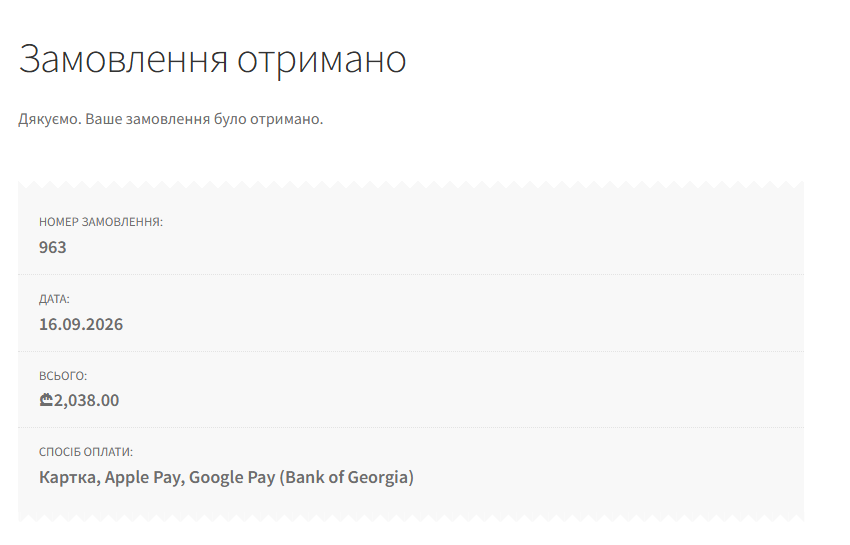
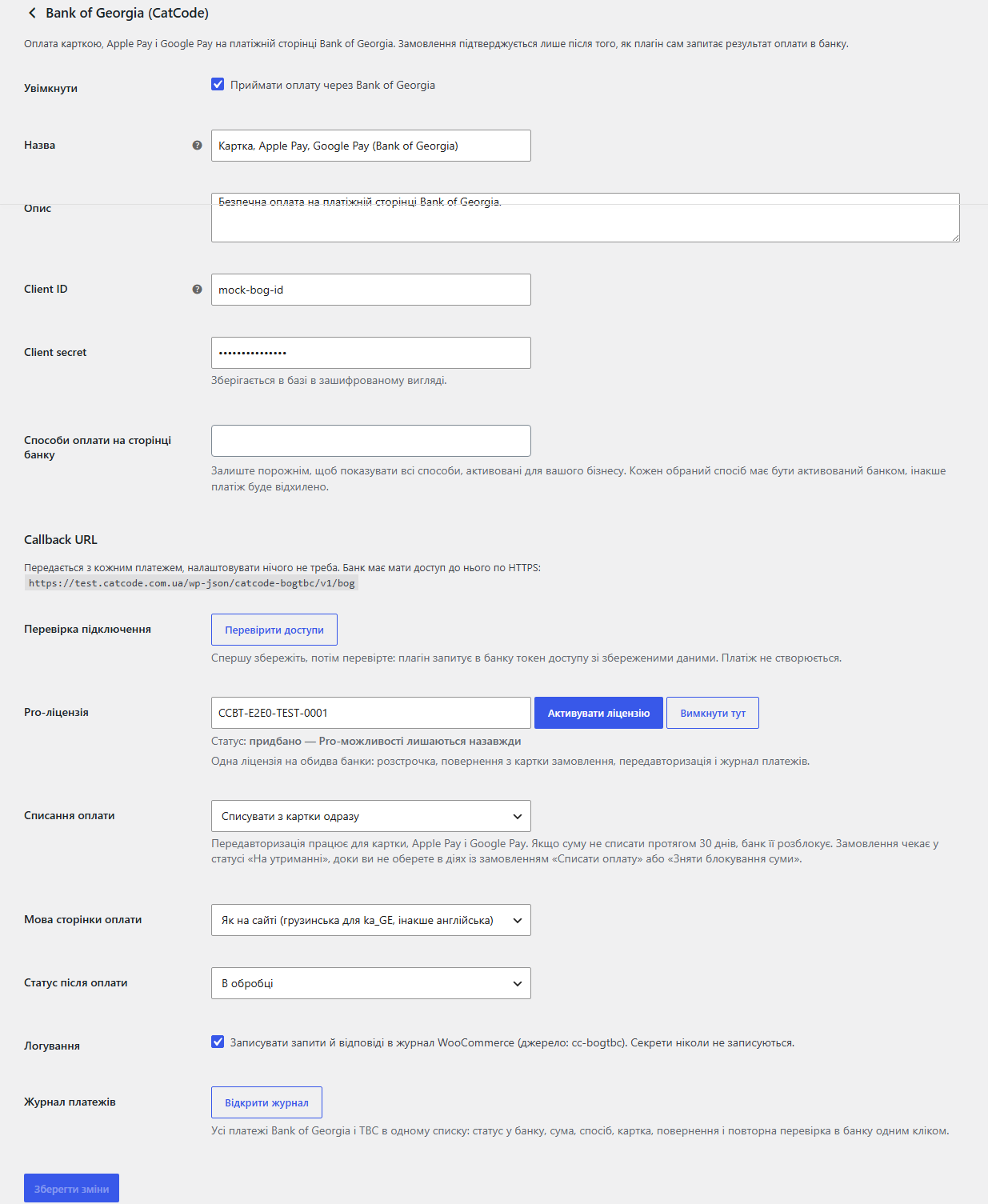
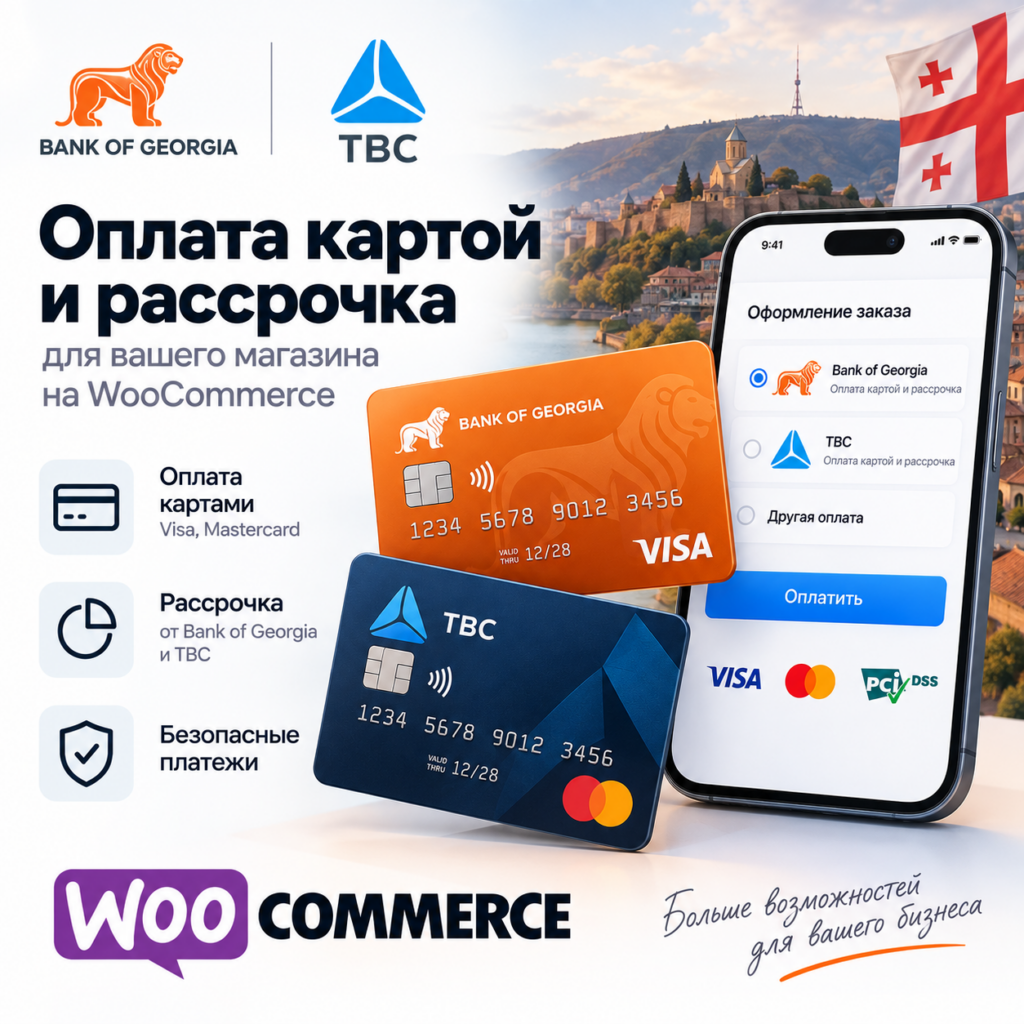
Accept cards, Apple Pay and Google Pay in WooCommerce through Bank of Georgia and TBC E-Commerce: orders are confirmed only after the shop verifies the payment with the bank, BOG callbacks are RSA signature-checked, block checkout and HPOS supported. Pro — installments from both banks, refunds, pre-authorization and a payment journal.
The free version works with no time limit. Pro adds the rest of the features in the table.



A fresh install is the free version, nothing switches on by itself. The “Try Pro for 7 days” button → e-mail → the key right in the window and by e-mail.

Moving the store? Unbind the licence on the old domain and activate it on the new one yourself. If our server is unreachable, Pro keeps working for 14 more days. For studios — keys for 5 or 25 sites, or unlimited.
 WooCommerce 6.0+ with the classic or the block checkout, HPOS compatibleWordPress 6.2+ · PHP 7.4+HTTPS on the site: the bank has to reach the callback URLShop currency: Bank of Georgia — GEL, USD, EUR, GBP; TBC — GEL, USD, EUR; the installments of both banks — GEL only. With any other currency the method hides itself.A contract with the bank: Bank of Georgia — client ID and secret in Business Manager; TBC — client ID, secret and the API key of an app on developers.tbcbank.ge.
Stored secrets and access keys are now encrypted with AES-256-CBC and HMAC instead of the old XOR obfuscation, which some hosting antivirus scanners flagged and deleted.
Bank of Georgia and TBC E-Commerce payment methods, orders confirmed only after server-side verification, BOG callbacks with RSA signature checks, TBC callbacks, retry-safe payment…
4 modules in one order — 40% cheaper than separately



Bank of Georgia and TBC for WooCommerce is one plugin for both Georgian banks. The buyer pays by card, Apple Pay, Google Pay, from an internet bank or in installments on the bank’s own payment page, and the order in the shop settles by itself. The difference from the usual “redirect and take it on trust”: the plugin trusts neither the buyer’s return nor the bank callback — before it marks an order paid it asks the bank for the payment itself and checks the payment id, the currency and the amount.
UAH 890 — a one-year licence. A year of updates, technical support and all the Pro features for both banks at once.
You can take a longer term right away — the longer it is, the cheaper a year gets:
There are no automatic charges: you renew by hand and reminders come by e-mail. A purchased licence keeps the Pro features forever — when the term runs out, the shop only stops getting new versions and support. Taking payments keeps working either way.
One key, one domain, and a single licence covers both banks. Moving the shop — switch the licence off on the old domain with “Deactivate here” and activate it on the new one.
Trial first, payment later. The free 7-day Pro trial starts with a button in the plugin settings, no card needed. It never starts by itself: a fresh install is a plain Free version. When the trial ends, only the Pro features switch off.
catcode-bog-tbc-payments-for-woocommerce-1.0.1.zip and activate it.Didn't find the answer? Message us on Telegram and we'll reply within a business day.
 @catcode_support
Setup, compatibility, activation
@catcode_support
Setup, compatibility, activation
No. Enable the bank you have a contract with; the other one simply stays off. One Pro licence covers both banks.
There is no separate switch: both banks issue test or live credentials to a registered business, and you paste whichever you received into the same fields.
The status is checked on the buyer's return, on the thank-you page and on every callback. Check that "Check credentials" passes, that the site is reachable over HTTPS and, for TBC, that the callback URL is saved in the merchant dashboard. With Pro you can ask the bank again from the journal.
Bank of Georgia — GEL, USD, EUR, GBP; TBC — GEL, USD, EUR; the installments of both banks — GEL only. With any other currency the method hides itself.
The buyer picks the term in the bank's own calculator right at checkout — the plugin loads the official BOG script. The chosen plan travels to the bank with the payment.
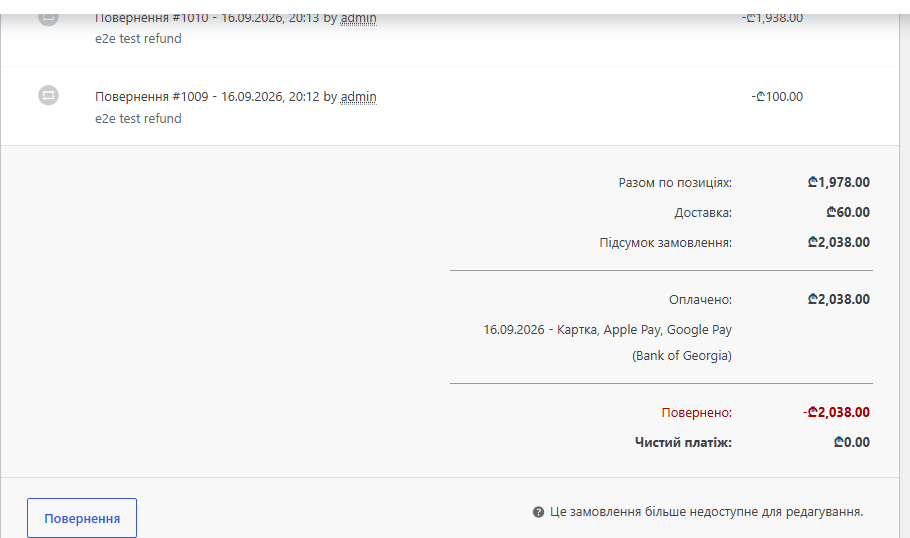
Yes, with Pro — straight from the order screen, as many times as you like within the payment. Installments can only be refunded in full: that is what the banks require.
No reviews yet. Be the first.
No questions yet. Ask one — we answer within 24 hours.
We build custom modules for WordPress, WooCommerce, OpenCart and Shopify. Tell us about the task and we'll prepare an estimate.
Order a custom module
—

CatCode assistant
Just now


CatCode assistant
Online

I’ll help with your website task
Describe your website task — I’ll find a ready-made module or pass it to a developer for an estimate. Modules, custom features, layout, integrations, speed, migration, technical SEO.
