WordPress
NovaPay for WooCommerce — card payments via internet acquiring
Free + Pro
890 UAH/year
v1.0.1
Enter at least 2 characters
NovaPay plugin for WooCommerce: card payment on the NovaPay page, automatic order confirmation via a signed postback, sandbox. Free — at no cost, Pro — refunds, hold, payment log.
Clear even without sound: Ukrainian subtitles
The free version works with no time limit. Pro adds the rest of the features in the table.



A fresh install is the free version, nothing switches on by itself. The “Try Pro for 7 days” button → e-mail → the key right in the window and by e-mail.

Moving the store? Unbind the licence on the old domain and activate it on the new one yourself. If our server is unreachable, Pro keeps working for 14 more days. For studios — keys for 5 or 25 sites, or unlimited.
 WooCommerce with classic or block checkout, HPOS compatibleWordPress 6.2+ · PHP 7.4+Store currency — hryvnia. NovaPay accepts UAH only, so with any other currency the payment method hides itself and the customer is never charged the wrong amount.A contract with NovaPay for real payments. The sandbox needs test keys, which NovaPay issues on request.
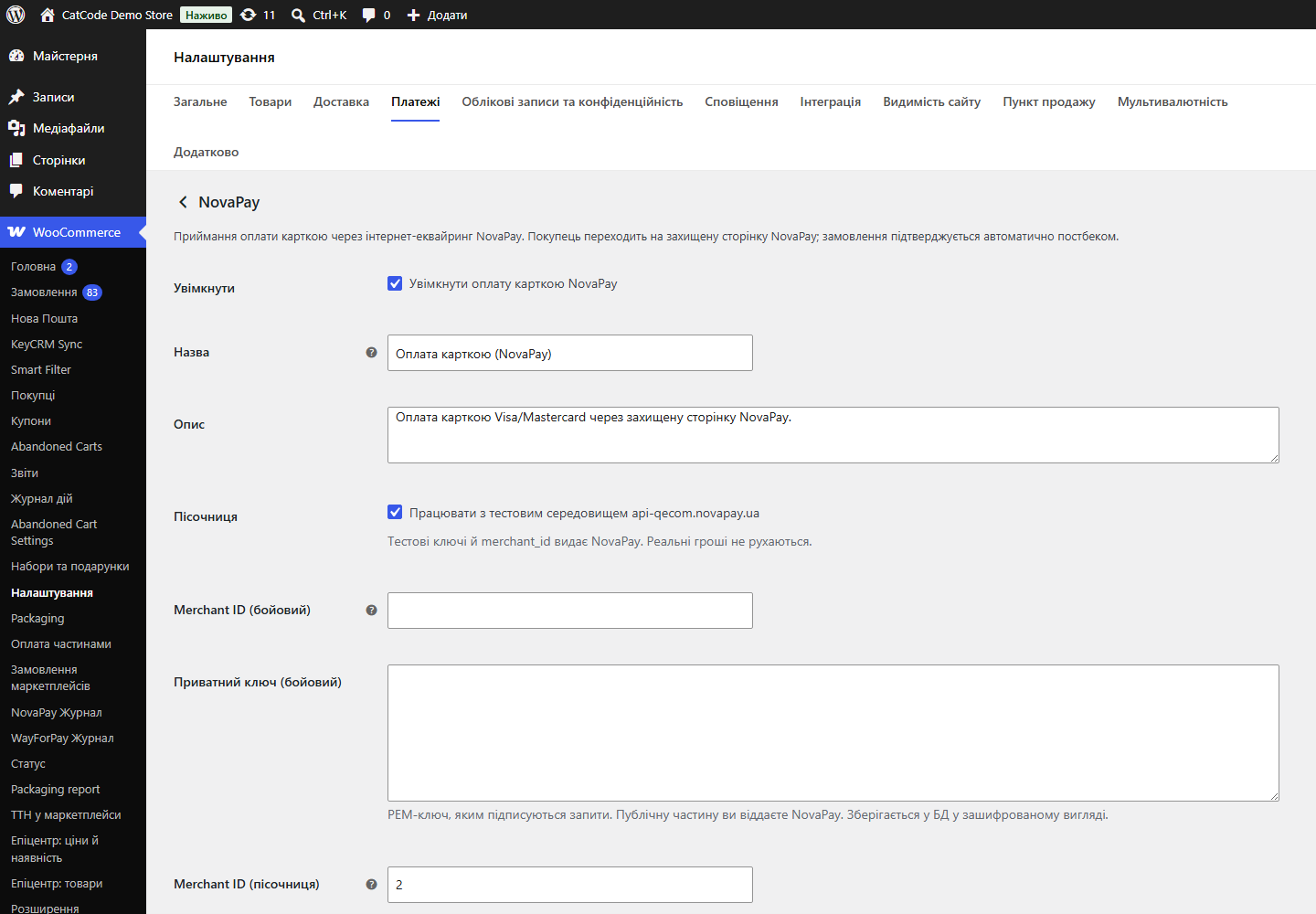
The NovaPay private key is encrypted with AES-256-CBC plus HMAC instead of the old method that hosting antivirus scanners flagged and deleted.
First public release: NovaPay payment session with the cart passed through, postback with RSA signature verification, status reconciliation when the customer returns, sandbox and key check,…
4 modules in one order — 40% cheaper than separately



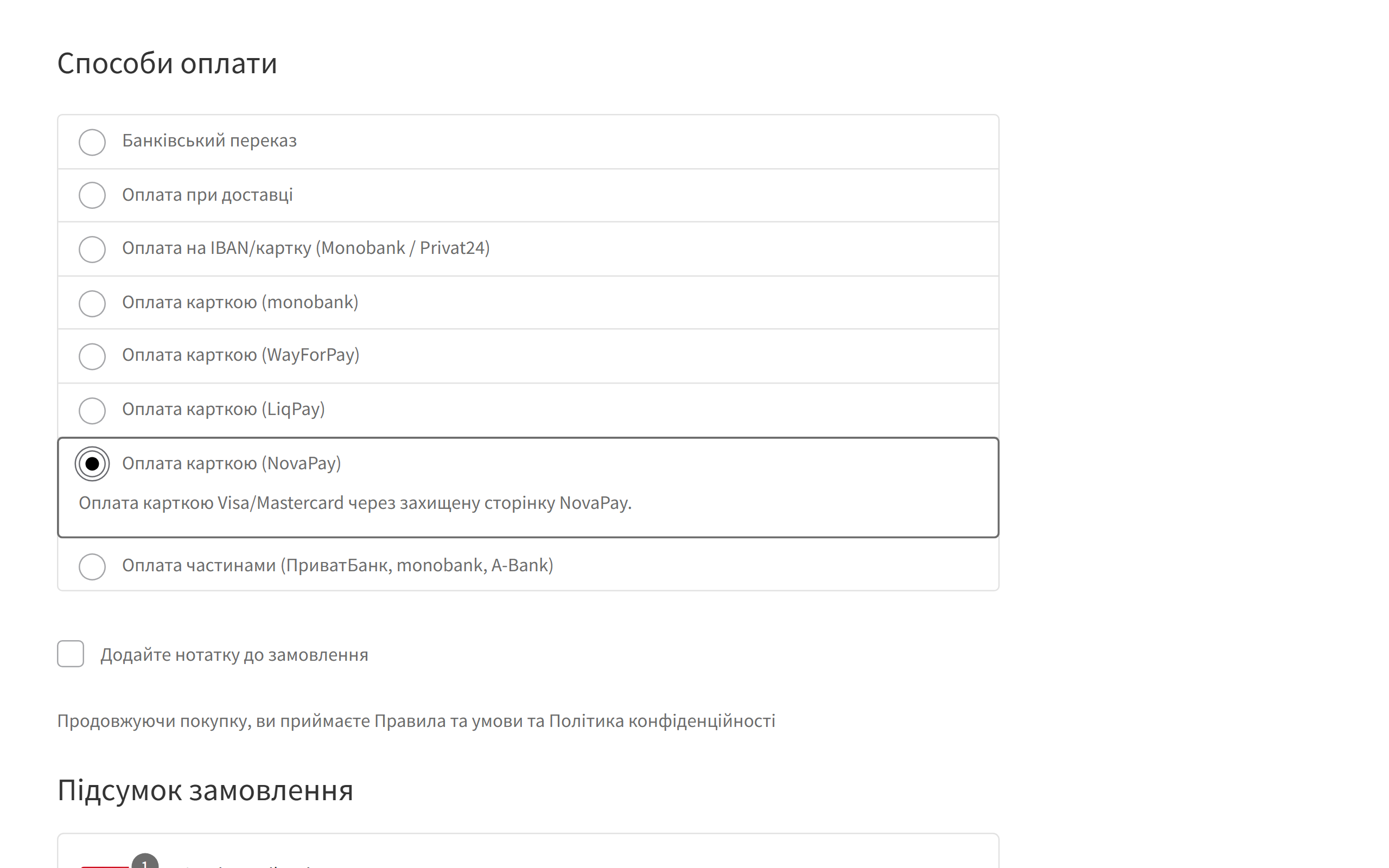
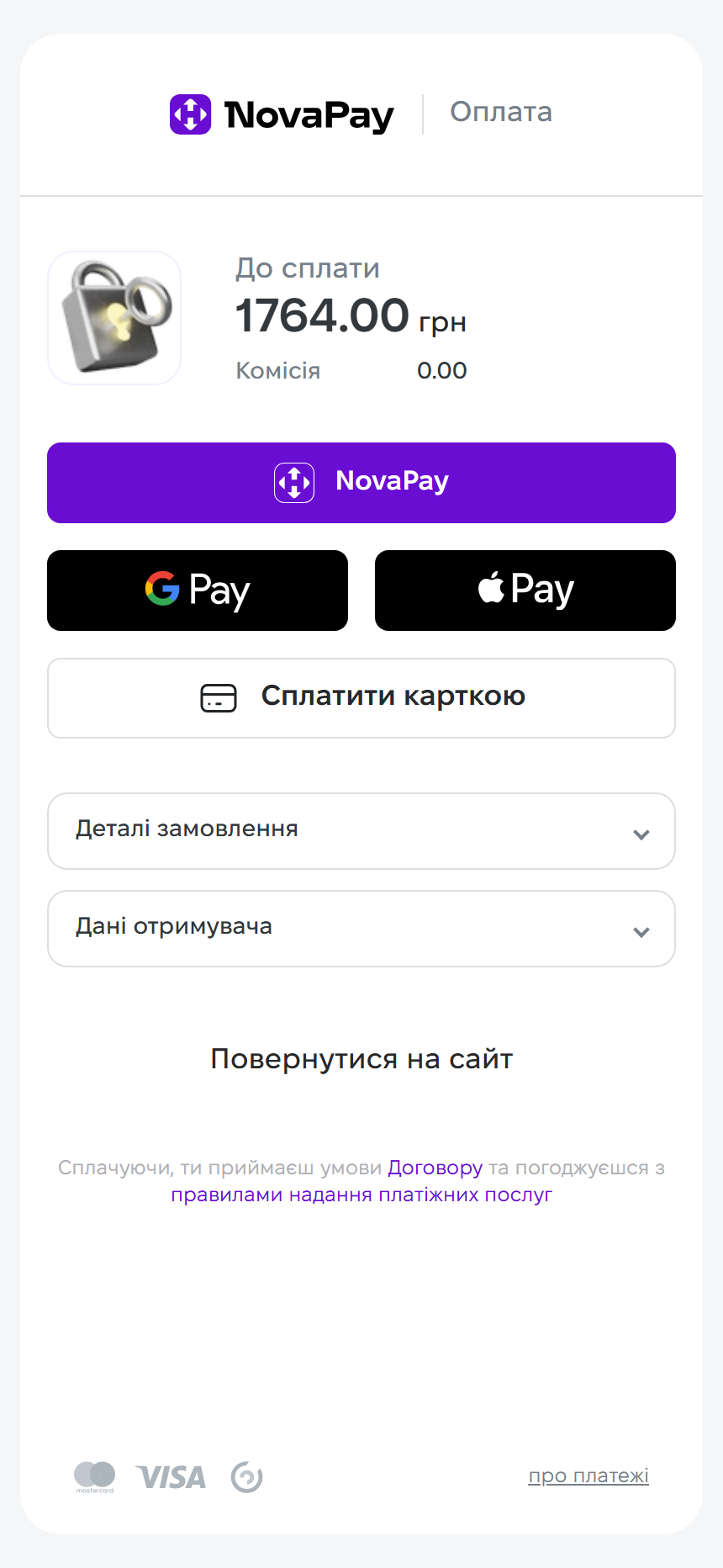
NovaPay for WooCommerce is a payment plugin that accepts card payments through NovaPay internet acquiring (the payment service of Nova Poshta). The customer goes to a secure NovaPay page, pays by card, and the order in your store is confirmed on its own: NovaPay sends a postback, the plugin verifies its signature and amount and moves the order to “Processing”. No need to reconcile payments in the merchant dashboard by hand.
novapay-for-woocommerce-1.0.1.zip and activate it.Didn't find the answer? Message us on Telegram and we'll reply within a business day.
 @catcode_support
Setup, compatibility, activation
@catcode_support
Setup, compatibility, activation
For real payments — yes. For the sandbox, test keys that NovaPay issues on request are enough.
Hryvnia only. If the store currency is different, the NovaPay method isn't shown, so the customer is never charged the wrong amount.
Check that the NovaPay public key is saved: without it postbacks are rejected as unsigned. The status is pulled when the customer returns to the store, and with Pro — from the log in one click.
No. The card is entered on the NovaPay page; your server only receives a signed notification.
Accepting payments, automatic confirmation and status reconciliation are free with no time limit.
No reviews yet. Be the first.
No questions yet. Ask one — we answer within 24 hours.
We build custom modules for WordPress, WooCommerce, OpenCart and Shopify. Tell us about the task and we'll prepare an estimate.
Order a custom module
—

CatCode assistant
Just now


CatCode assistant
Online

I’ll help with your website task
Describe your website task — I’ll find a ready-made module or pass it to a developer for an estimate. Modules, custom features, layout, integrations, speed, migration, technical SEO.
