
WordPress
Bulgaria Couriers for WooCommerce — Econt and Speedy: delivery to the address, an office or a locker
Free + Pro
890 UAH/year
v1.0.0
Enter at least 2 characters

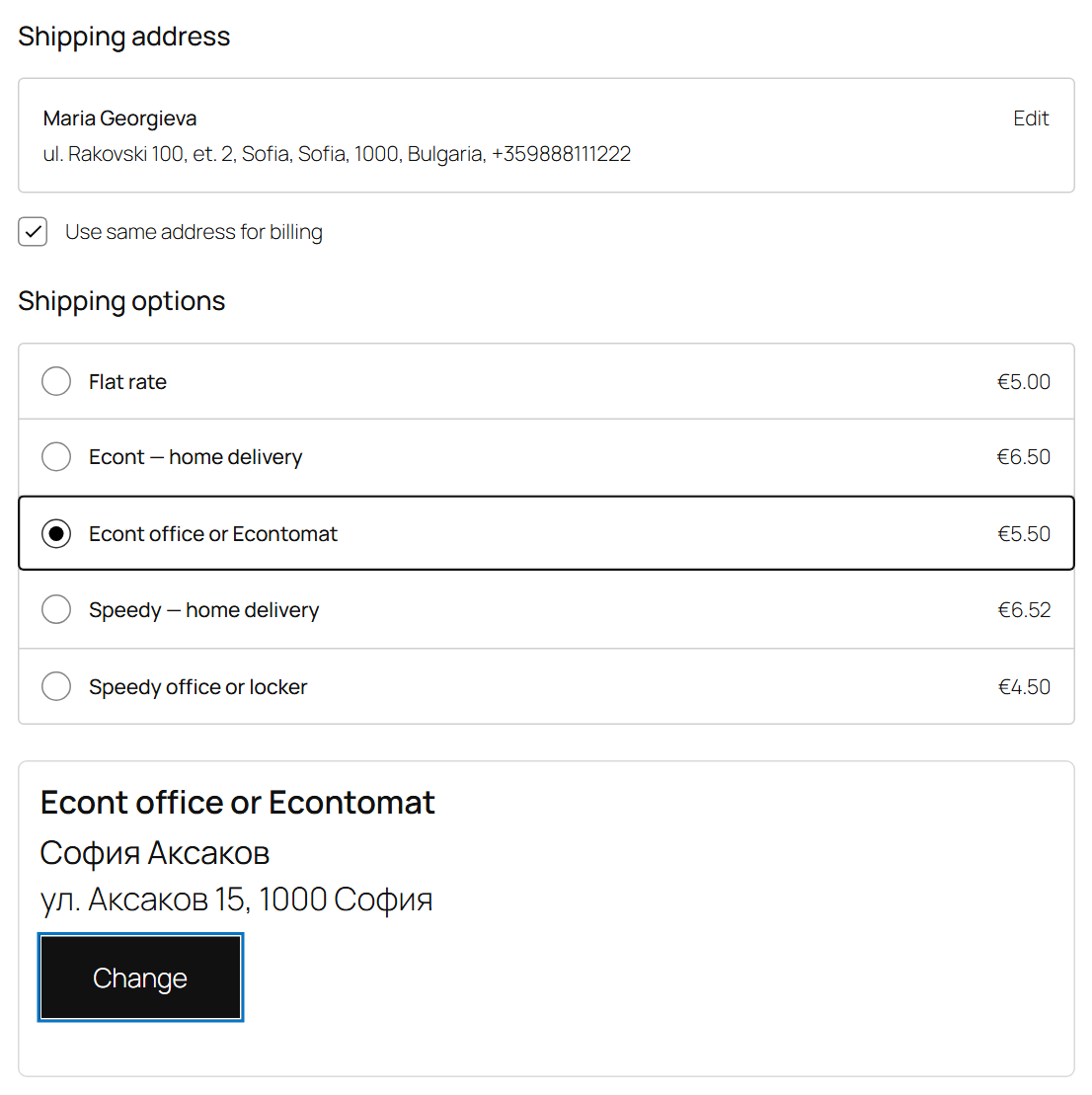
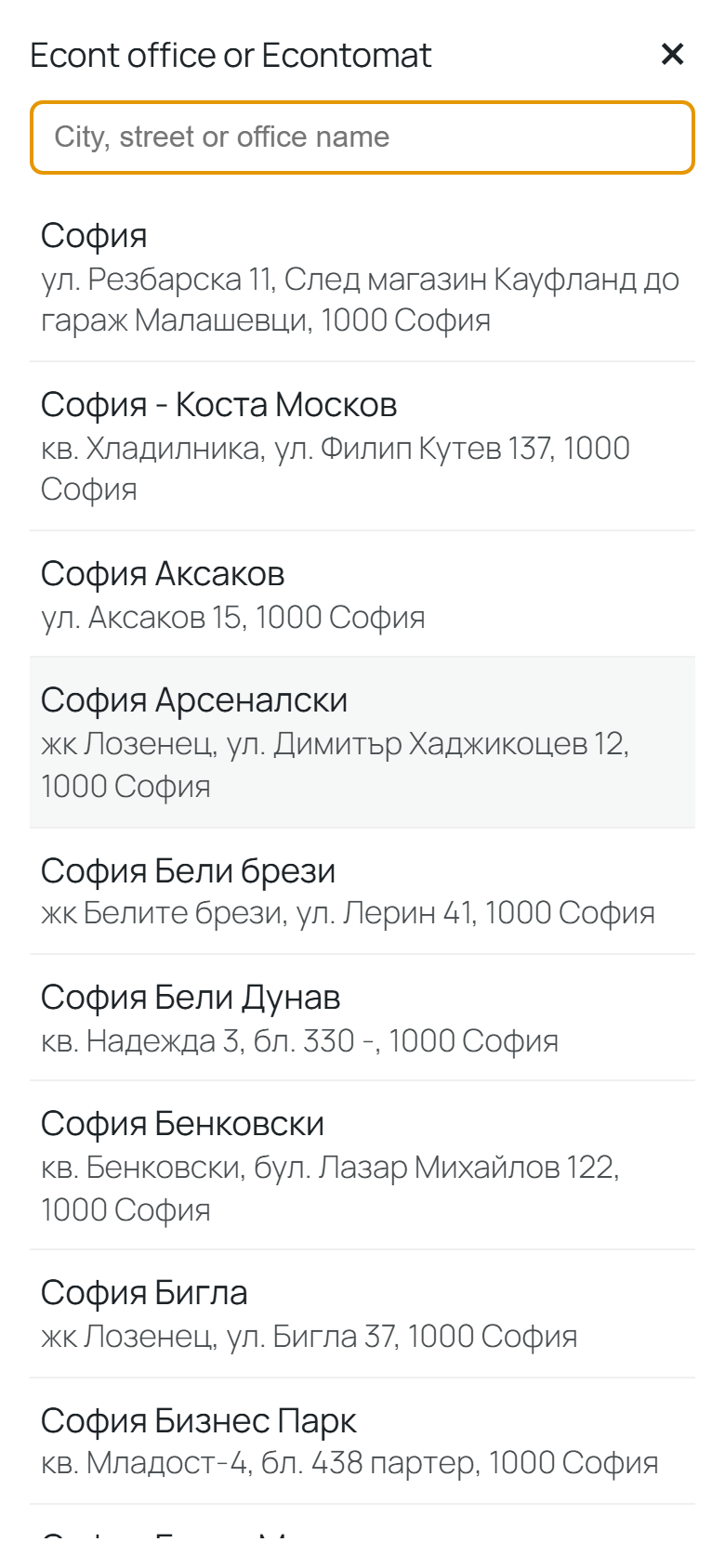
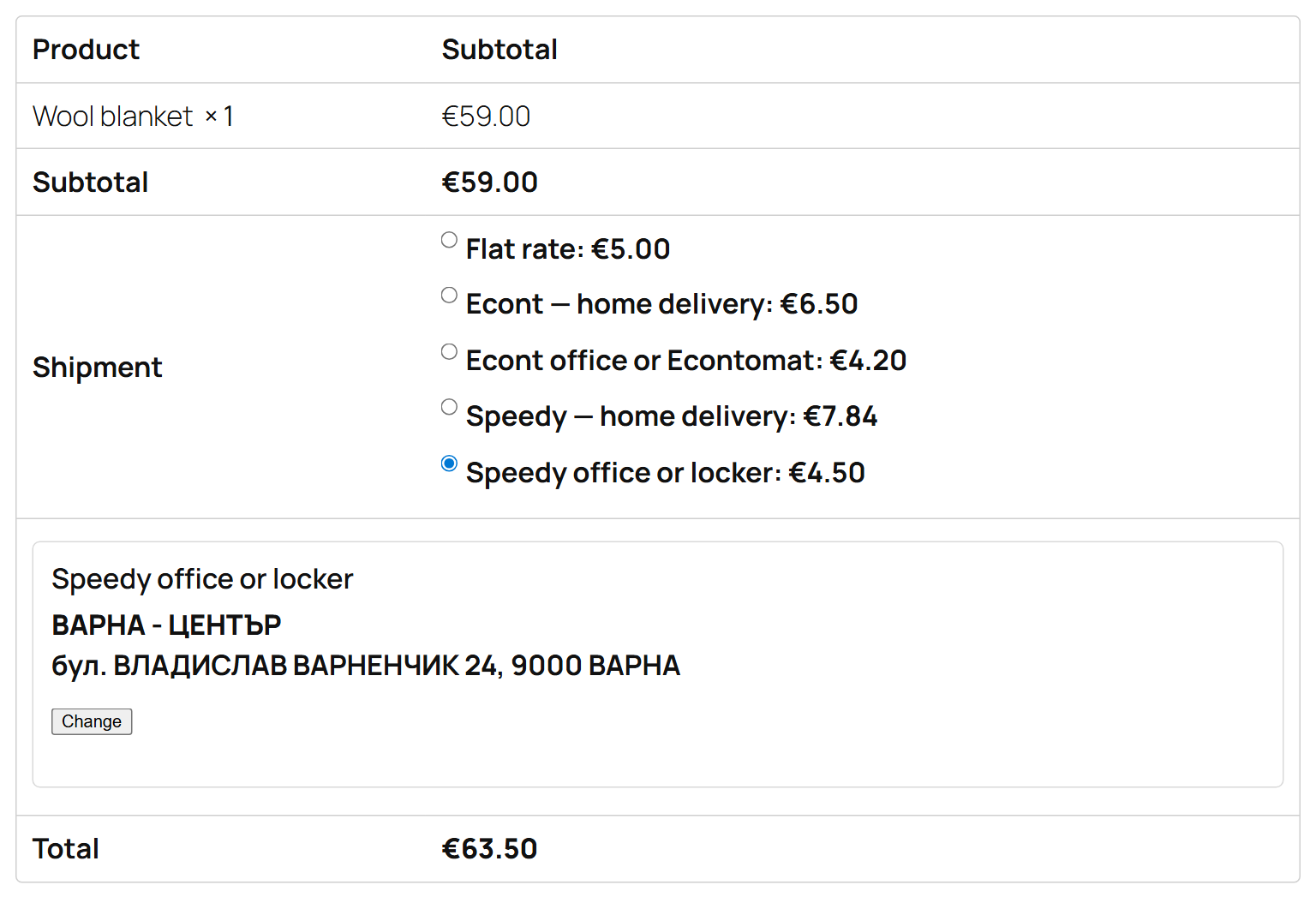
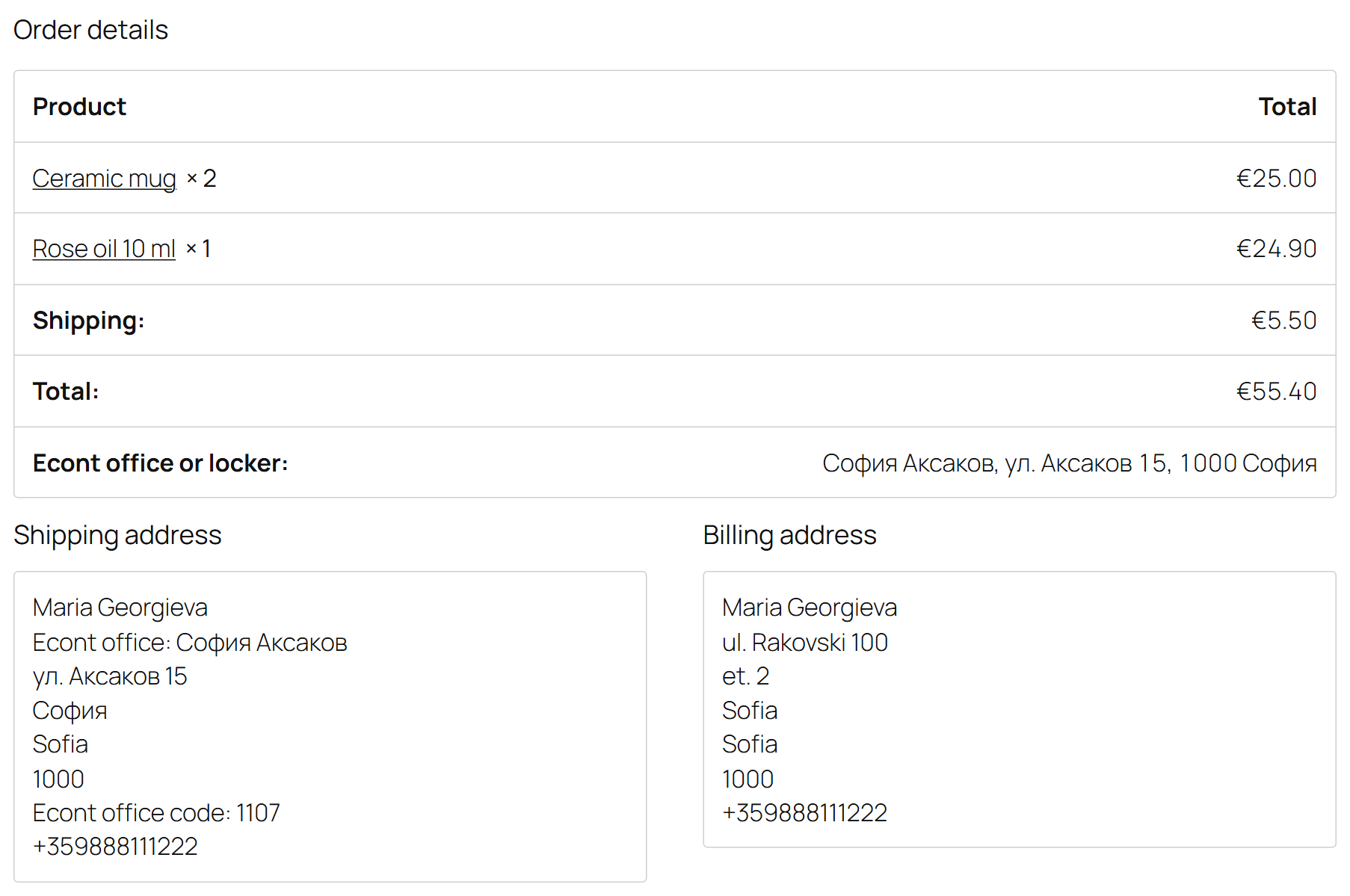
Econt and Speedy in one plugin for stores in Bulgaria: delivery to the address, to an office or to a parcel locker (Econtomat, Speedy APT), office picker on the classic and the block checkout, waybills, labels, tracking and cash on delivery. Pro — live courier tariff, automatic and bulk waybills.
The free version works with no time limit. Pro adds the rest of the features in the table.



A fresh install is the free version, nothing switches on by itself. The “Try Pro for 7 days” button → e-mail → the key right in the window and by e-mail.

Moving the store? Unbind the licence on the old domain and activate it on the new one yourself. If our server is unreachable, Pro keeps working for 14 more days. For studios — keys for 5 or 25 sites, or unlimited.
 WooCommerce 7.0+ with the classic or the block checkout, HPOS compatibleWordPress 6.2+ · PHP 7.4+A shipping zone with Bulgaria — the methods show for Bulgarian addresses onlyCourier accounts: Econt (e-Econt), Speedy (Web API). Switch on one or both.Currency — cash on delivery goes in the store currency; in Bulgaria that is the euro.Product weights and sizes — products without a weight get the default weight from the settings; the box size for lockers is set in the settings.Plugin languages: English and Bulgarian.
Econt (address, office, Econtomat) and Speedy (address, office, APT locker); office picker on the classic and the block checkout; waybills, labels, tracking, cash on delivery; English and Bulgarian.
4 modules in one order — 40% cheaper than separately



Bulgaria Couriers for WooCommerce is a shipping plugin for stores in Bulgaria. The two largest couriers of the country in one module: Econt with its offices and Econtomats, and Speedy with its offices and APT lockers. The buyer picks delivery to the address, to an office or to a locker right at checkout, and the manager creates the waybill, prints the label and sees the parcel status without opening the couriers’ portals. For OpenCart 4, 3 and 2.3 there is a separate version — Bulgaria Couriers: Econt & Speedy for OpenCart.
What you need. A business account with every courier you switch on: Econt — the e-Econt user name and password; Speedy — the Web API user name and password. Honestly about testing: Econt was tested live on Econt’s official test system (demo.econt.com); Speedy — against its official Web API documentation on a test server, because Speedy has no public test system and gives test access to its clients only. Try it on your own Speedy account in the 7-day Pro trial — if the courier answers differently from its documentation, we fix it quickly.
The buyer sees the methods of both couriers you added to the shipping zone, with prices. Choose delivery to an office or a locker and a panel appears under the methods: the list starts with offices in the buyer’s city, search goes by city, street or office name, in Cyrillic or Latin. Switch to delivery to the address and the panel goes away, while the buyer’s own address stays as it was: the plugin never writes the office address into the buyer’s fields, on the classic or the block checkout. Each courier keeps its own chosen office, so switching between Econt and Speedy mixes nothing up.
Try to place an order to an office without choosing one and the server refuses it with an explanation, on any checkout. An office chosen earlier never ends up in an order with another shipping method. The Nova Poshta and Ukrposhta shipping modules by CatCode can run next to it: each panel shows only with its own method.
bulgaria-couriers-for-woocommerce-1.0.0.zip and activate.Didn't find the answer? Message us on Telegram and we'll reply within a business day.
 @catcode_support
Setup, compatibility, activation
@catcode_support
Setup, compatibility, activation
Yes, a business account with every courier you switch on: Econt — the e-Econt user name and password (ee.econt.com); Speedy — the Web API user name and password Speedy gives its contract clients. You can switch the couriers on one at a time.
Econt — live on Econt's official test system (demo.econt.com): profile, offices and Econtomats, tariffs, waybills to the address, to an office and to an Econtomat, PDF, status, cancelling. Speedy was tested against its official Web API documentation on a test server that answers the way Speedy does: Speedy has no public test system and gives test accounts to its clients only. The plugin has not yet run on a live Speedy account. Courier errors are shown in the courier's own words.
It shows once the courier's offices are downloaded (a button in the settings) and the buyer's address is in Bulgaria. Check the method's weight limit too.
The store currency — in Bulgaria that is the euro. If the store runs in another currency, the Pro live tariff is not used and the method shows your fixed price.
Shipping methods, the office picker, waybills, labels, tracking and cash on delivery stay free with no time limit.
No reviews yet. Be the first.
No questions yet. Ask one — we answer within 24 hours.
We build custom modules for WordPress, WooCommerce, OpenCart and Shopify. Tell us about the task and we'll prepare an estimate.
Order a custom module
—

CatCode assistant
Just now


CatCode assistant
Online

I’ll help with your website task
Describe your website task — I’ll find a ready-made module or pass it to a developer for an estimate. Modules, custom features, layout, integrations, speed, migration, technical SEO.
