WordPress
Rozetka Delivery & Justin Shipping for WooCommerce — ROZETKA and Justin pick-up points
Free + Pro
990 UAH/year
v1.1.4
Enter at least 2 characters
WooCommerce shipping plugin: customers pick a ROZETKA or Justin (Silpo) pick-up point right at checkout. ROZETKA waybills from the order page; Pro adds cash on delivery and auto statuses.
The free version works with no time limit. Pro adds the rest of the features in the table.



A fresh install is the free version, nothing switches on by itself. The “Try Pro for 7 days” button → e-mail → the key right in the window and by e-mail.

Moving the store? Unbind the licence on the old domain and activate it on the new one yourself. If our server is unreachable, Pro keeps working for 14 more days. For studios — keys for 5 or 25 sites, or unlimited.
 WooCommerce 7.0+ with the classic or block checkout, HPOS compatibleWordPress 6.2+ · PHP 7.4+ROZETKA Delivery static token from the partner account — only for creating waybills. The pick-up point picker at checkout works without it.For Justin — a shipping contract with Justin; the plugin only handles pick-up point selection at checkout.
Pro: on the legacy order storage (HPOS off) the hourly status update took the 50 latest orders of any kind instead of the orders with a ROZETKA Delivery waybill, so in a busy store older…
A guest who creates an account at checkout (or on the order confirmation page) no longer gets the ROZETKA or Justin pick-up point as the new account’s address.
The buyer’s saved account address is no longer replaced with the pick-up point.
Switching from ROZETKA Delivery or Justin to a courier or another carrier puts the buyer’s own street, city and postcode back into the address fields.
New Justin method with a Silpo pick-up point picker; ROZETKA widget on the block checkout; city search from 3 letters; directory without the token; licence and 7-day Pro trial (cash on…
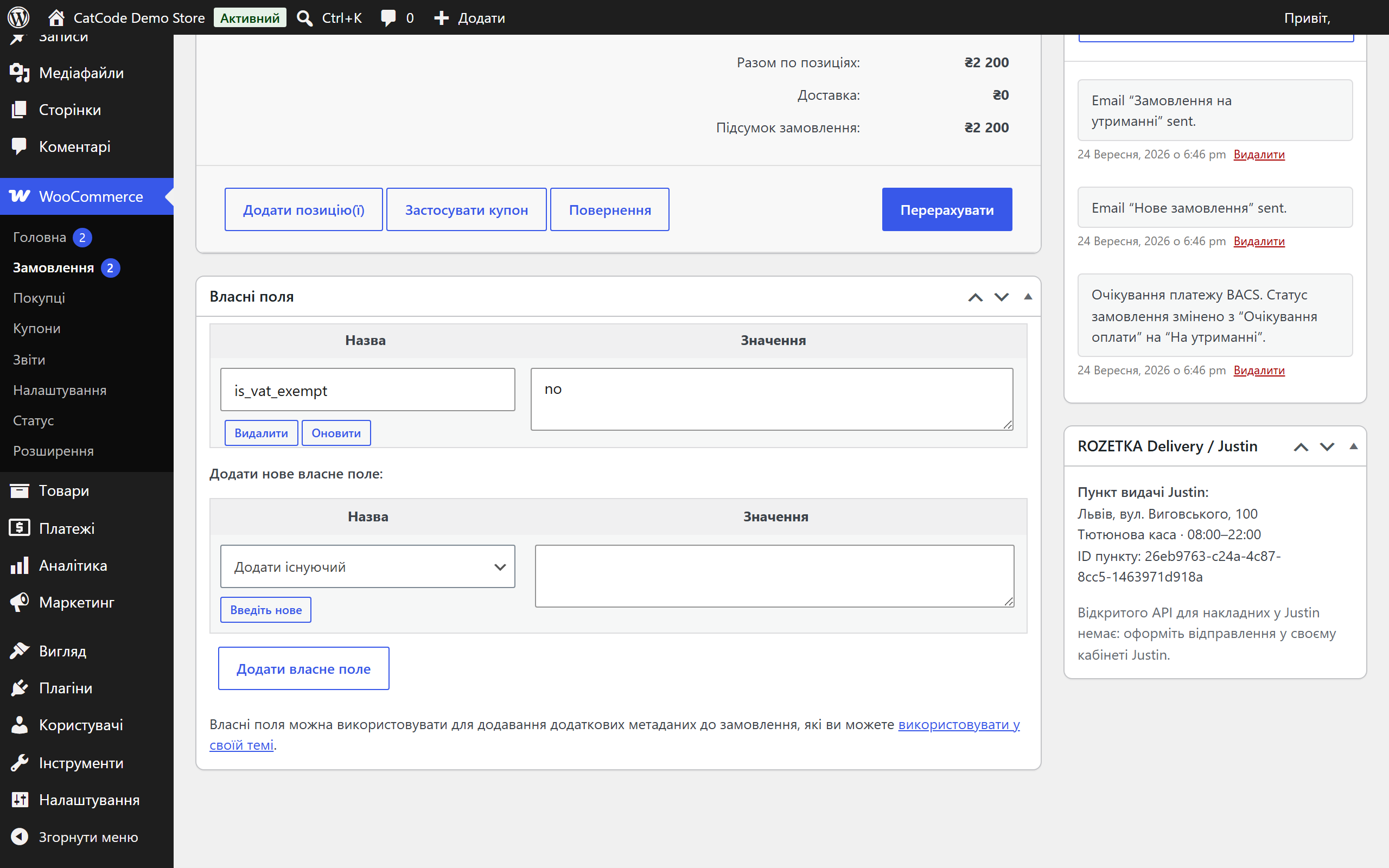
ROZETKA pick-up point picker at checkout, waybill, label, status and cancellation from the order screen.
4 modules in one order — 40% cheaper than separately



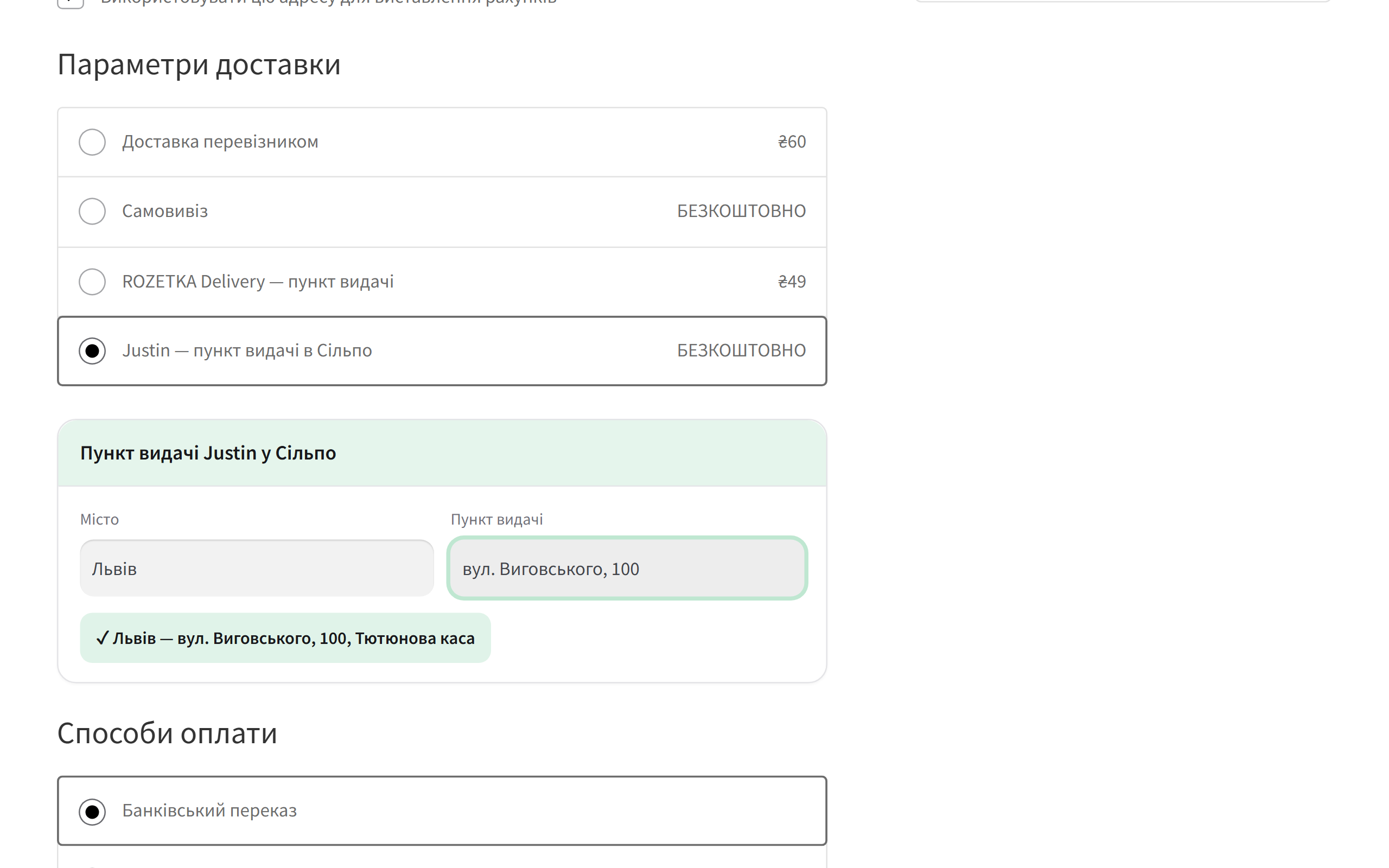
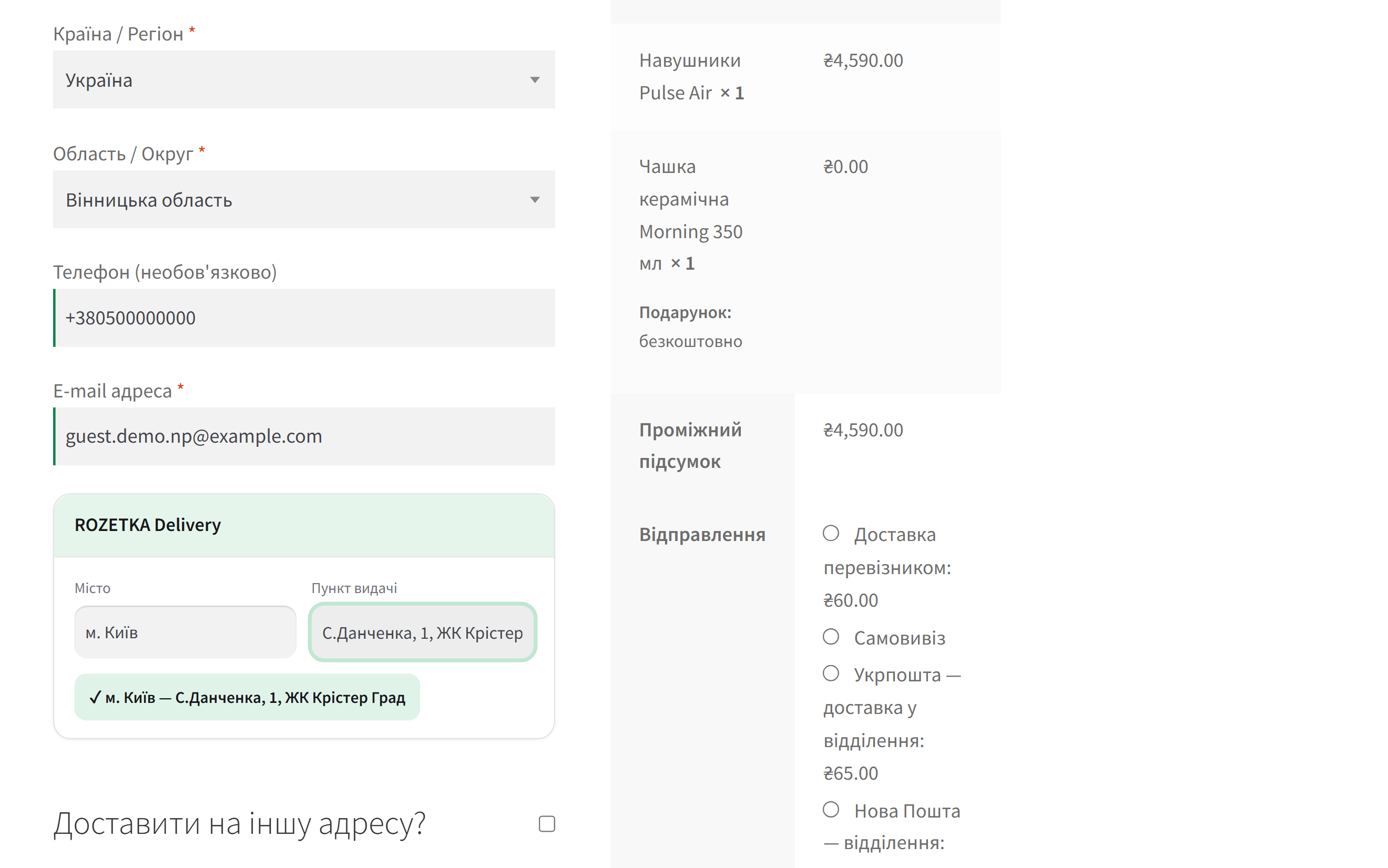
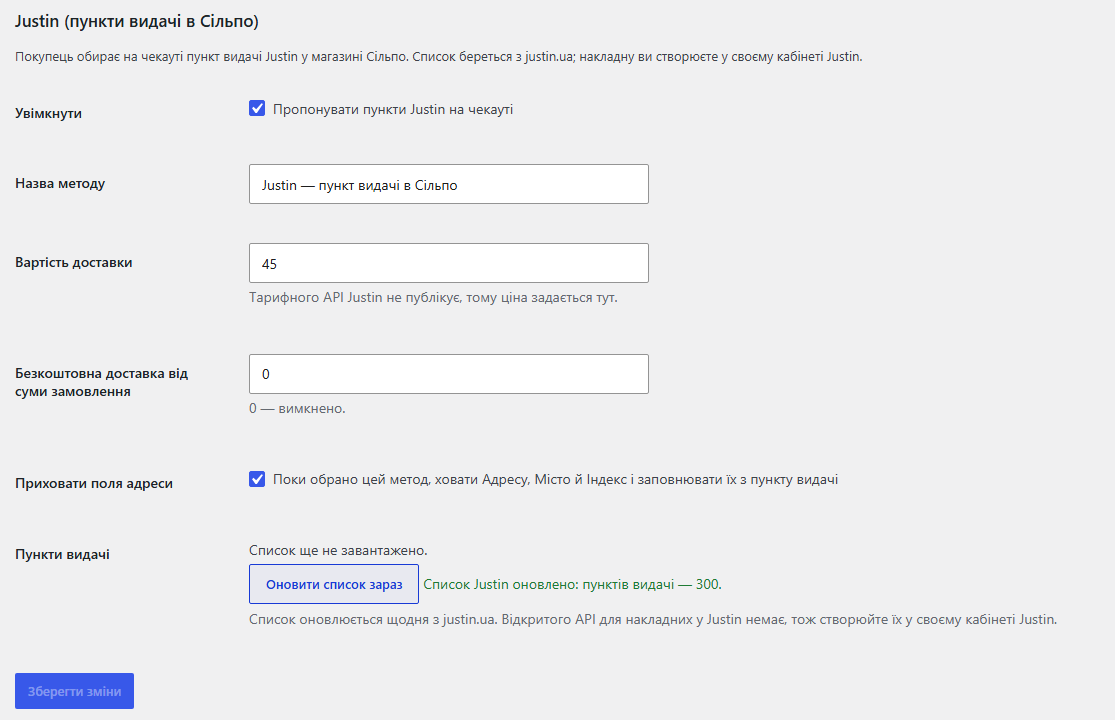
Rozetka Delivery & Justin Shipping is a WooCommerce shipping plugin with two methods: ROZETKA Delivery and Justin. The customer picks a city and a pick-up point right at checkout, the order address is filled in automatically, and the manager sees the chosen point on the order screen. For ROZETKA the plugin also creates the electronic waybill and prints the label from the order page.
The widget appears only under its own method: if the customer switches to another shipping option, the chosen point will not leak into that order. Without a chosen point the checkout will not let the order through and shows a clear hint.
rozetka-delivery-for-woocommerce-1.1.4.zip and activate it.Didn't find the answer? Message us on Telegram and we'll reply within a business day.
 @catcode_support
Setup, compatibility, activation
@catcode_support
Setup, compatibility, activation
No. Justin has no public shipments API, so the plugin lets the customer pick a pick-up point and you create the shipment in your own Justin account. Waybills are created only for ROZETKA Delivery.
No. ROZETKA cities and pick-up points are available without a token. The static token is only needed to create waybills from the admin.
From the public list on justin.ua: about 300 points in Silpo stores. The plugin refreshes it once a day and keeps the last good copy if a refresh fails.
Yes. The pick-up point widget appears on both the classic and the block WooCommerce checkout, under the chosen shipping method.
Both shipping methods, the pick-up point picker, ROZETKA waybills with labels and manual statuses are free with no time limit.
No reviews yet. Be the first.
No questions yet. Ask one — we answer within 24 hours.
We build custom modules for WordPress, WooCommerce, OpenCart and Shopify. Tell us about the task and we'll prepare an estimate.
Order a custom module
—

CatCode assistant
Just now


CatCode assistant
Online

I’ll help with your website task
Describe your website task — I’ll find a ready-made module or pass it to a developer for an estimate. Modules, custom features, layout, integrations, speed, migration, technical SEO.
