WordPress
NETOPIA Payments for WooCommerce — card payments in Romania, Oney and PayPo
Free + Pro
890 UAH/year
v1.0.1
Enter at least 2 characters
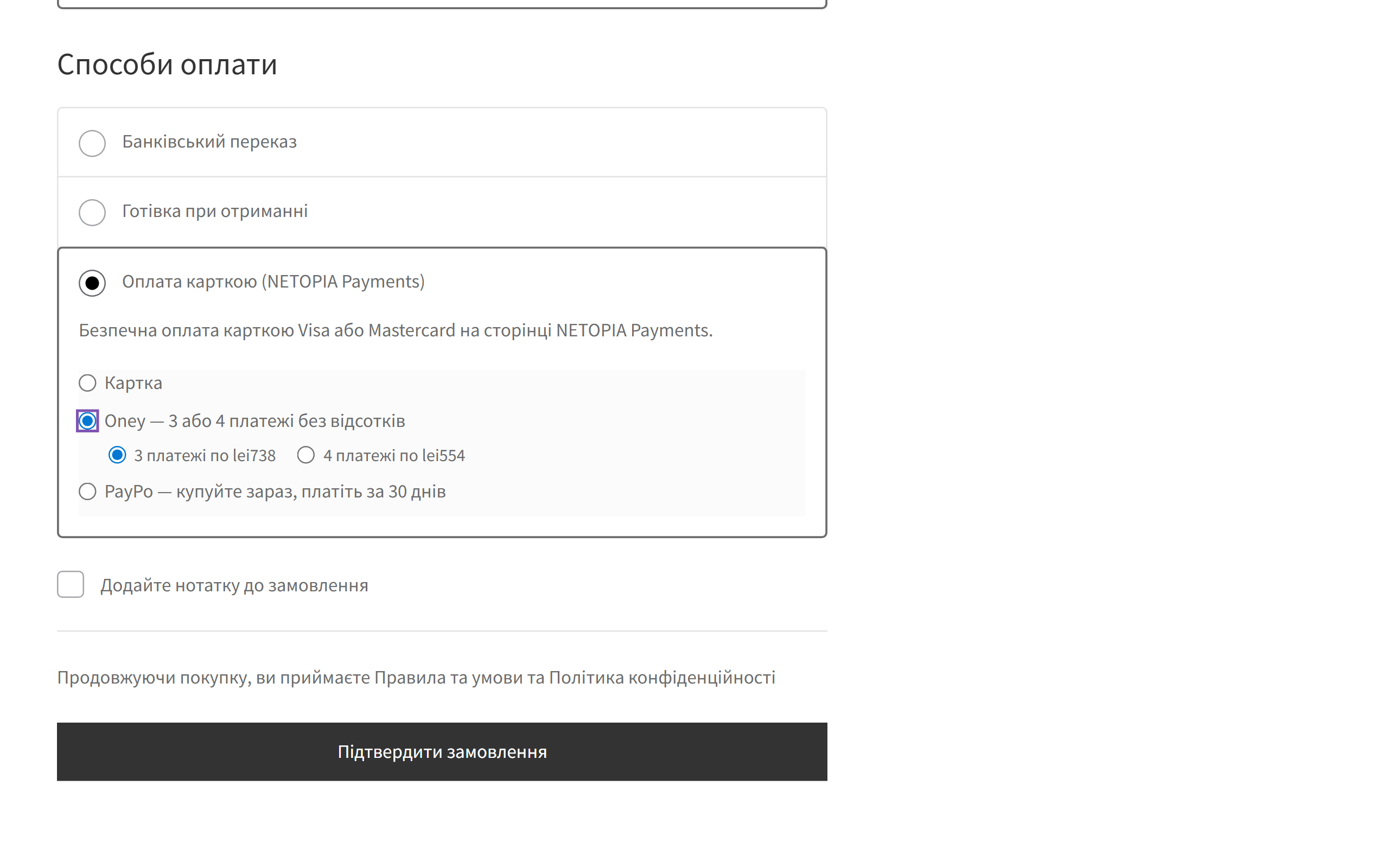
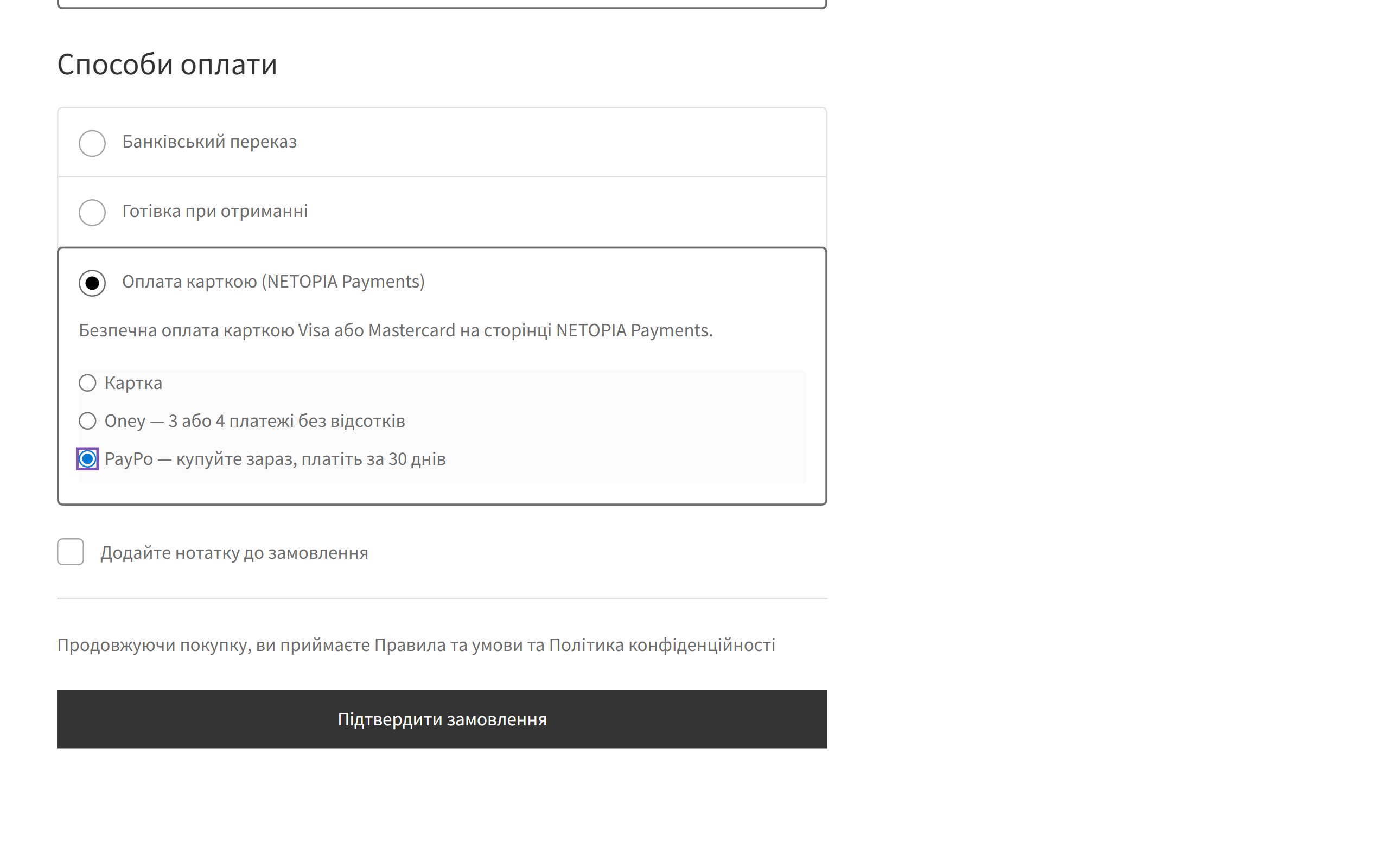
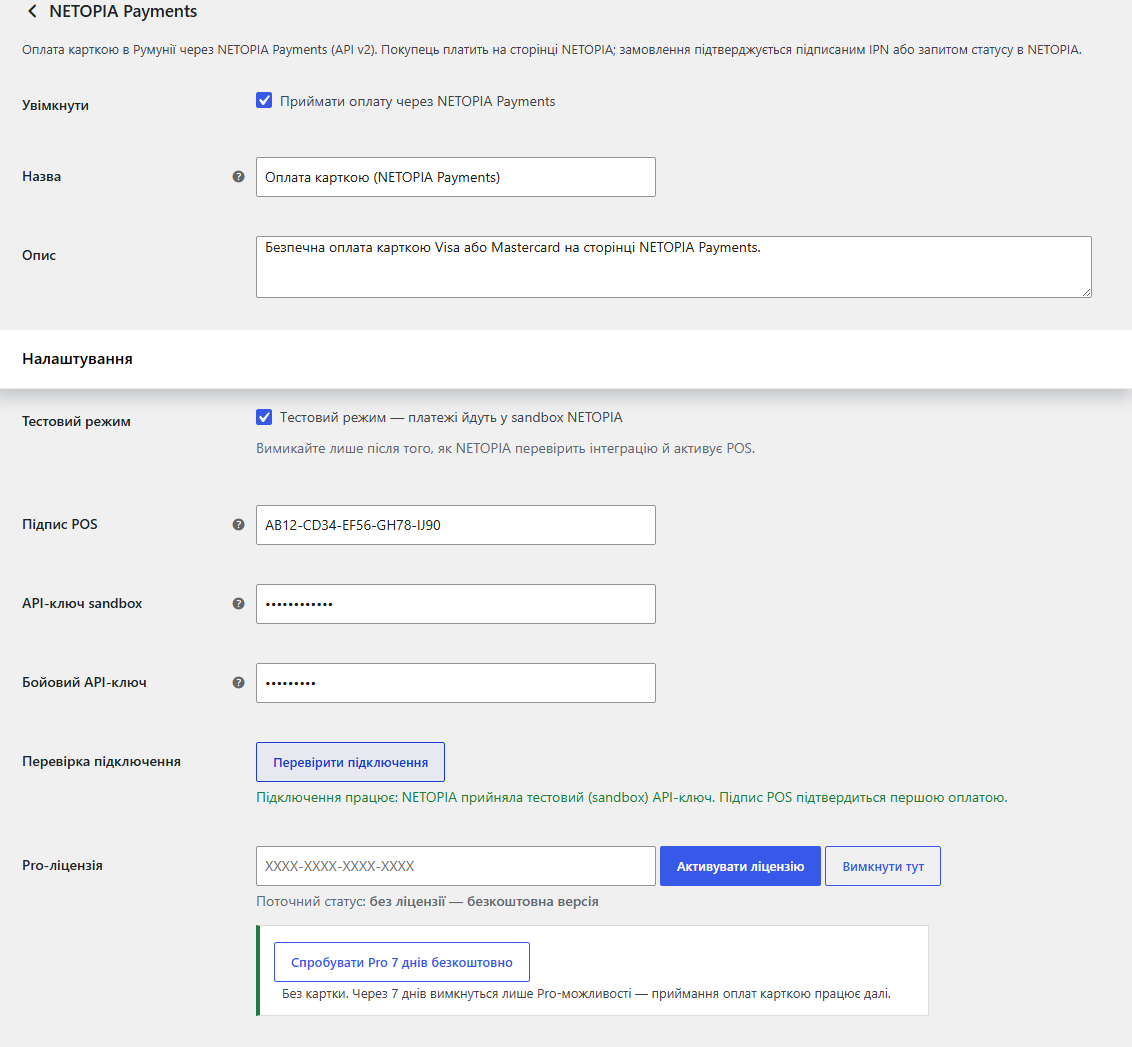
Accept card payments in Romania through NETOPIA Payments (API v2): notification signatures are verified, the order is confirmed only after a status check, block and classic checkout. Pro — Oney and PayPo instalments, refunds and a payment journal.
The free version works with no time limit. Pro adds the rest of the features in the table.



A fresh install is the free version, nothing switches on by itself. The “Try Pro for 7 days” button → e-mail → the key right in the window and by e-mail.

Moving the store? Unbind the licence on the old domain and activate it on the new one yourself. If our server is unreachable, Pro keeps working for 14 more days. For studios — keys for 5 or 25 sites, or unlimited.
 WooCommerce 6.0+ with the classic or block checkout, HPOS compatibleWordPress 6.2+ · PHP 7.4+ with the openssl extension (needed to verify notification signatures)Shop currency: RON, EUR or USD. With any other currency the method hides itself; the list is extendable through the netopiawc_currencies filter.Instalments (Pro): RON only — Oney for 450–12,000 RON, PayPo from 50 RON. NETOPIA enables both partners for your POS.A contract with NETOPIA Payments: NETOPIA issues the POS signature and the API keys. Until the integration is validated, only the sandbox is available.
The item list sent to NETOPIA did not add up to the amount charged. products carried no shipping, no fees and no discounts, so the bank showed the buyer a list worth a different total than…
Payment on the NETOPIA page (API v2), notification (IPN) signature verification, an order confirmed only after a status check, amount and currency checks, protection against double payment…
4 modules in one order — 40% cheaper than separately



NETOPIA Payments for WooCommerce is a payment plugin for the Romanian market: the buyer pays by card on the NETOPIA page and the order in your shop confirms itself. It runs on NETOPIA API v2 — no certificate files, just the POS signature and an API key. The difference from the usual “redirect and take it on trust”: the plugin believes neither the buyer’s return nor the notification — before it marks an order paid, it verifies the notification signature and asks NETOPIA for the status itself.
The buyer then lands on the NETOPIA page, pays with Visa or Mastercard and comes back to the shop. Card details never pass through your site. If the buyer closes the tab and never returns, the order is still marked paid — from the NETOPIA notification.
payment/card/start, or payment/bnpl/start for instalments) with a unique attempt number, the order amount and currency. The API key travels in the header, your POS signature in the body.Verification-token: it must be signed by NETOPIA, issued for your POS signature and match this exact message body. Faking a payment with a POST to your site does not work.operation/status request by POS signature, transaction ID and order number.Verification-token is an RSA-signed JWT: the plugin demands RS256/384/512, NETOPIA as the issuer, your POS signature as the audience and the sha512 of the exact message body. Tokens with alg: none, or “symmetrically” signed with your own public key, are rejected.operation/status request.cc_netopia) and its own settings: the plugin does not clash with NETOPIA’s official module if that one is installed too. Show only one of them at checkout.netopia-for-woocommerce-1.0.1.zip and activate it.Didn't find the answer? Message us on Telegram and we'll reply within a business day.
 @catcode_support
Setup, compatibility, activation
@catcode_support
Setup, compatibility, activation
Yes. NETOPIA issues the POS signature and the API keys. Until NETOPIA validates the integration, the shop works in the sandbox only.
No. Our plugin has its own gateway id (cc_netopia) and its own settings, so nothing is overwritten. Show only one of them at checkout.
The status is requested when the buyer returns, on the thank-you page and on every notification. If none of them reached the shop, press "Check" in the payment journal (Pro) and make sure "Check connection" passes in the same environment the order was paid in.
Yes, NETOPIA accepts RON, EUR and USD. Oney and PayPo instalments are RON only.
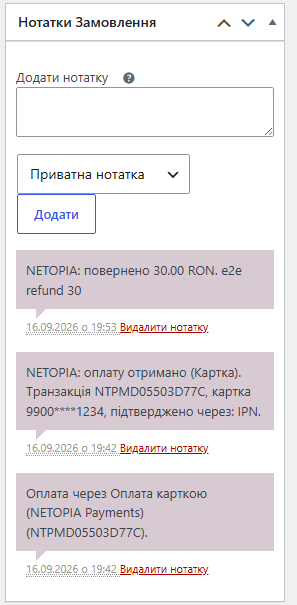
Yes, with Pro — straight from the order screen, within the amount that was paid. Refunds are available for card payments; Oney and PayPo refunds are made from the NETOPIA back office.
Accepting card payments, verifying notification signatures and the status check stay free with no time limit.
No reviews yet. Be the first.
No questions yet. Ask one — we answer within 24 hours.
We build custom modules for WordPress, WooCommerce, OpenCart and Shopify. Tell us about the task and we'll prepare an estimate.
Order a custom module
—

CatCode assistant
Just now


CatCode assistant
Online

I’ll help with your website task
Describe your website task — I’ll find a ready-made module or pass it to a developer for an estimate. Modules, custom features, layout, integrations, speed, migration, technical SEO.
