Wordica — EdTech-лендинг Telegram-бота для вивчення лексики
Лендинг Telegram-бота Wordica для запам'ятовування лексики через spaced repetition: 7 готових списків (IELTS, TOEFL, DELE, Cambridge, DELF), 3 тарифи, 8 FAQ.
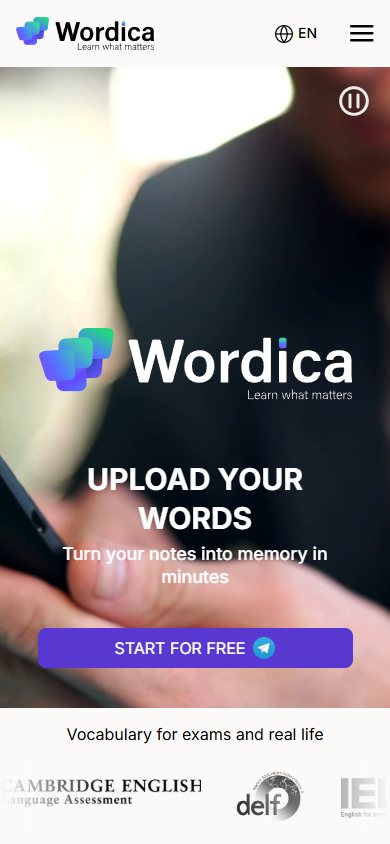
EdTech-лендинг для Wordica — Telegram-бота, який перетворює власні слова користувача (з фото нотаток, текстових списків чи готових експертних списків) на персоналізований план повторення за принципом spaced repetition. Сторінка побудована як продуктовий tour: hero з відео-демо і CTA у Telegram, три кроки взаємодії, карусель з сімома готовими списками під найпопулярніші іспити, 4 відгуки з оцінками, три тарифи (Free / Pro €6.99 / For Teachers & Schools) і 8 FAQ. Без форм на сторінці — вся конверсія йде у @wordicabot.
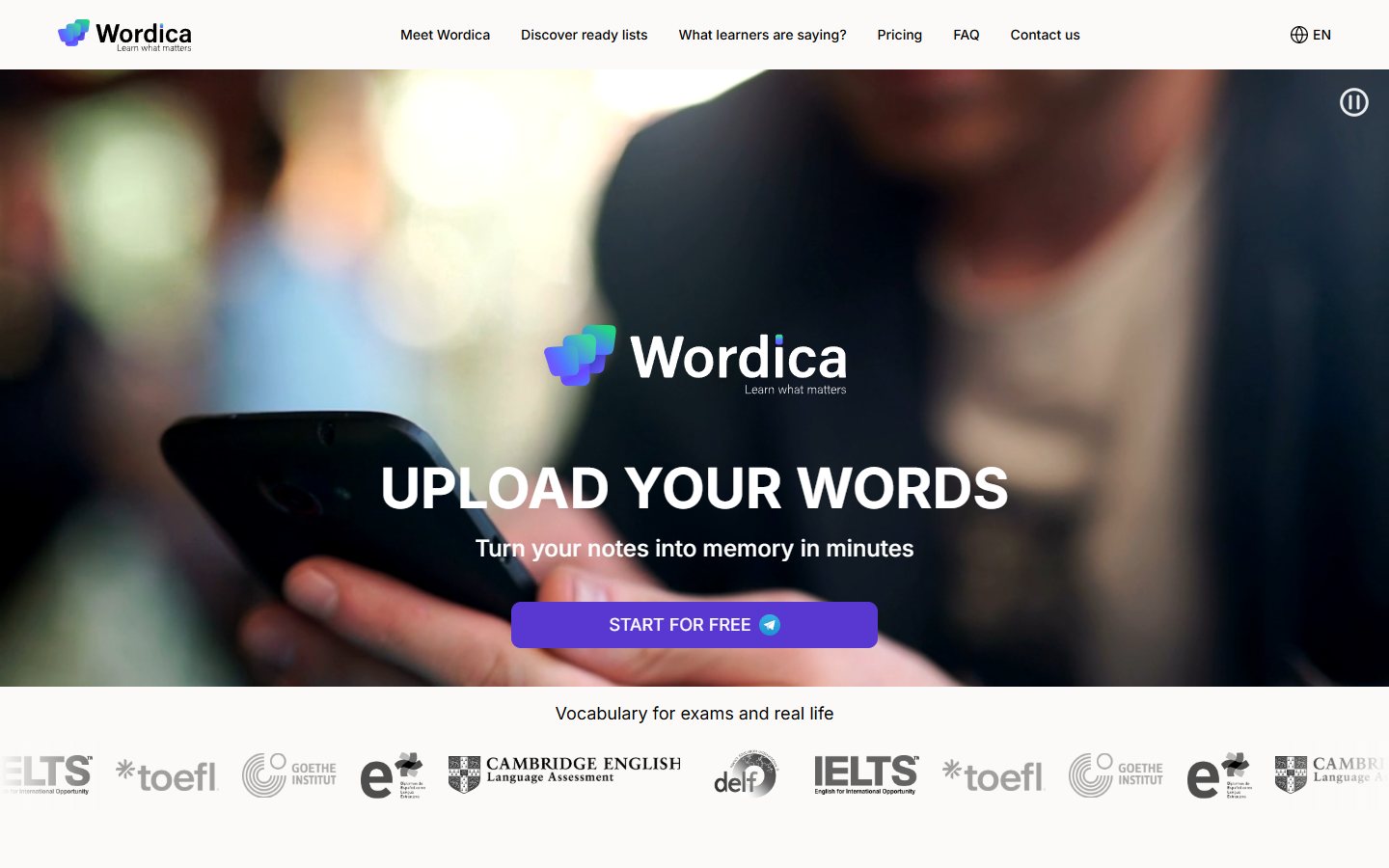
Hero — фото-фон з відео-демо і одна CTA
Перший екран мінімалістичний: великий брендовий блок «Wordica — Learn what matters» по центру, H1 «UPLOAD YOUR WORDS», підзаголовок «Turn your notes into memory in minutes» і єдина CTA-кнопка «START FOR FREE» з telegram-іконкою — клік веде прямо на t.me/wordicabot. На фоні — приглушене відео людини зі смартфоном (асоціація з мобільним сценарієм використання), плюс компактна кнопка Play зверху-справа для розгортання повноекранного відео. Внизу секції — паралельна marquee-стрічка з 6 логотипами провідних мовних інституцій (IELTS, TOEFL, Cambridge English, Goethe, DELE, DELF) під лід-підписом «Vocabulary for exams and real life» — це одразу позиціонує продукт як інструмент для серйозної екзаменаційної підготовки, а не «ще один словничок».
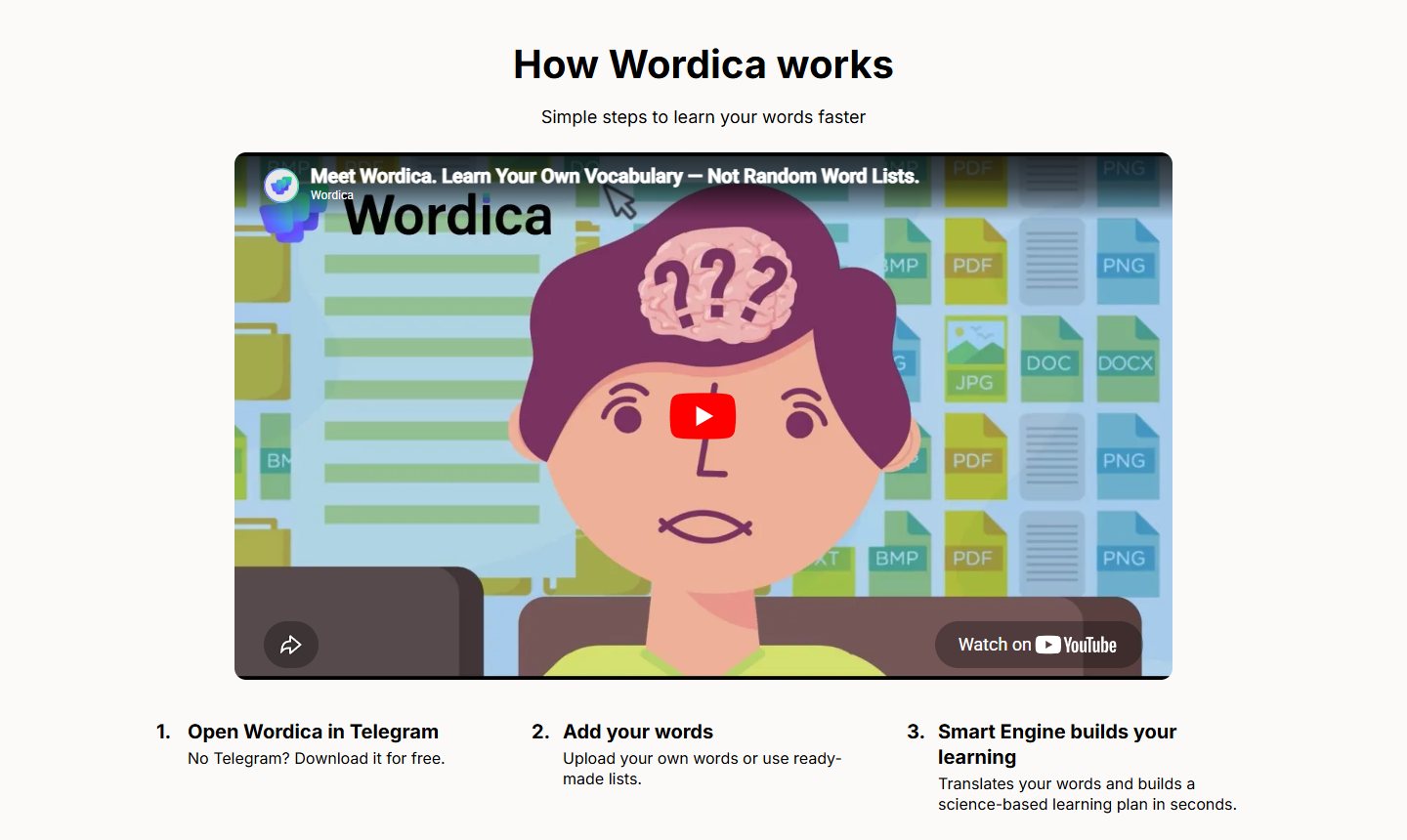
How Wordica works — explainer video + 3 кроки
Секція «How Wordica works» закриває перше заперечення «а як це працює, перш ніж я піду в бот». В центрі — вбудоване YouTube-відео «Meet Wordica. Learn Your Own Vocabulary — Not Random Word Lists» з власного каналу @wordica. Під ним — три пронумеровані кроки в одному рядку: 1. Open Wordica in Telegram (з підказкою «No Telegram? Download it for free» для тих, хто ще не користується месенджером), 2. Add your words (фото нотаток або готові списки), 3. Smart Engine builds your learning (автоматичний переклад + science-based learning plan за секунди). Формат explainer-video + numbered list знімає поріг входу без необхідності читати простирадло тексту.
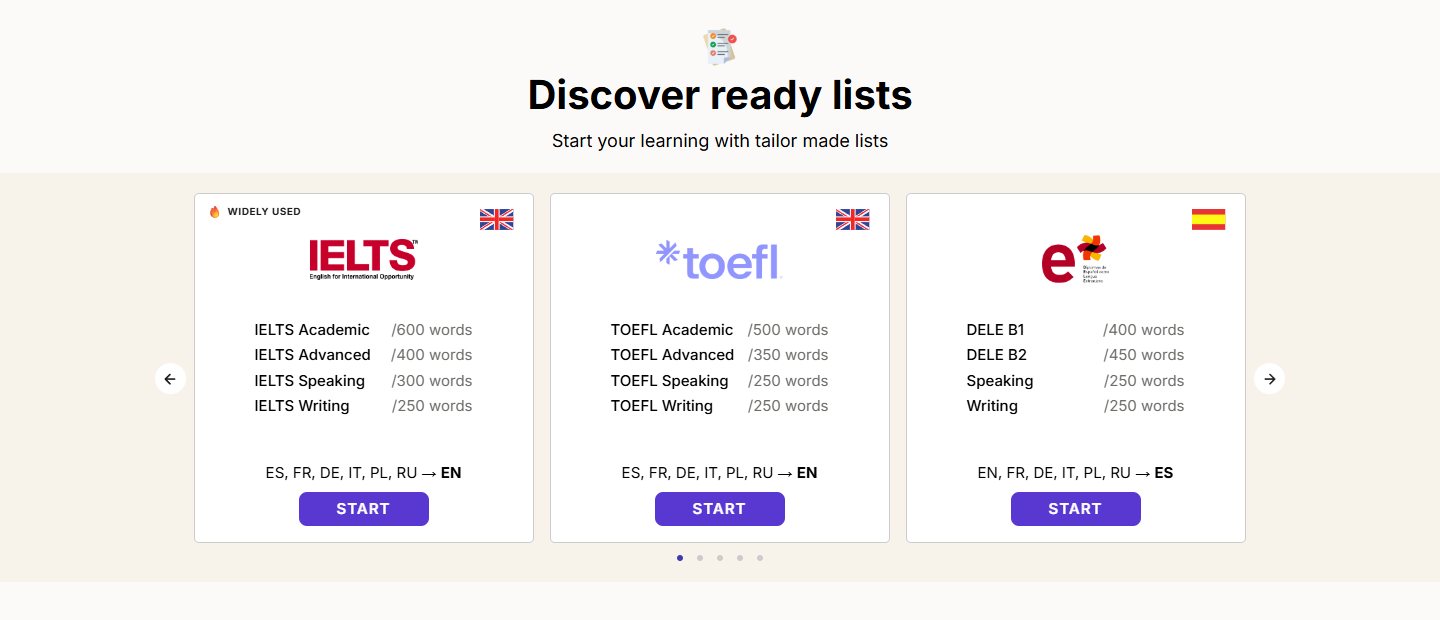
Discover ready lists — карусель з 7 експертних списків
Swiper-карусель замість сітки
«Discover ready lists» — Swiper-карусель з сімома експертними словниковими наборами, кожен у власній картці з прапором мови і логотипом організації-власника іспиту. IELTS (з бейджем «🔥 WIDELY USED») — 4 модулі по 600 / 400 / 300 / 250 слів (Academic, Advanced, Speaking, Writing); TOEFL — аналогічні 4 модулі; DELE (іспанська) — B1, B2, Speaking, Writing; Cambridge English — B2 First + C1 Advanced + Speaking + Writing; DELF (французька) — B1, B2, Speaking, Writing; Goethe (німецька) — B1, B2, Speaking, Writing. Сьома картка — General (Core Vocabulary 800 / Daily Life 600 / Travel 500 / Living Abroad 600 / Academic 500) для тих, хто не готується до конкретного іспиту. Внизу кожної картки — UI-підказка про вихідні мови: «ES, FR, DE, IT, PL, RU → EN» (читається як «з будь-якої з цих мов на цільову»).
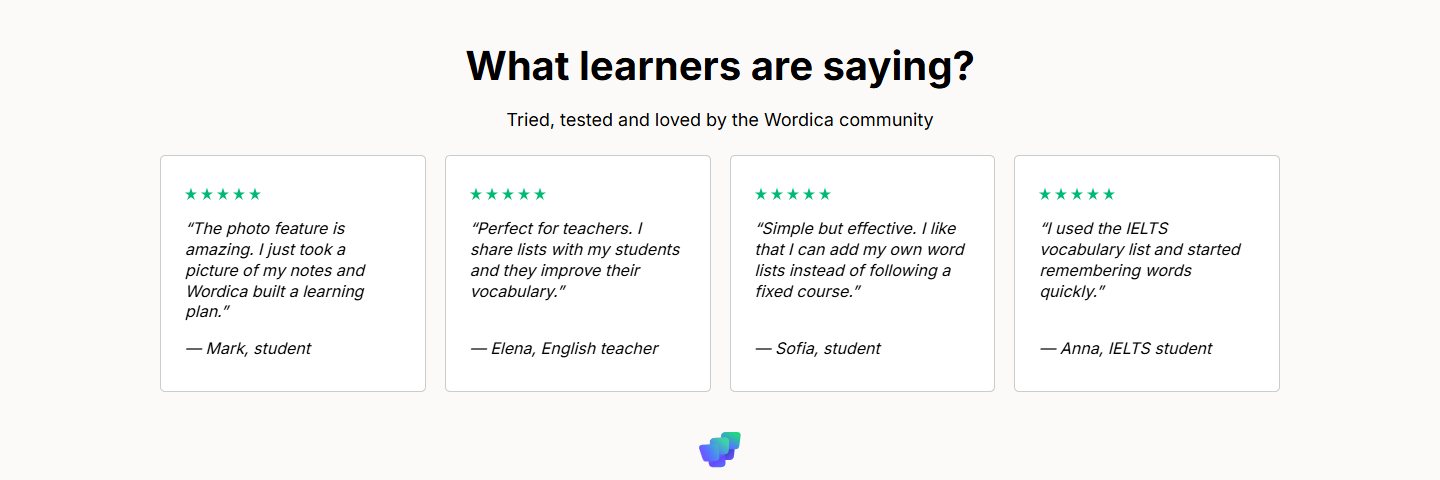
What learners are saying — 4 відгуки з ролями
Соц-доказ зібрано в чотири картки відгуків — кожна з 5-зірковою оцінкою і підписом ролі автора замість «безіменного» текстового відгуку. Mark, student — про OCR-функцію («The photo feature is amazing. I just took a picture of my notes and Wordica built a learning plan»); Elena, English teacher — про teacher-сценарій (списки → студенти); Sofia, student — про переваги особистого списку над фіксованим курсом; Anna, IELTS student — конкретний use-case з IELTS vocabulary list. Це закриває одразу три аудиторії: студенти-самонавчанці, викладачі і кандидати на іспити — кожен бачить «свій» голос.
Pricing — Free, Pro €6.99 і For Teachers & Schools
Три рівні без зайвих опцій
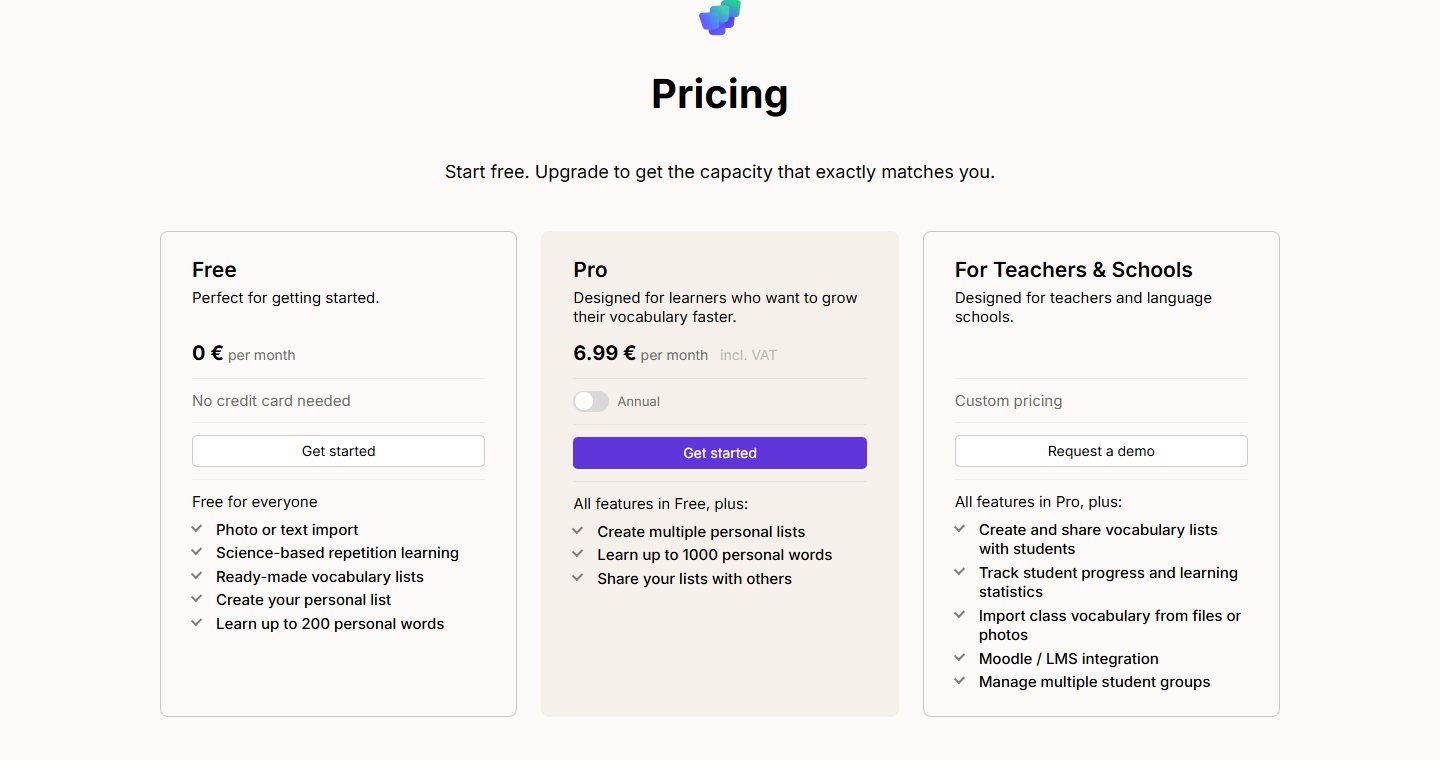
Прайс зведено до трьох карток без drop-down і конфігураторів. Free — 0 €/міс, без банківської картки, до 200 особистих слів, photo-import і ready-made lists. Pro — 6.99 €/міс з VAT (плюс toggle «Annual — Save 30%»), до 1000 особистих слів, мультисписки і функція ділитися своїми списками. For Teachers & Schools — custom pricing з CTA «Request a demo» на hello@wordica.io: інструменти класного управління, статистика прогресу, імпорт класного словника з фото, інтеграція з Moodle / LMS і керування групами студентів. Pro-картка візуально виділена темнішим фоном — рекомендований варіант. Без trial-таймерів, без upsell-модалок, без додаткових pricing-tier-ів — три варіанти, кожен під свою аудиторію.
FAQ — 8 акордеон-питань про продукт і метод
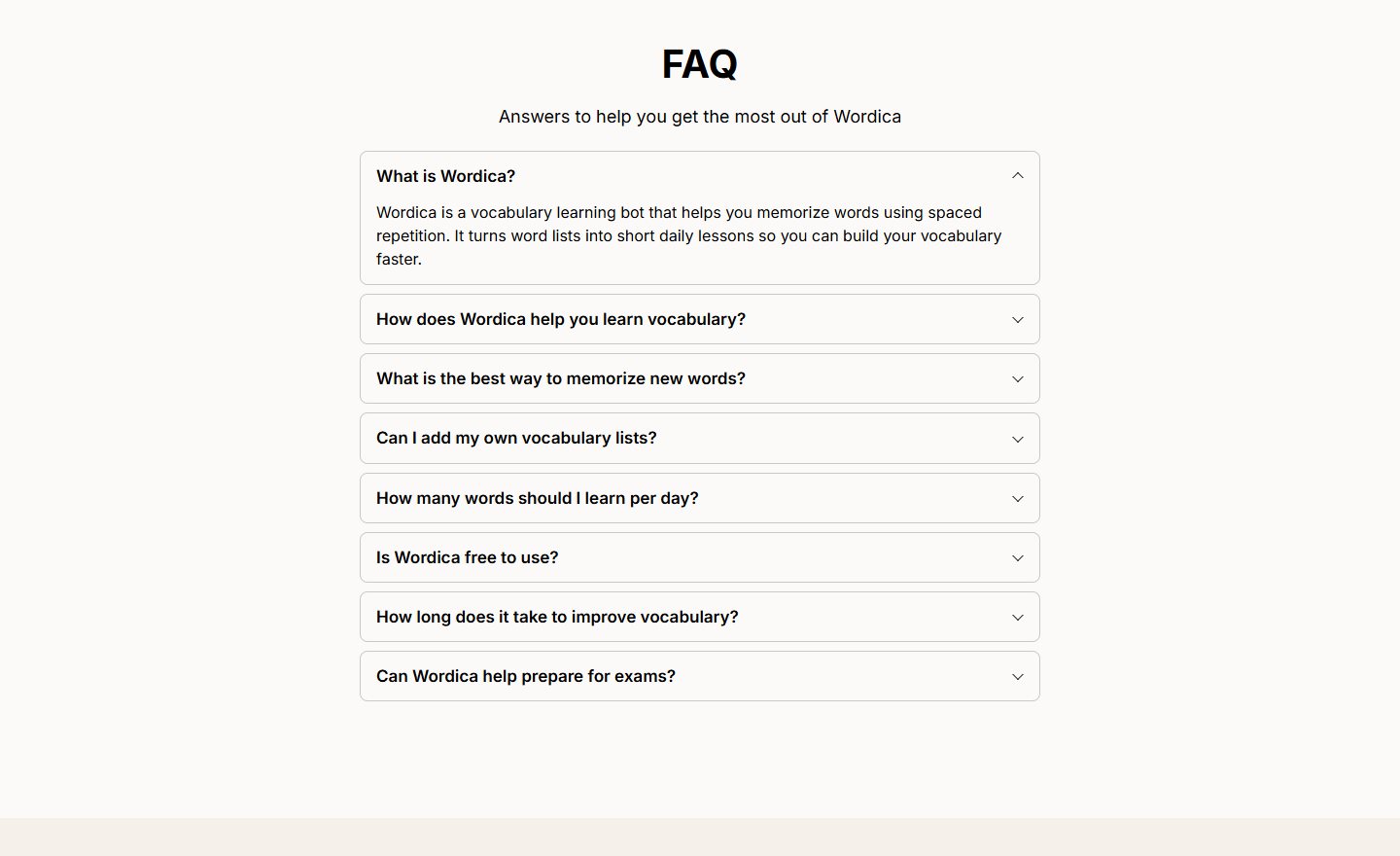
FAQ-секція закриває сторінку 8 питаннями, які роблять подвійну роботу — знімають сумніви перед запуском бота і додають семантичної ваги під пошукові запити навколо vocabulary learning: «What is Wordica?», «How does Wordica help you learn vocabulary?», «What is the best way to memorize new words?», «Can I add my own vocabulary lists?», «How many words should I learn per day?», «Is Wordica free to use?», «How long does it take to improve vocabulary?», «Can Wordica help prepare for exams?». Перше питання розкрите за замовчуванням з відповіддю про spaced repetition — методологічна основа бота, на яку посилаються інші відповіді. Решта — acordeon з простим клік-розгортанням, без вкладених підпунктів.
Технічний стек
Static HTML без CMS — швидкий перший рендер, нульова вартість хостингу, повний контроль над розміткою без шаблонних обмежень. Swiper.js для каруселі Discover ready lists і Reviews — без важкого jQuery-slick. Власний main.js для логіки бургер-меню, FAQ-акордеону, language-switcher (UI підтримує EN, далі — інші мови інтерфейсу). Вбудоване YouTube-iframe для explainer-video з власного каналу @wordica. Marketing-стек на стороні клієнта: Google Tag Manager (G-YWL8N11SN3), Facebook Pixel (1521155276036359) і TikTok Pixel (D82S2OJC77U9FQKB65P0) — підготовлено під трикомпонентний performance-marketing з ремаркетингом. Locale-detection через User Agent + language picker у шапці. CTA-конверсія повністю винесена з сайту в Telegram (@wordicabot), що зменшує сторінку до чистого presentation layer без бекенду.